
Create a new tech pack bill of materials
Users can create the BOM content manually on the Page by following this steps
Under review. This page is published while we check it against the live app, so some details may have changed.
From the Tech Pack Bill Of Material Page,…
From the Tech Pack Bill Of Material Page, select +New on the upper right of the BOM to create a new material. The create a new Bill of Material is available in two options: From Library or Create a new Item. Users may select their preferred option when creating the BOM.
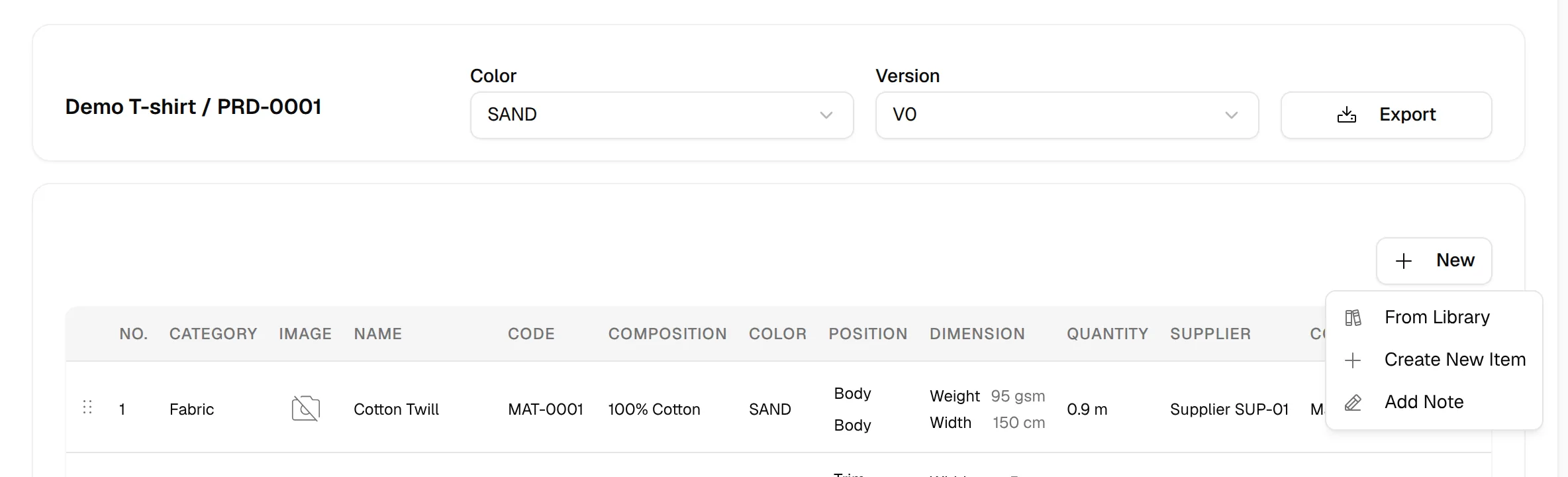
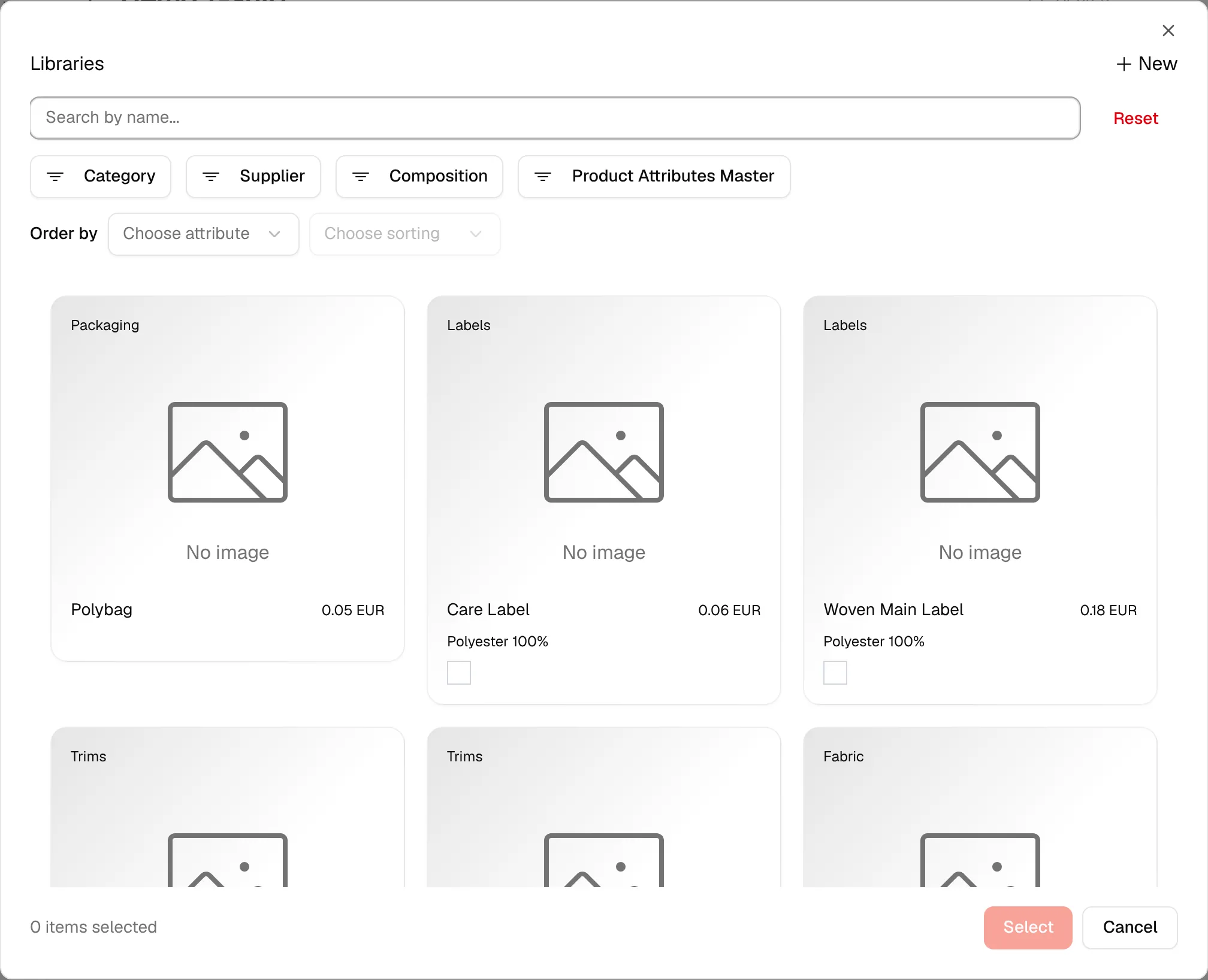
Click from From Library and select the created materials from the Library Page.
After choosing the material, Select Confirm.
Click from Create New Item to create a new material for the BOM.
A Create New Bill of Material Item window opens on the same page. It creates a new material in the Library and adds it to the bill of material. Fill out all the required fields; the fields are the same as on the create material page.
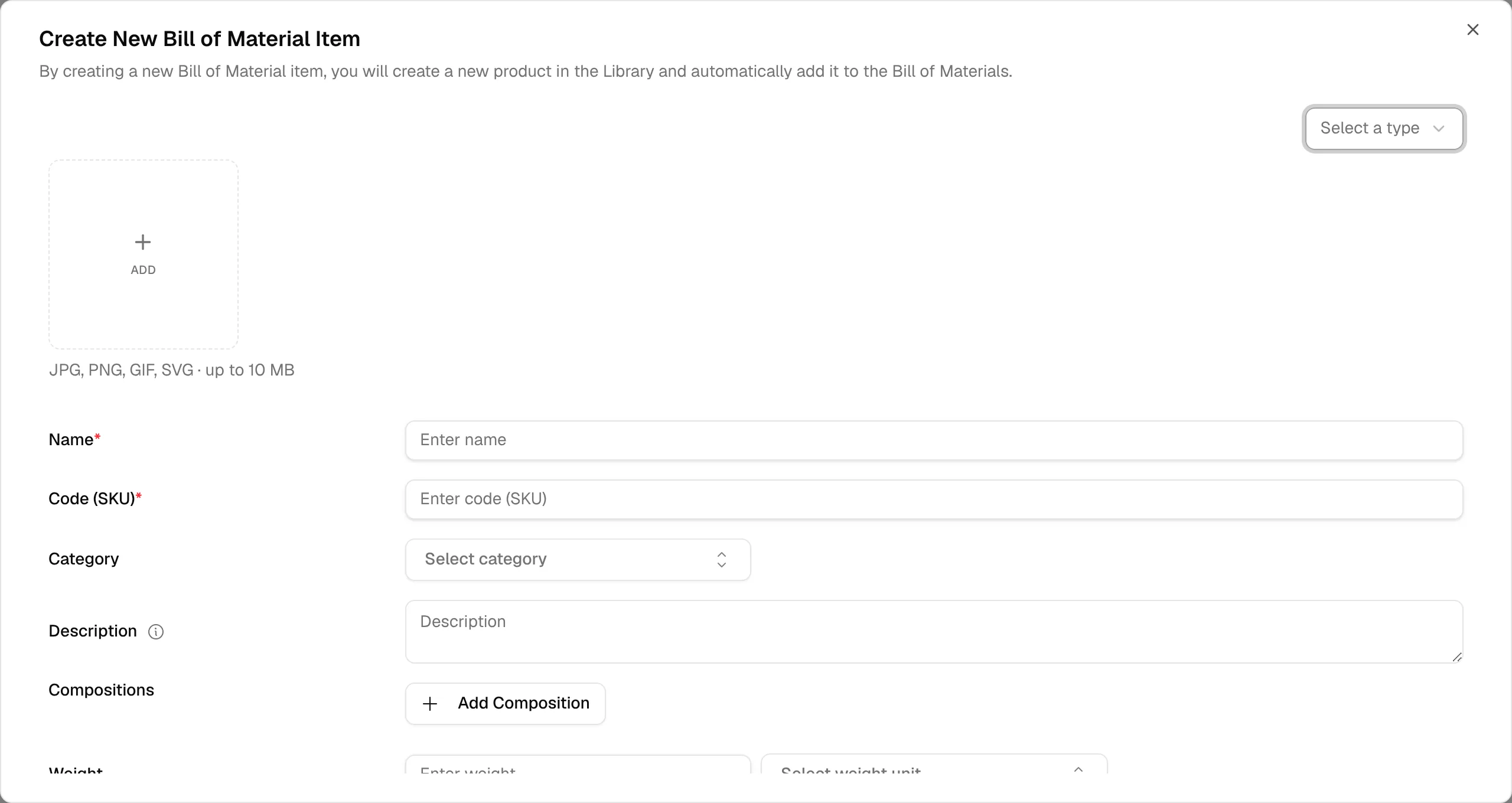
Select Save in the lower-right corner.
Note
After you pick or create a material, Confirm Selection asks you to confirm. When the style has more than one colour, check Add to all colors to add the material to every colour. If the material is already in the bill of material, a warning says so.