Step 9 of 12 in Connect Shopify
Delete style production batches in Vestis Labs to Shopify
Whenever a user delete a production batch, it will also reflected on the Shopify.
Under review. This page is published while we check it against the live app, so some details may have changed.
Screenshots may be out of date.
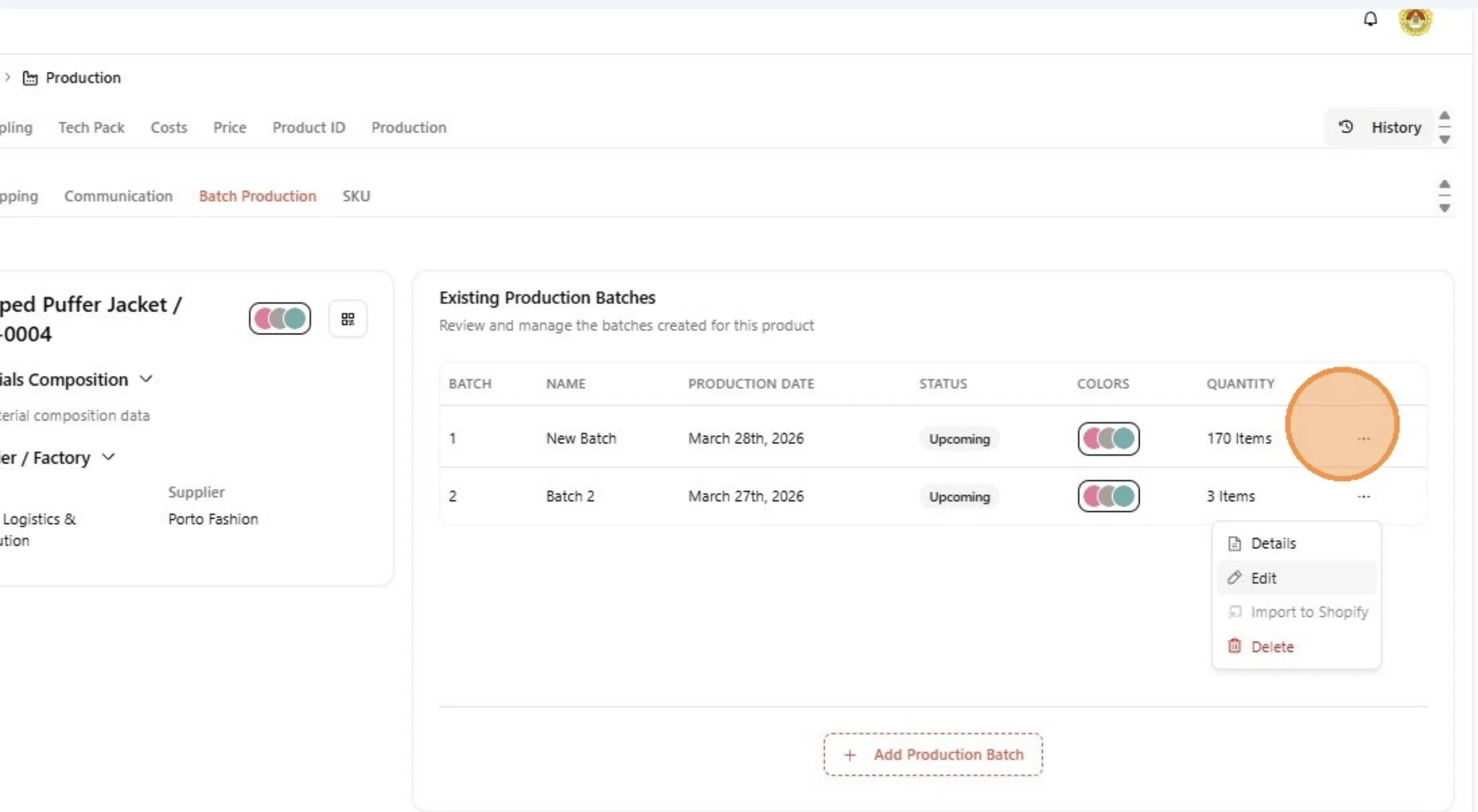
Whenever a user delete a production batch, it will also reflected on the Shopify. Click "Three dot button"
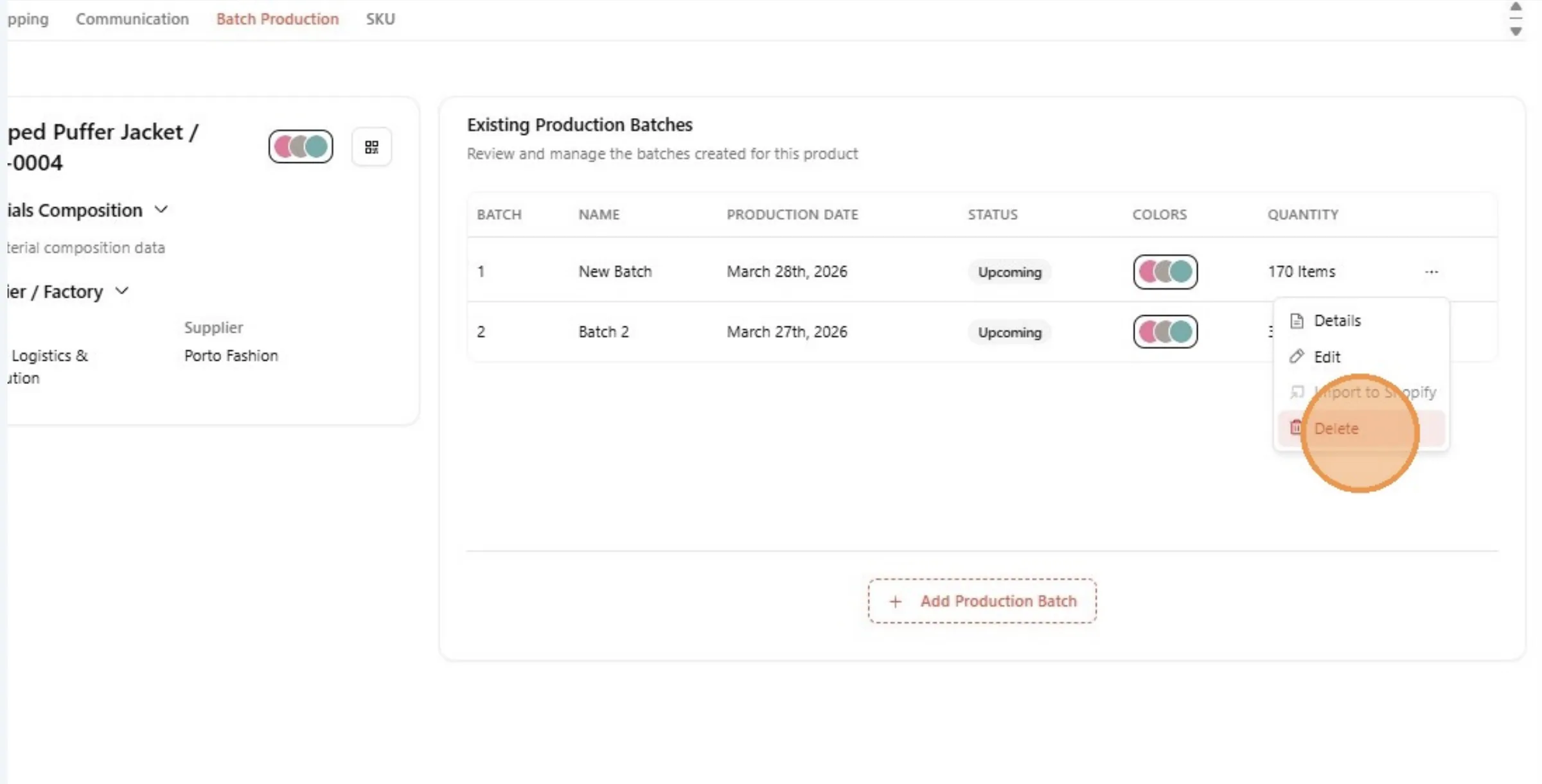
Click "Delete"
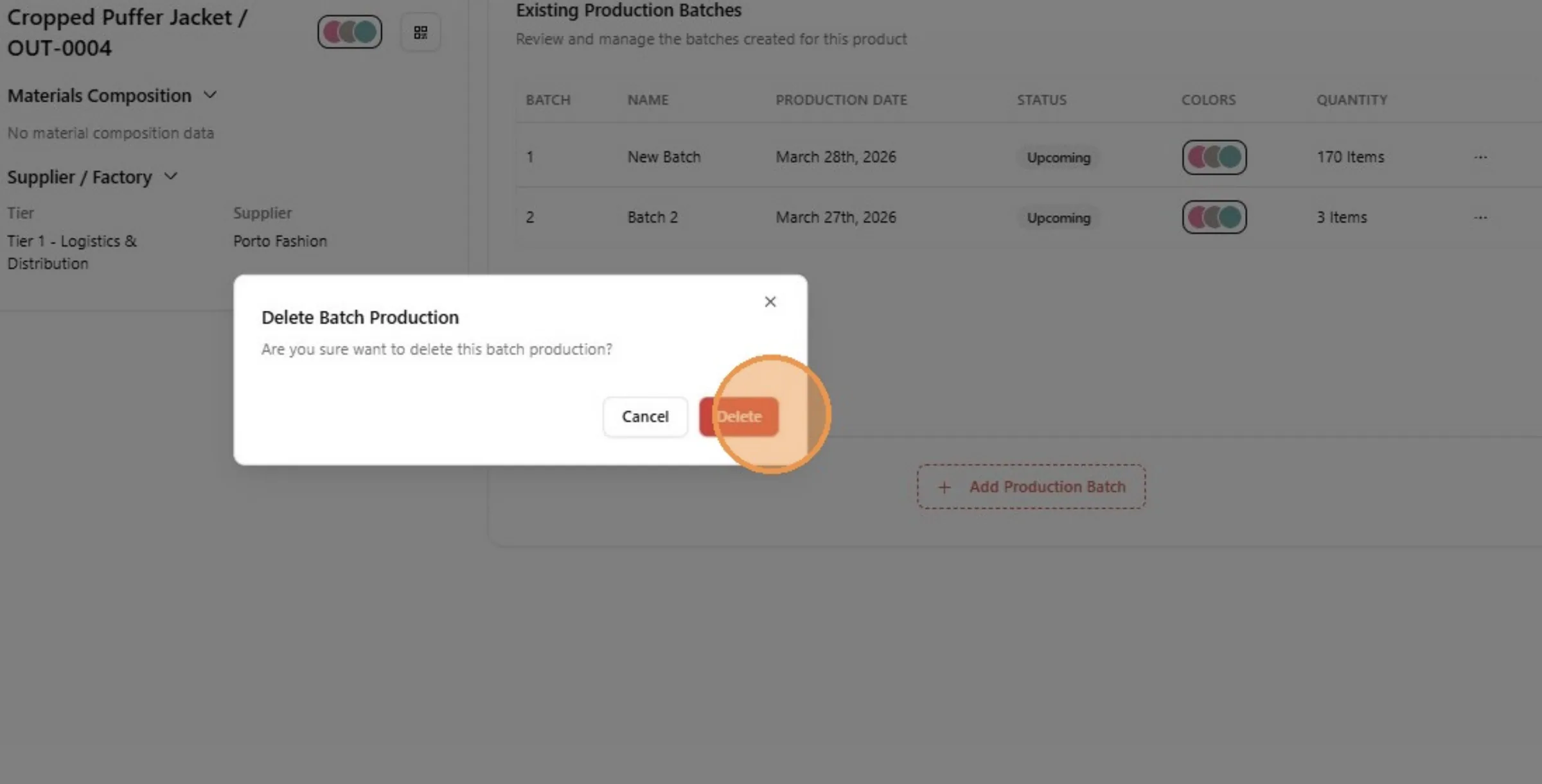
Click "Delete"
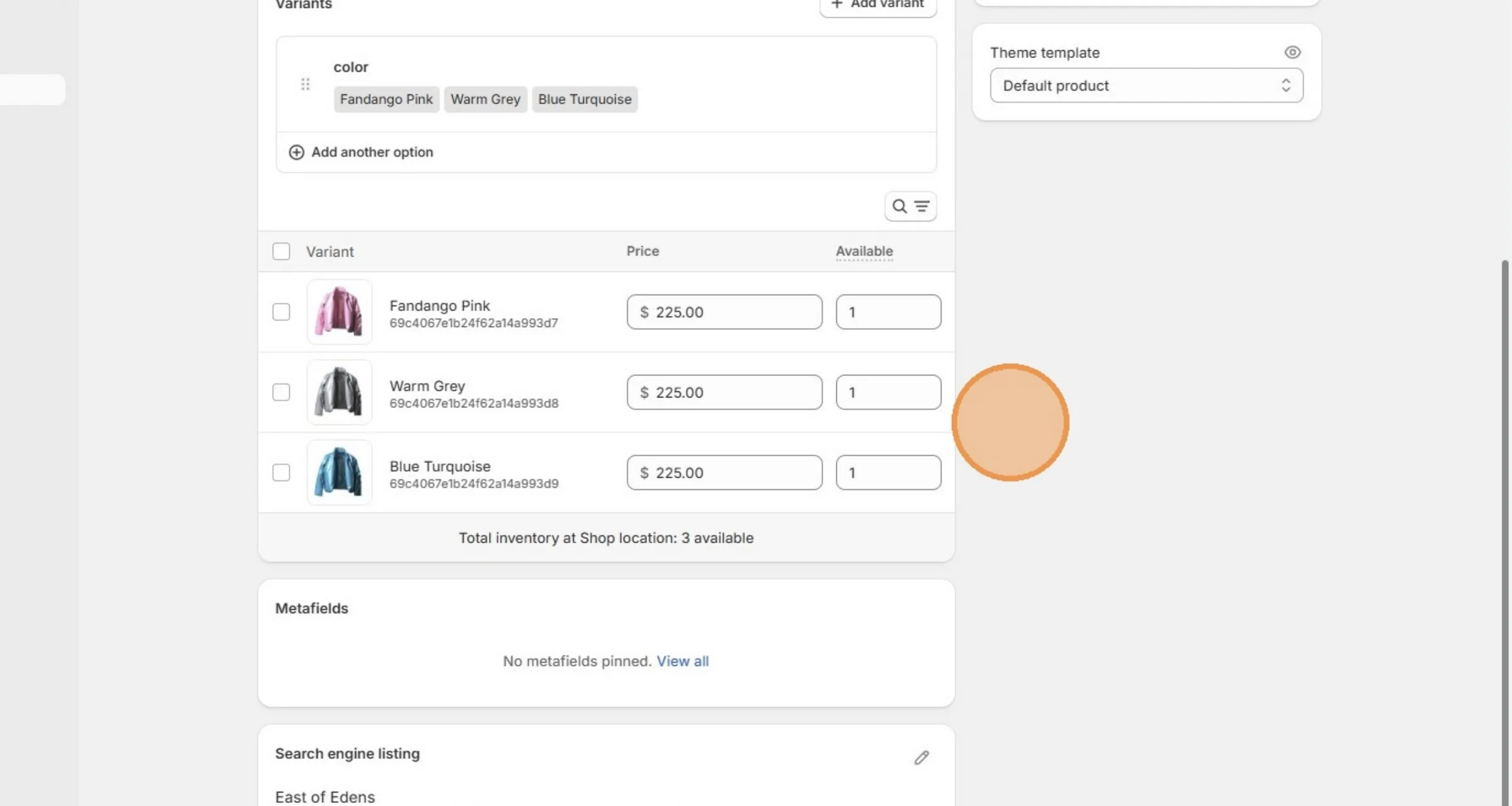
Click reload on the page to see the changes.
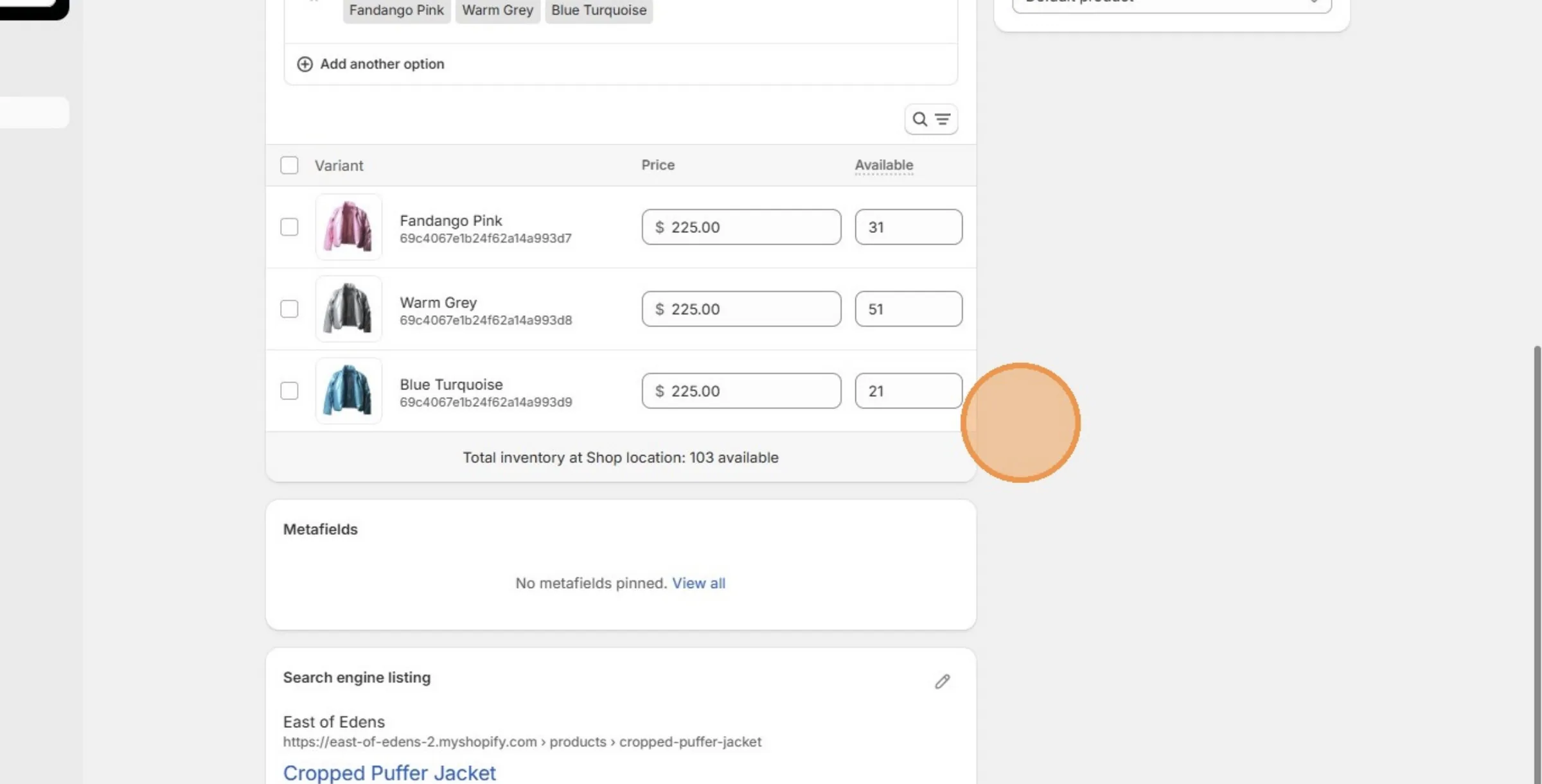
Product's quantity is updated because the user made changes on the production batch.
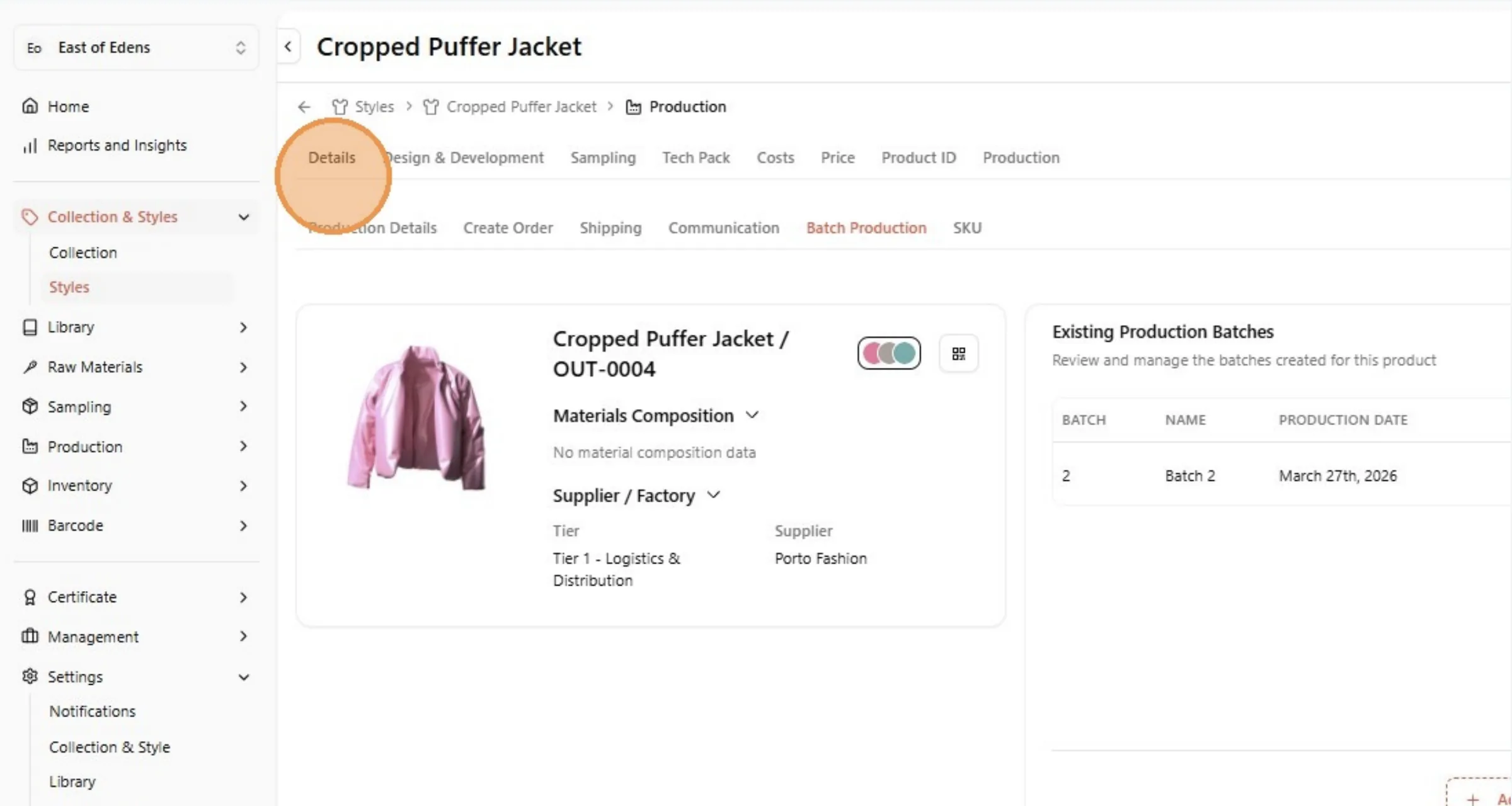
Navigate to the style - Click "Details"
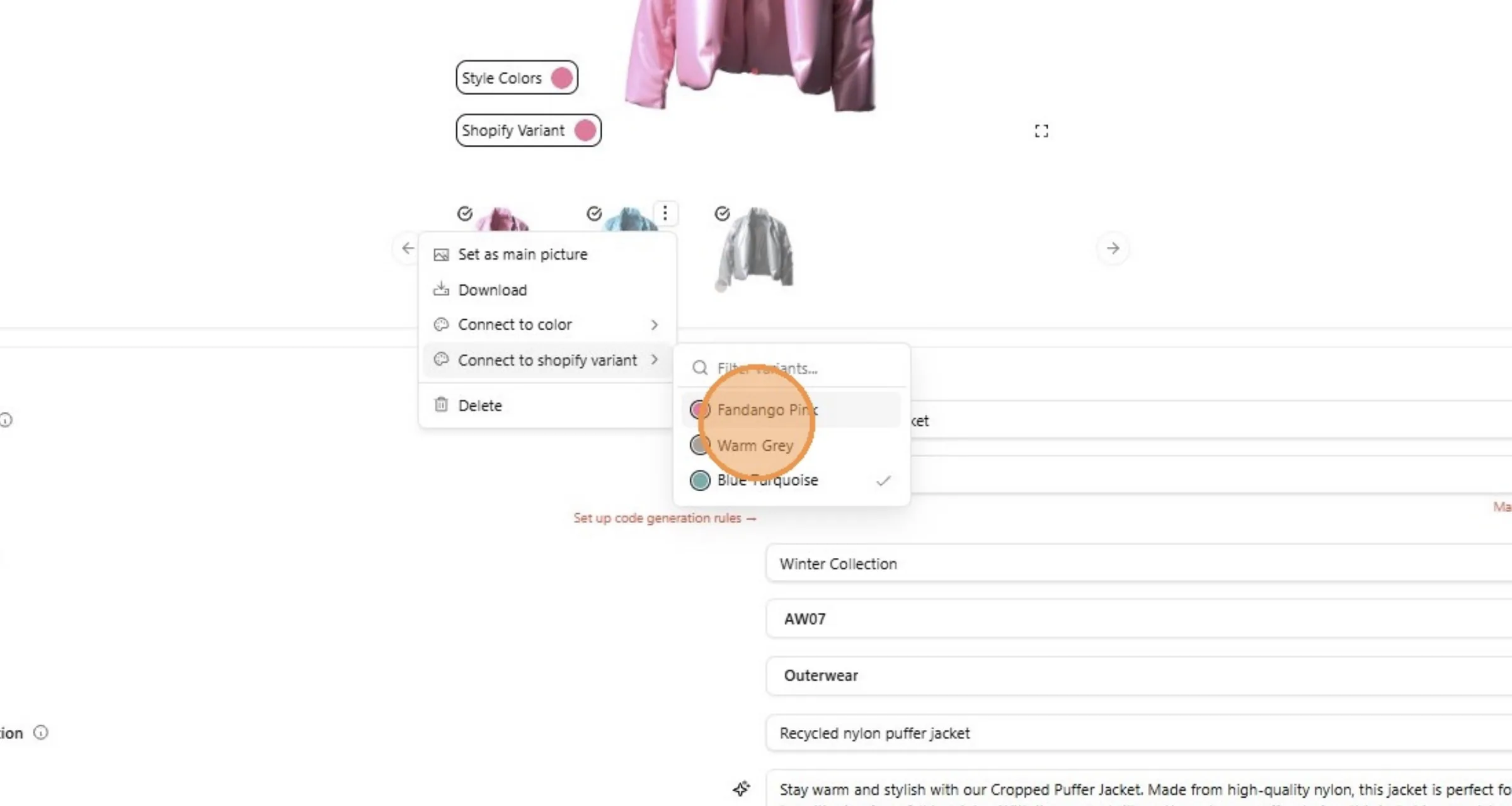
User can update the picture for the color variant, by updating the connection of the picture, click on the three dot button.
For example: Click "Fandango Pink"
Click reload on the page to see the changes.
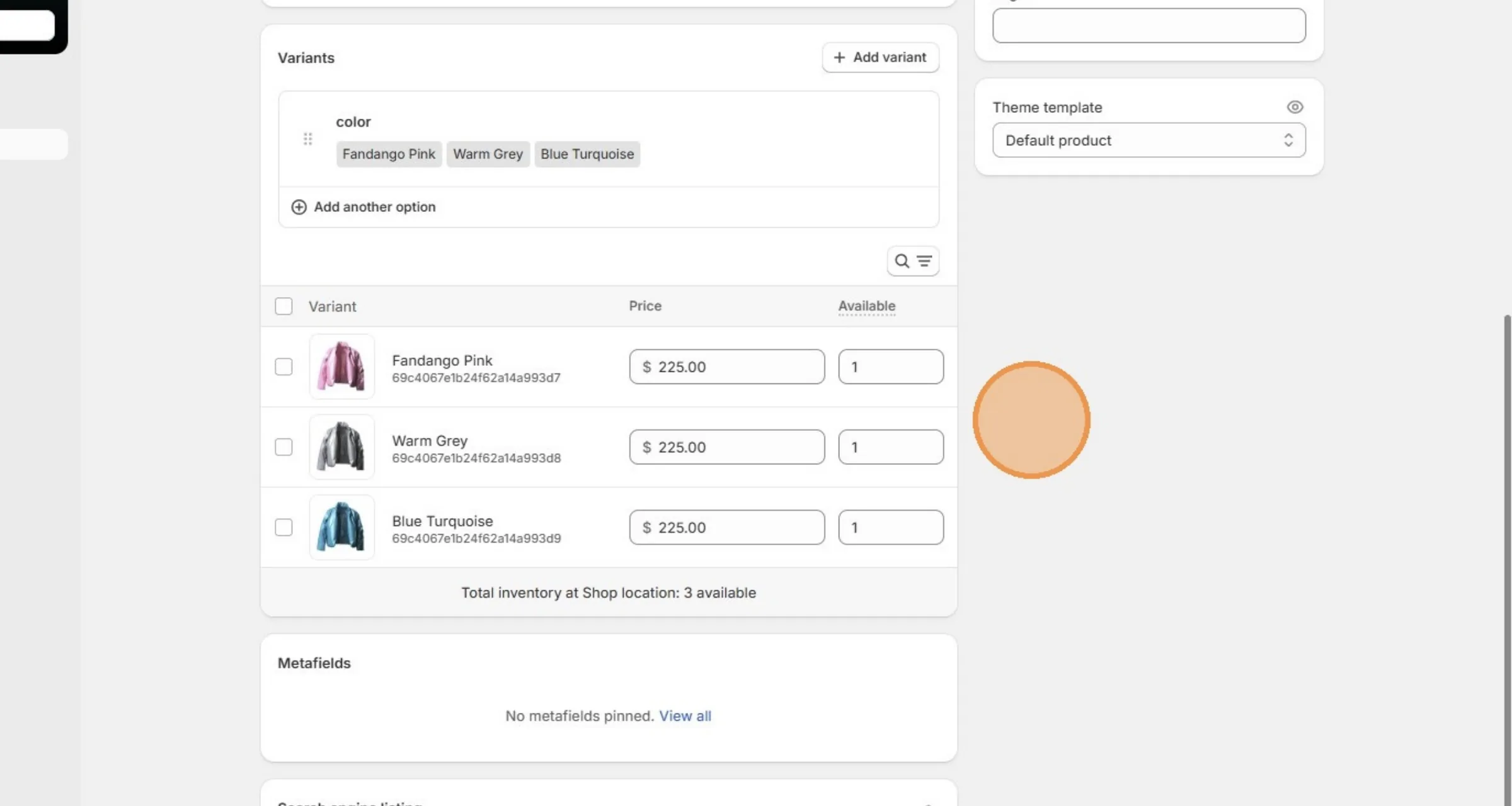
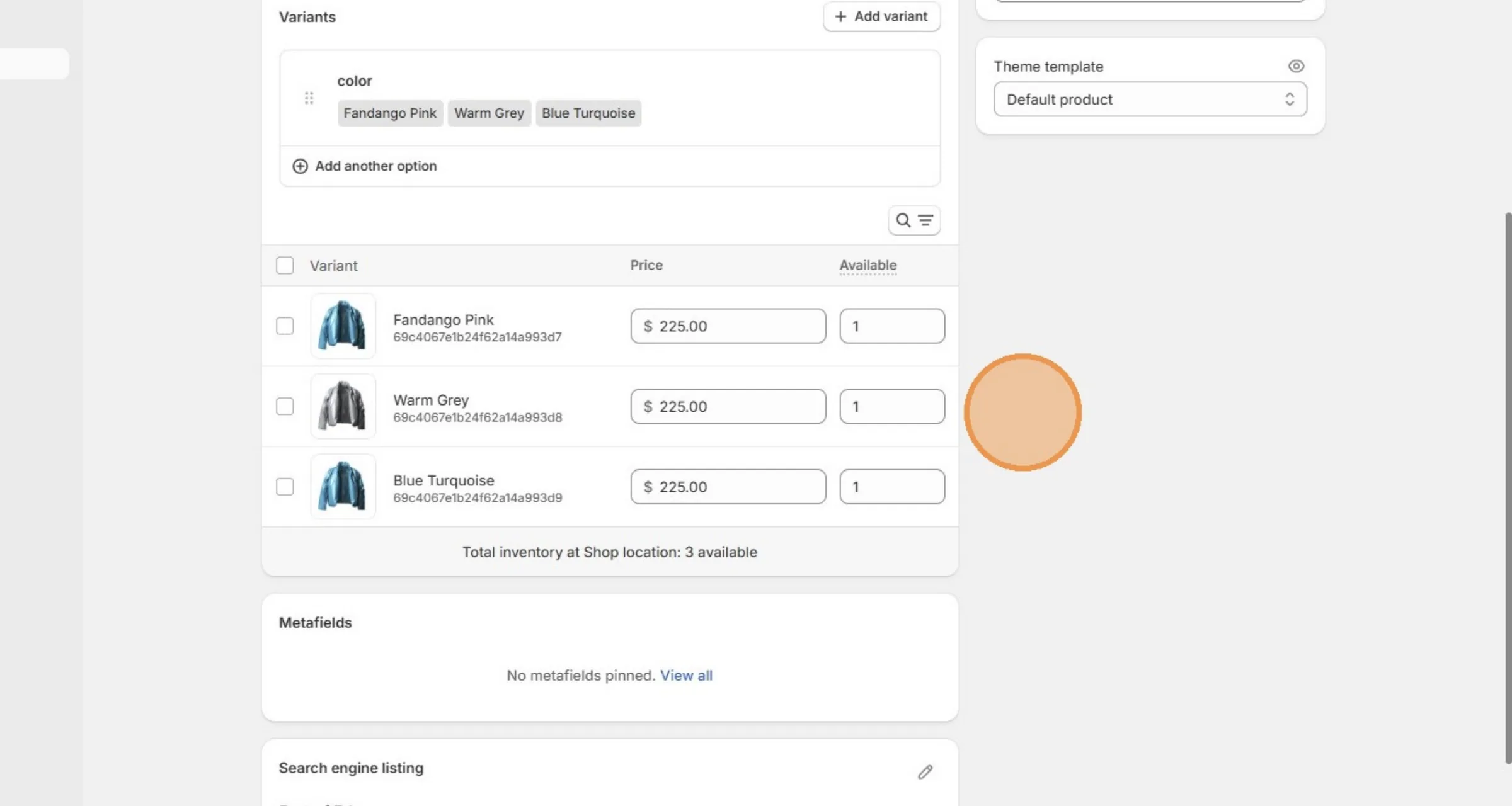
Picture of the color variant is updated, because the user updated the connection of the picture on the Style.
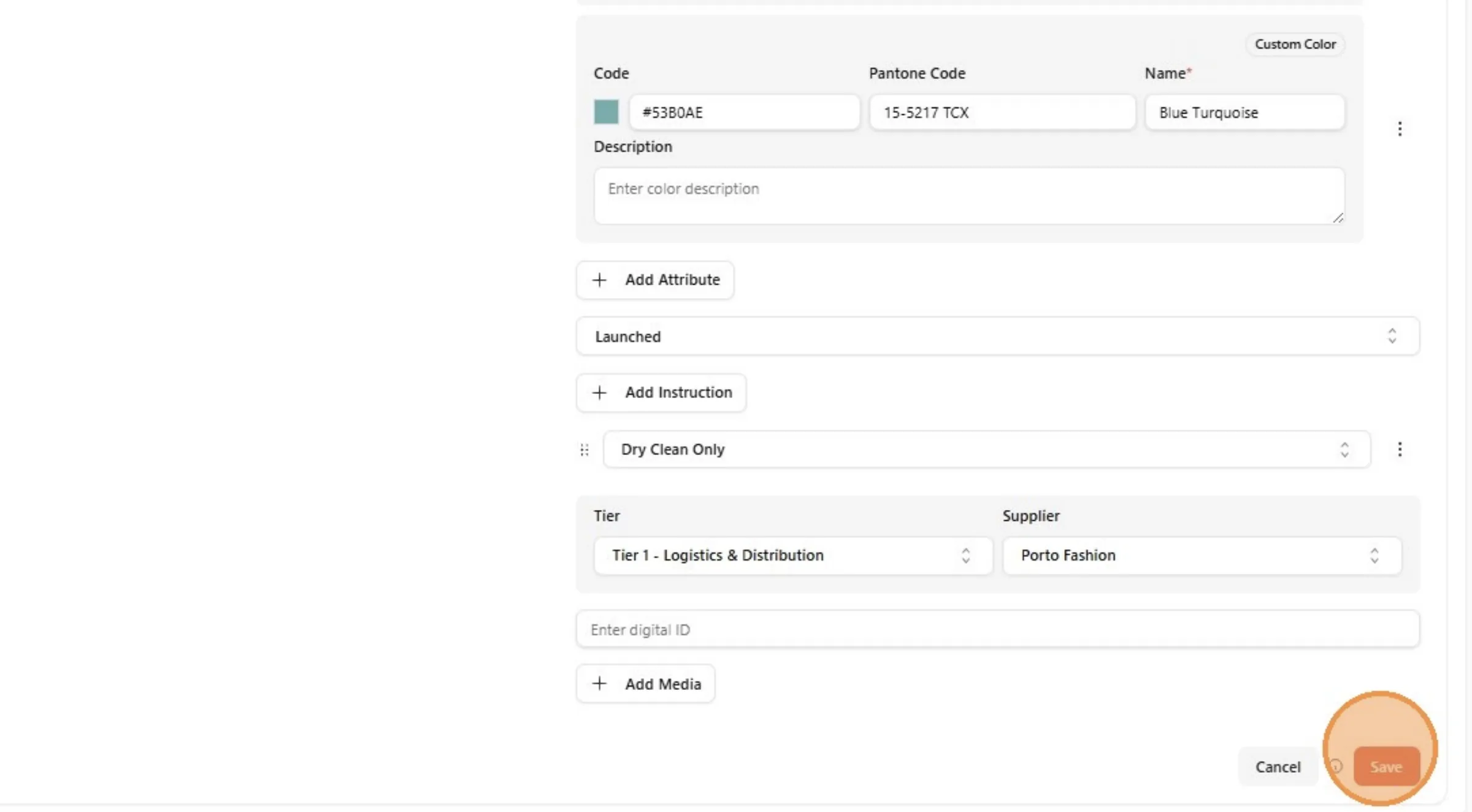
Click "Save"