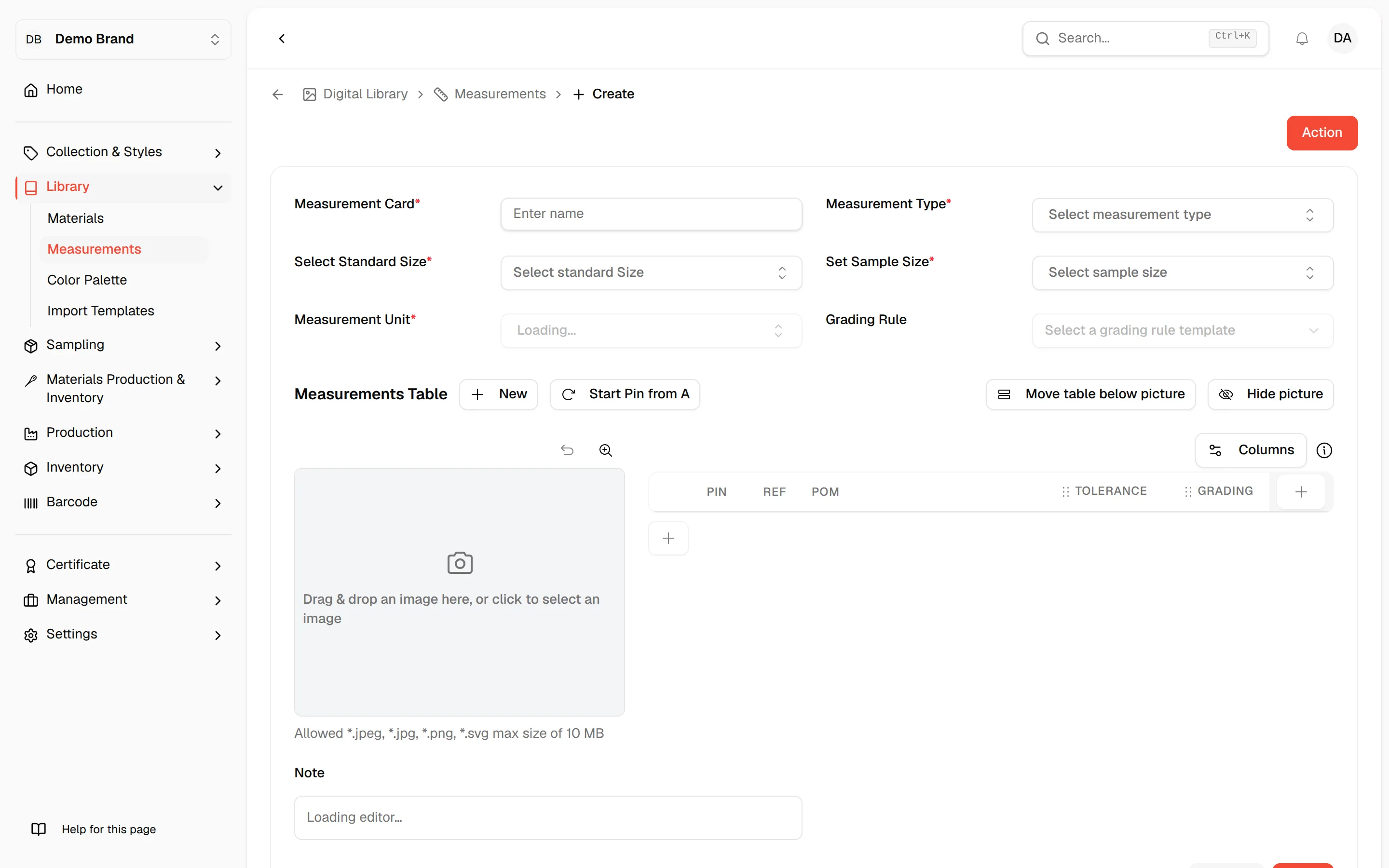
Create a new tech pack measurement
Through this page, users can create a new Tech Pack Measurement for the Styles.
Under review. This page is published while we check it against the live app, so some details may have changed.
Through this page, users can create a new Tech Pack Measurement for the Styles. It functions as detailed garment measurements.
From the Tech Pack Bill Measurement Page, select…
From the Tech Pack Bill Measurement Page, select +New on the upper right of the page to create a new product measurement.
The New button offers two options: From Library or Create New Item. Users may select their preferred option when creating the product measurement.
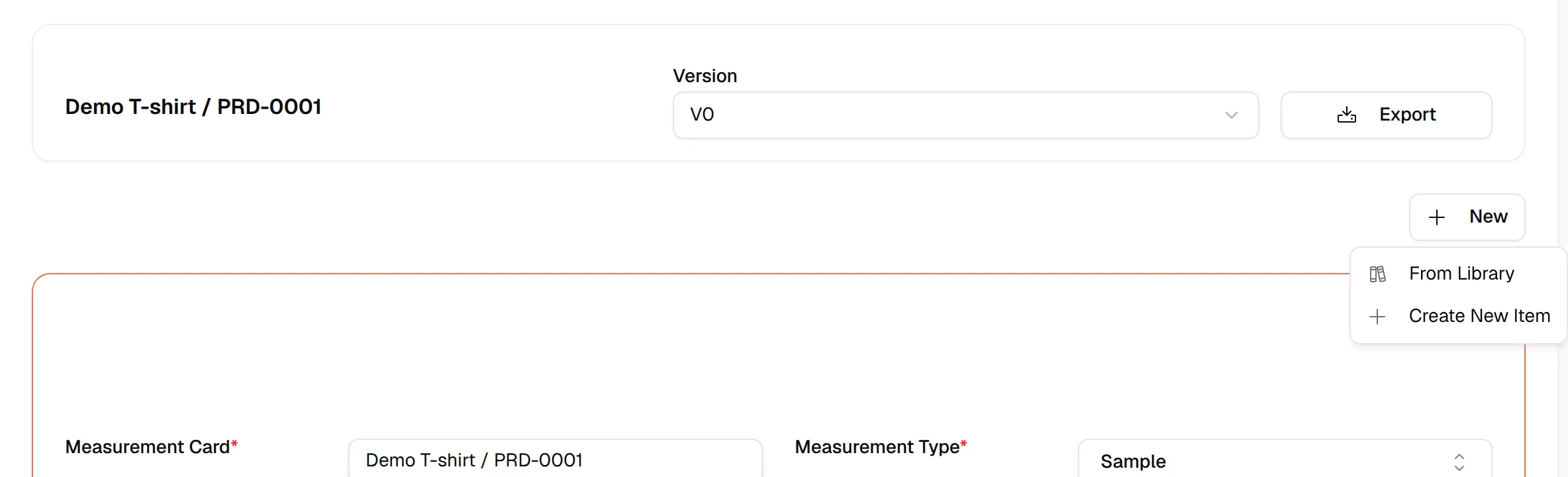
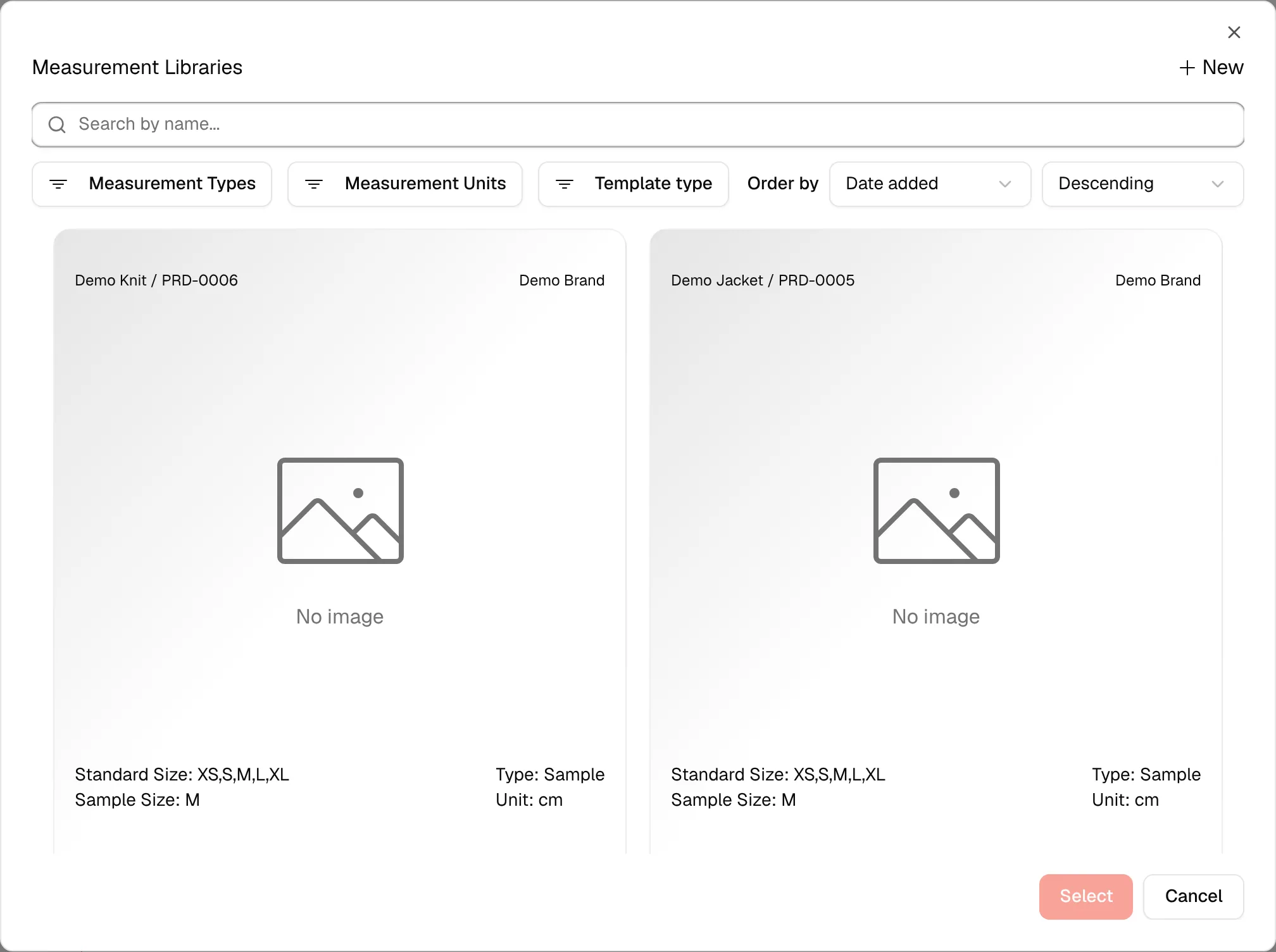
Click from From Library and select the created measurement from the Library Page.
Select the measurement card in the Measurement Libraries window, then click Select. The measurement is added to the style for the version you are viewing.
Click from Create New Item to create a new measurement.
The page will directly go to the create product measurement page. In the Create Product measurement page, you must fill out all the required fields. After completing the page, select Save in the lower-right corner.