
Sampling health settings
Set the rules that decide when a sample is On Track, At Risk or Delayed, plus override and notification options.
The Manage Health Rules page for sampling lets you define when a sample is shown as On Track, At Risk or Delayed, who can override that status, and when the team is notified.
SettingsSampling
Permission: SAMPLING_UPDATE
Health is based on the agreed and actual due dates and on supplier updates.
Change the rules
Open the page
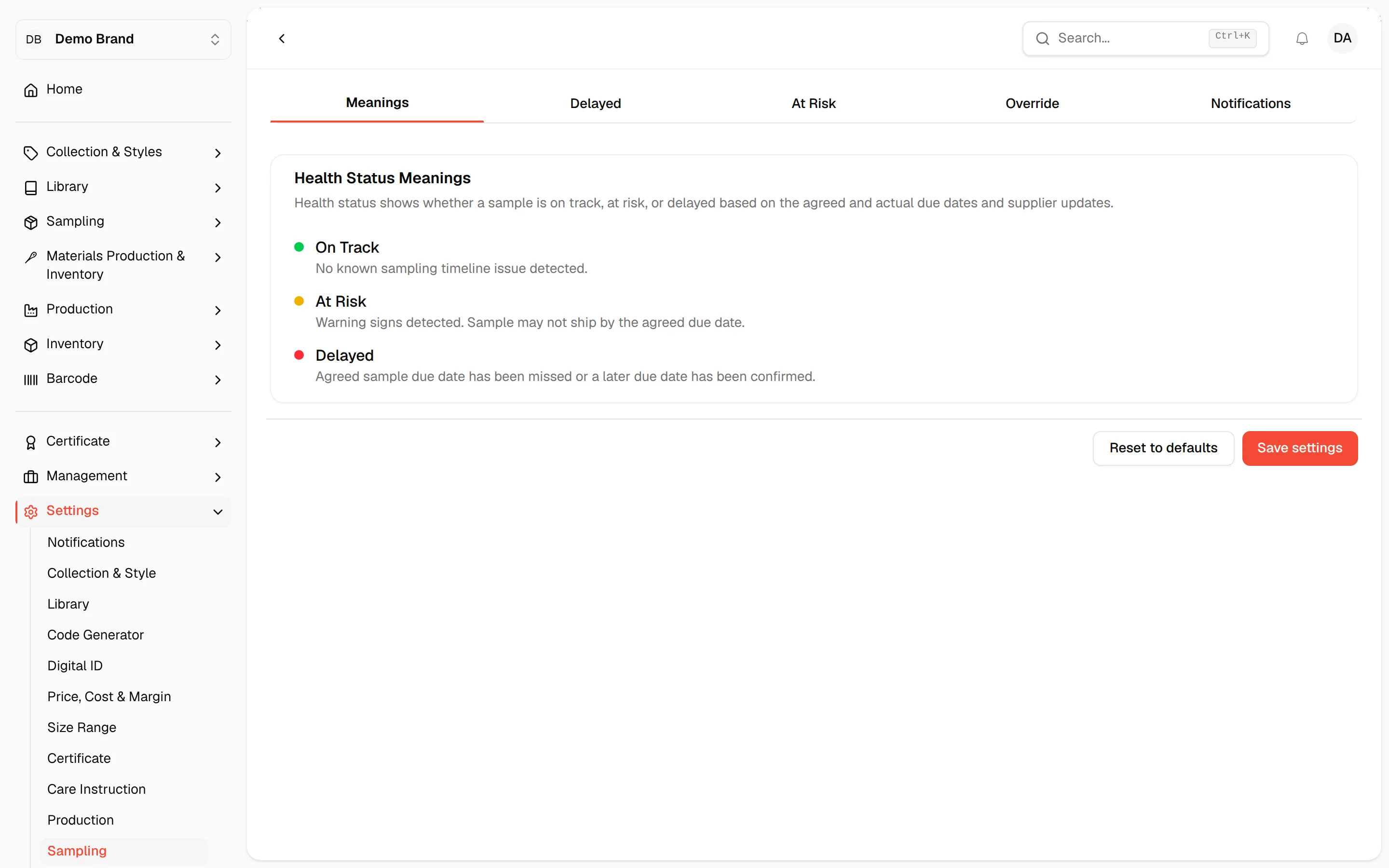
From the left sidebar, click Settings, then Sampling. The page opens on the Meanings tab.
Open a tab
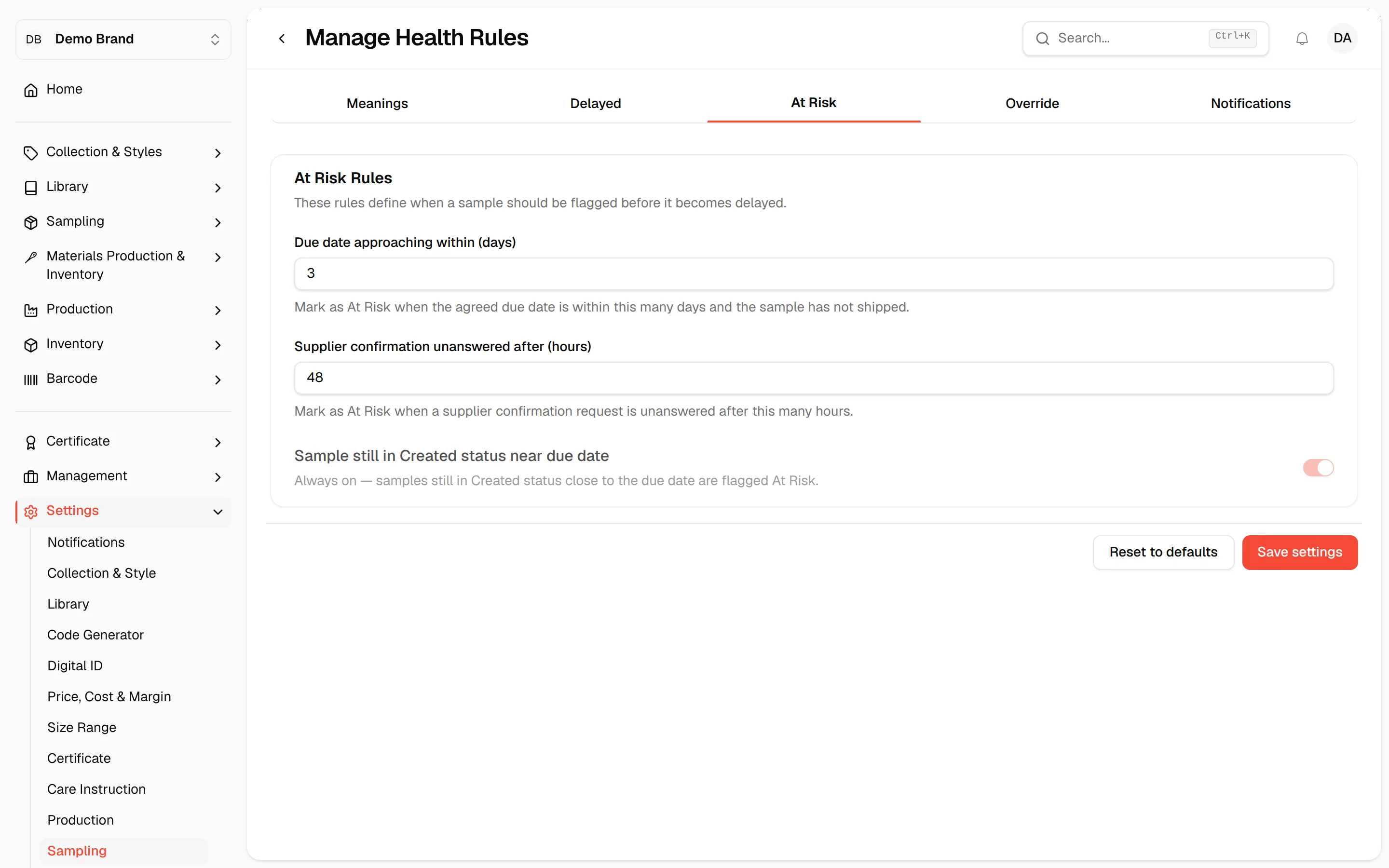
Click Delayed, At Risk, Override or Notifications to see its rules.
Change a value
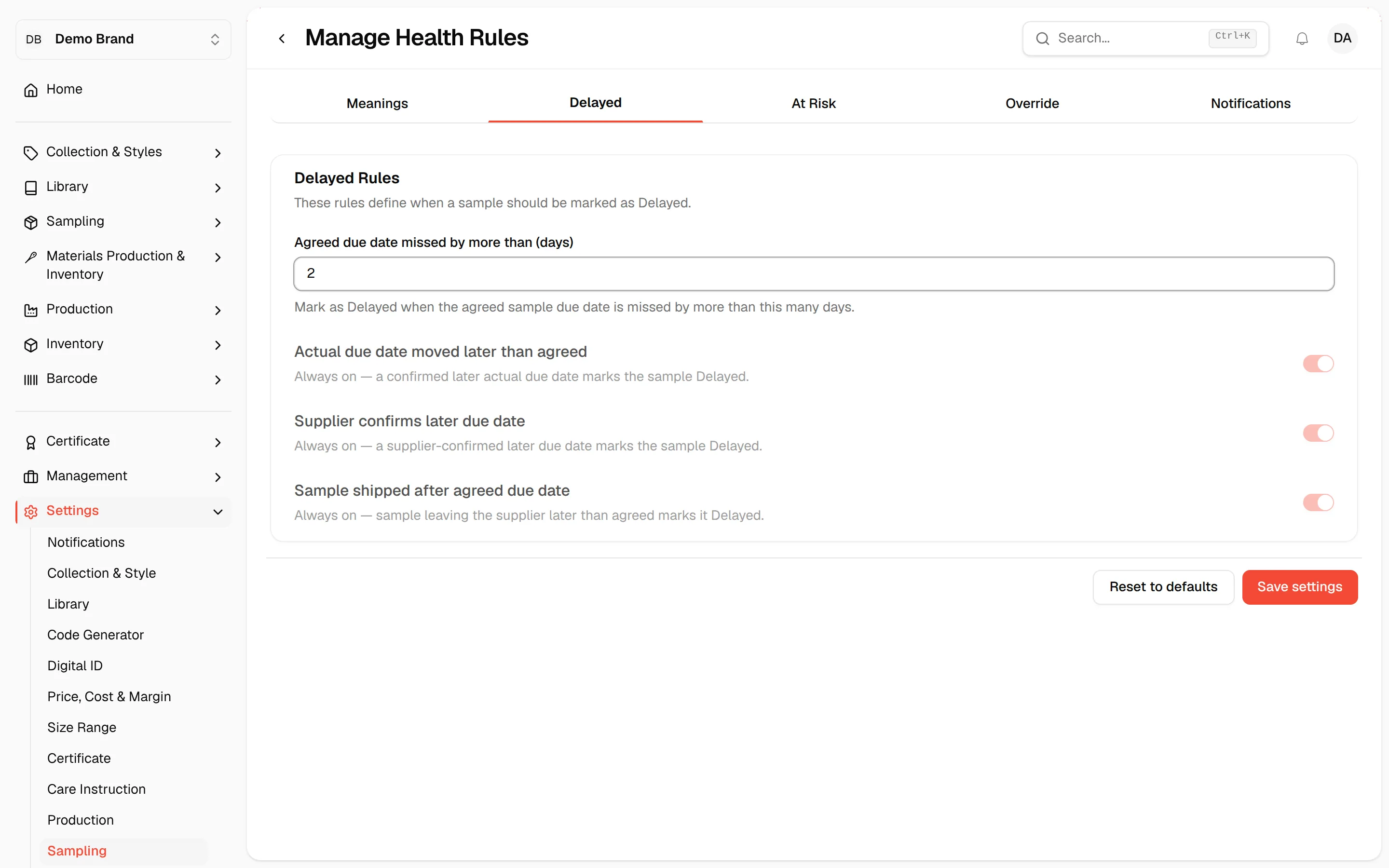
Type a number in a field or turn a toggle on or off. Toggles that are greyed out are always on or always off and cannot be changed.
Click "Save settings"
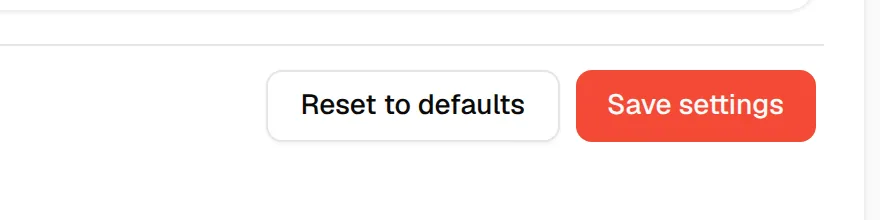
Click Save settings at the bottom right of the page. The page shows "Sampling health settings saved".
Tip
Click Reset to defaults to put every field back to the values below. Nothing is saved until you click Save settings.
Meanings tab
A read-only reminder of what each health status means.
| Status | Meaning |
|---|---|
| On Track | No known sampling timeline issue detected. |
| At Risk | Warning signs detected. Sample may not ship by the agreed due date. |
| Delayed | Agreed sample due date has been missed or a later due date has been confirmed. |
Delayed tab
Delayed Rules define when a sample should be marked as Delayed.
| Rule | What it does | Default |
|---|---|---|
| Agreed due date missed by more than (days) | Mark as Delayed when the agreed sample due date is missed by more than this many days. Allowed 0 to 365. | 0 |
| Actual due date moved later than agreed | Always on. A confirmed later actual due date marks the sample Delayed. | On, locked |
| Supplier confirms later due date | Always on. A supplier-confirmed later due date marks the sample Delayed. | On, locked |
| Sample shipped after agreed due date | Always on. A sample leaving the supplier later than agreed marks it Delayed. | On, locked |
At Risk tab
At Risk Rules define when a sample is flagged before it becomes delayed.
| Rule | What it does | Default |
|---|---|---|
| Due date approaching within (days) | Mark as At Risk when the agreed due date is within this many days and the sample has not shipped. Allowed 0 to 365. | 3 |
| Supplier confirmation unanswered after (hours) | Mark as At Risk when a supplier confirmation request is unanswered after this many hours. Allowed 0 to 8760. | 48 |
| Sample still in Created status near due date | Always on. Samples still in Created status close to the due date are flagged At Risk. | On, locked |
Override tab
Manual Override controls whether health can be changed by hand.
| Setting | What it does | Default |
|---|---|---|
| Allow health override | Allow authorised users to manually override the displayed health status. | On |
| Require reason | Require a reason whenever health is manually overridden. | On |
| Suppliers can override health | Suppliers can never override health. | Off, locked |
Notifications tab
Notification Settings control the alerts sent when a sample changes health.
| Setting | What it does | Default |
|---|---|---|
| Notify on new Delayed samples | Send a notification and email as soon as the next health check detects a sample turning Delayed. | On |
| Notify on new At Risk samples | Send a notification and email as soon as the next health check detects a sample turning At Risk. | On |