Step 3 of 12 in Connect Shopify
Connect Vestis Labs to Shopify, connect styles, and manage production batches
Learn how to integrate Vestis Labs with your Shopify store to streamline product management.
Under review. This page is published while we check it against the live app, so some details may have changed.
Screenshots may be out of date.
Learn how to integrate Vestis Labs with your Shopify store to streamline product management. This guide covers connecting the app, setting up product styles, and creating production batches for your items.
On the Shopify website, User need to access the Shopify Apps.
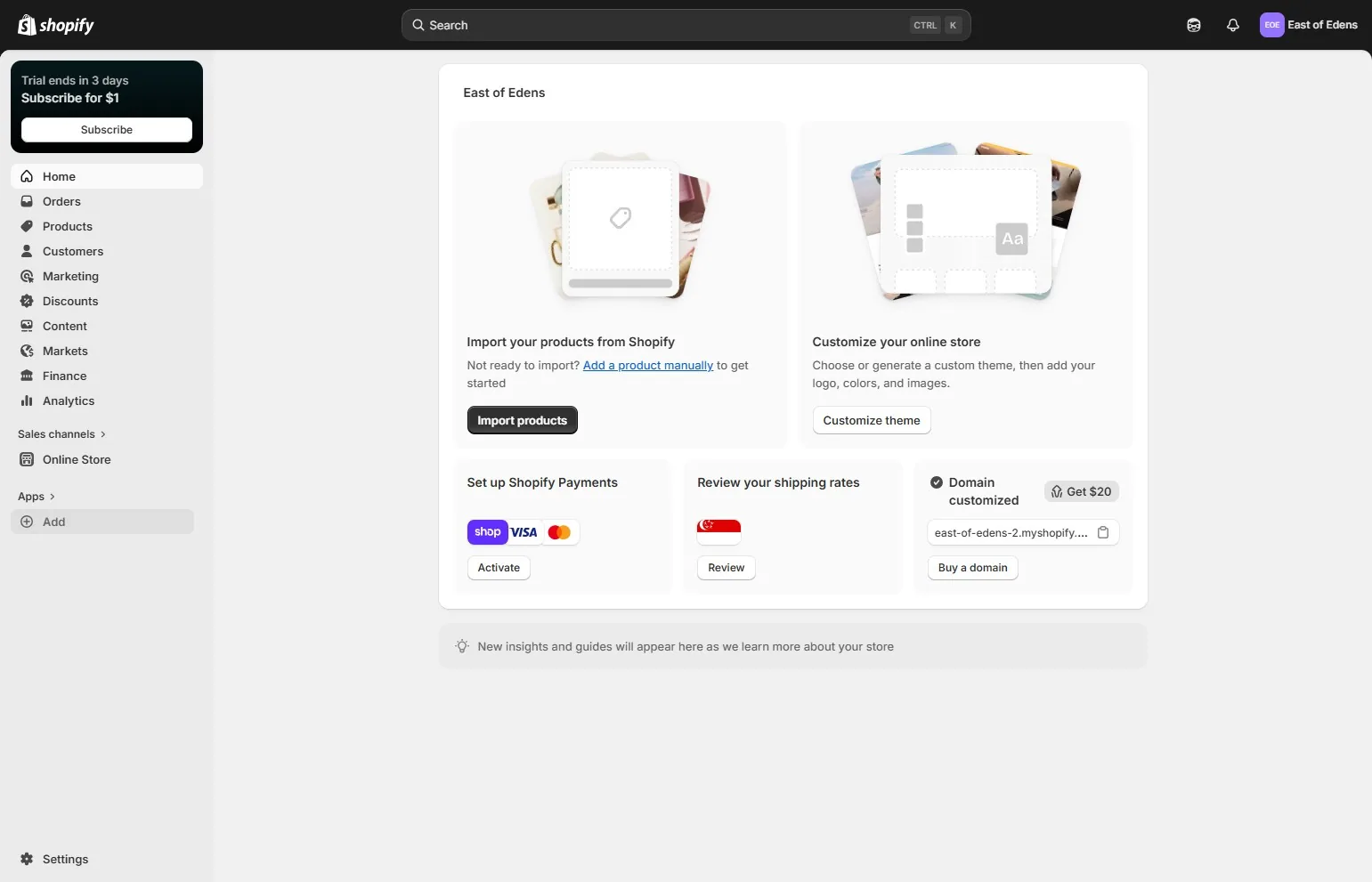
Click "Add" menu
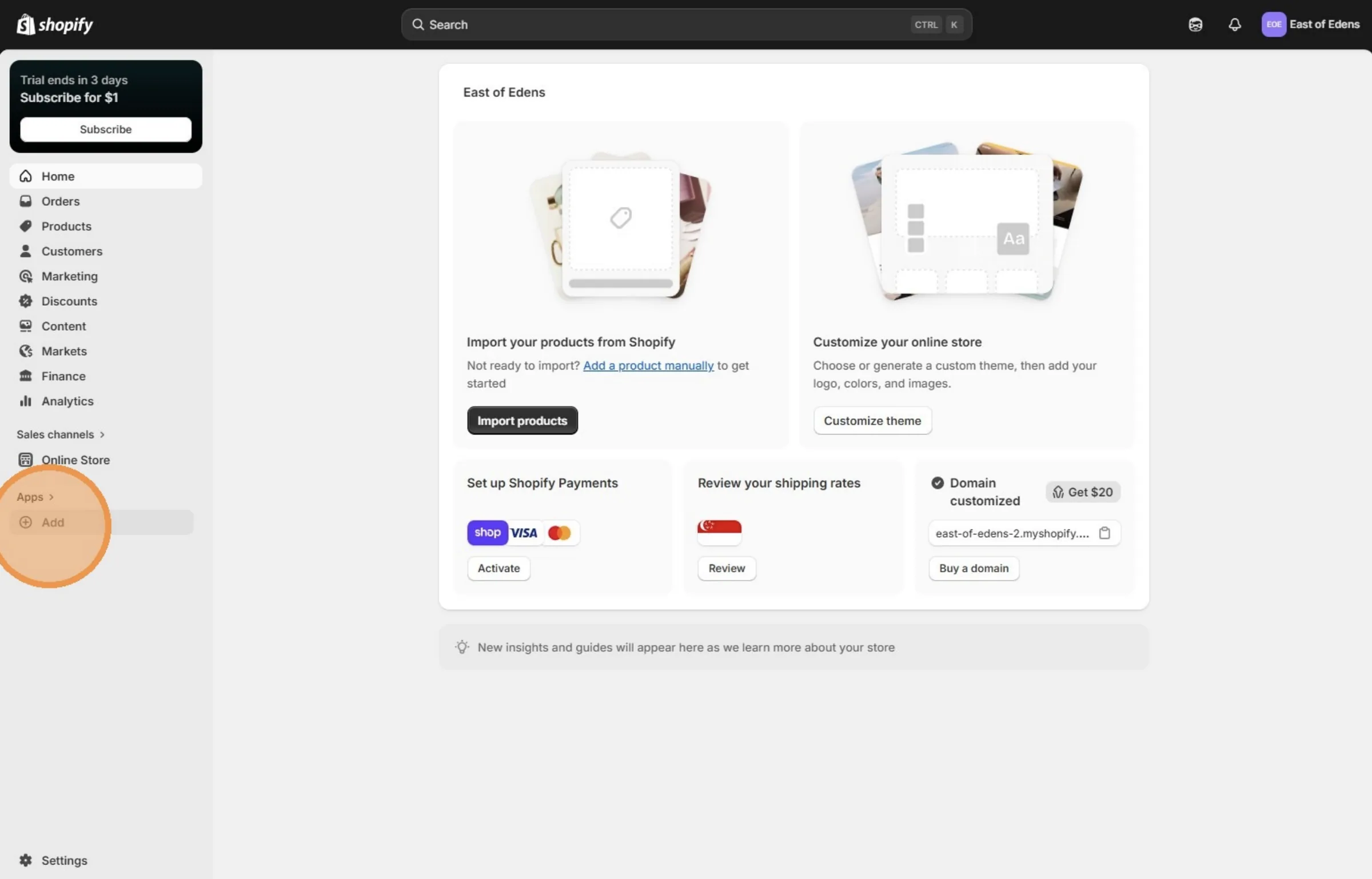
Click "Shopify App Store"
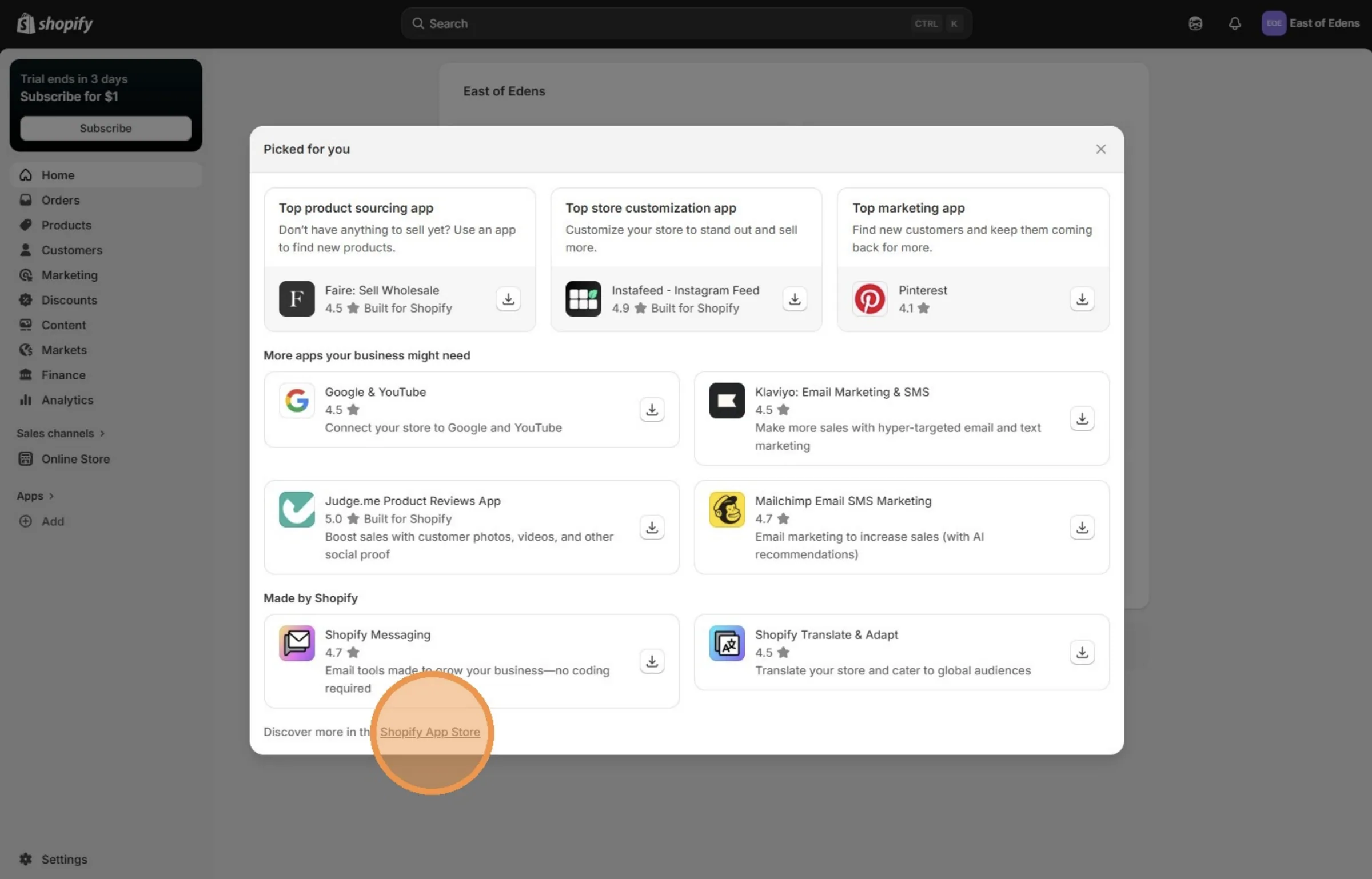
Click the "Search apps, guides, and more" field.
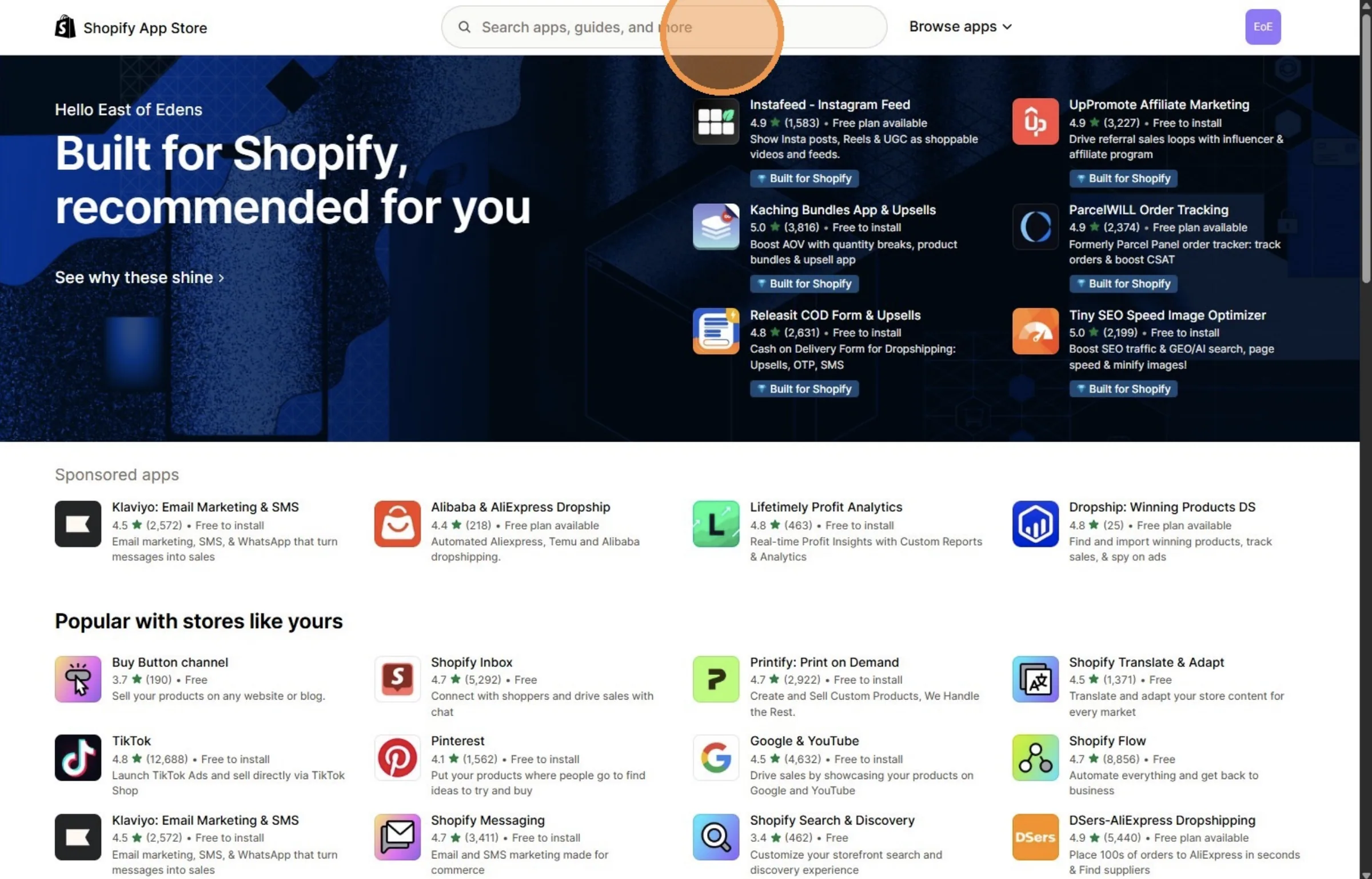
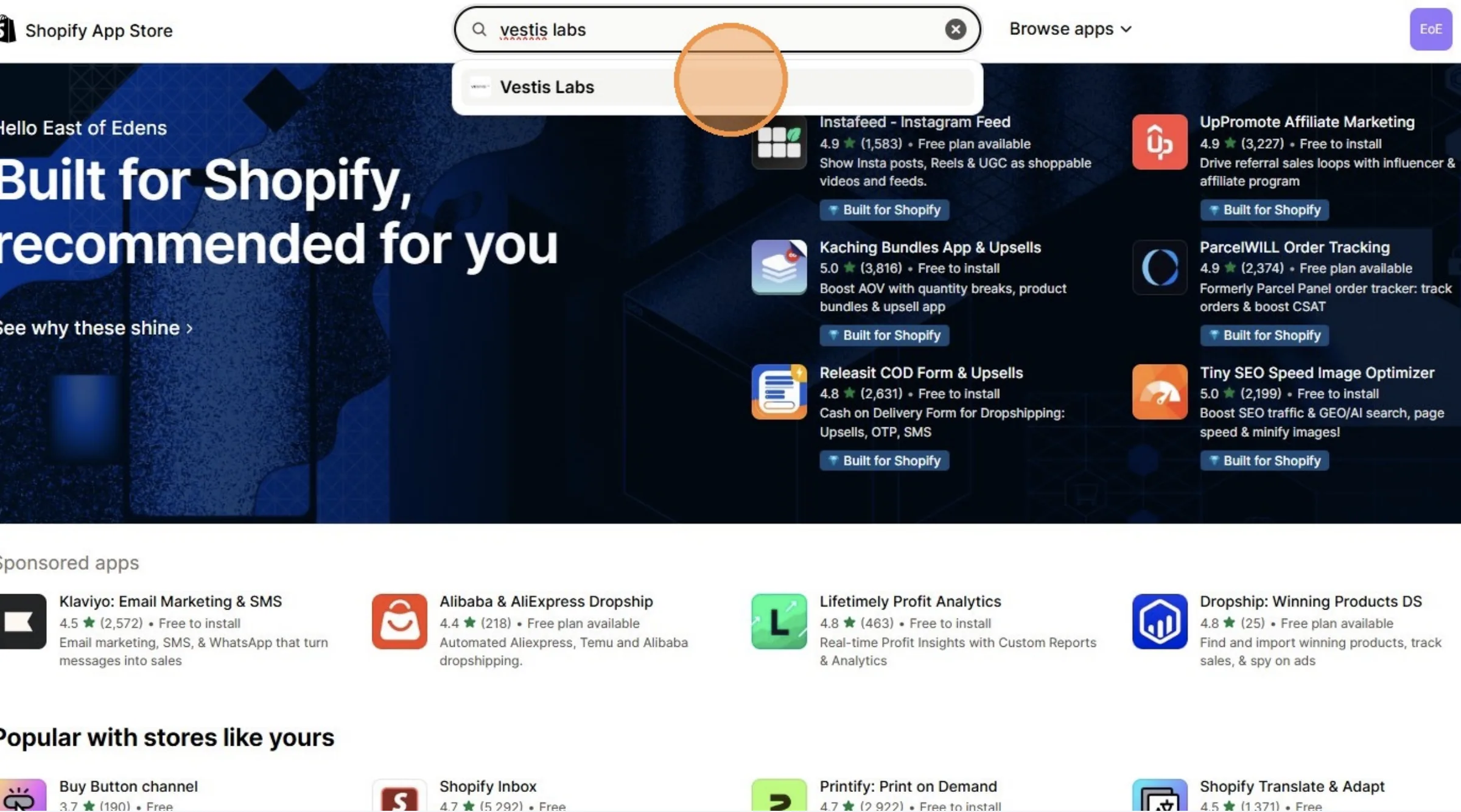
Search and Click "Vestis Labs"
From this page, user need to install the Vestis Labs app on the Shopify App Store
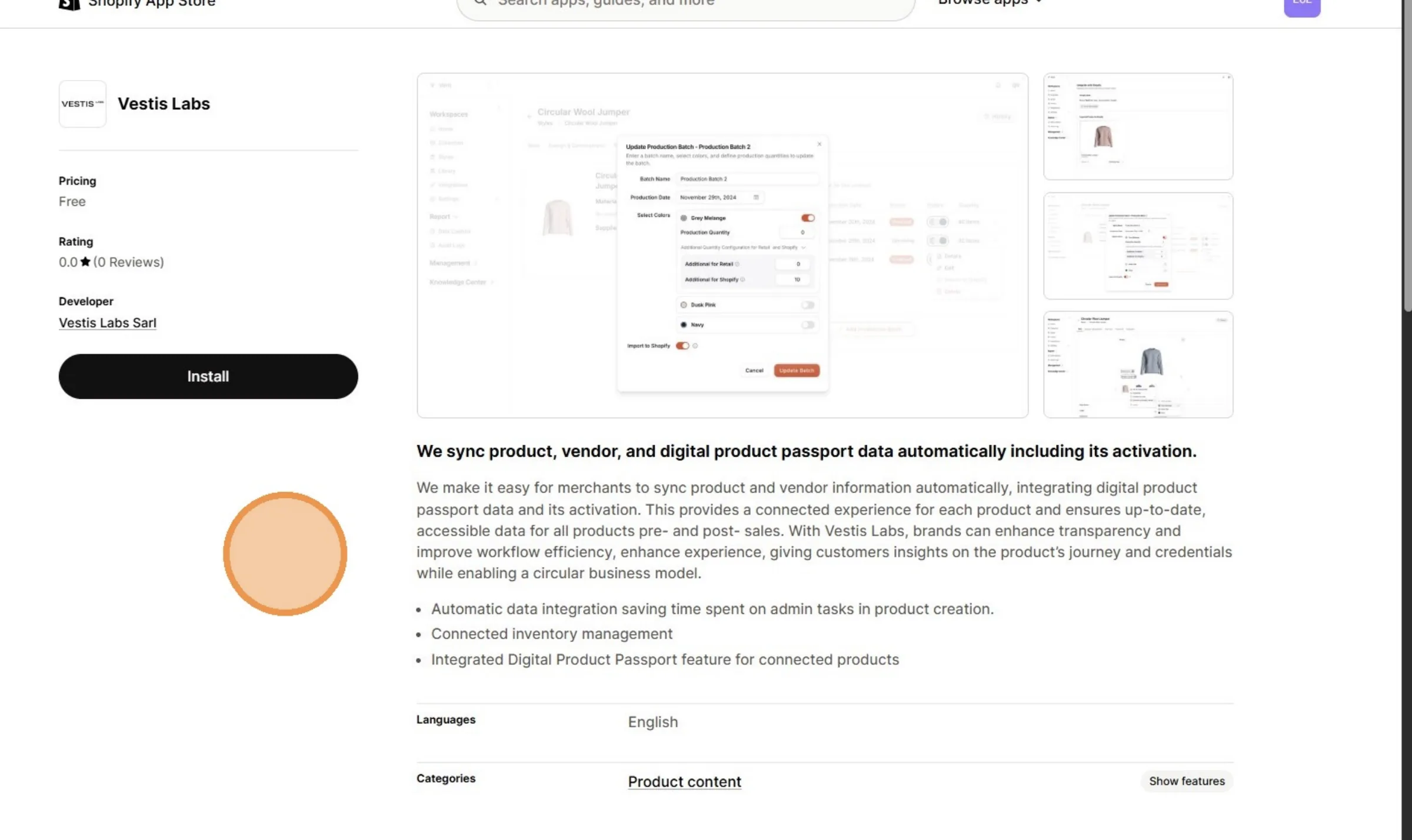
Click "Install"
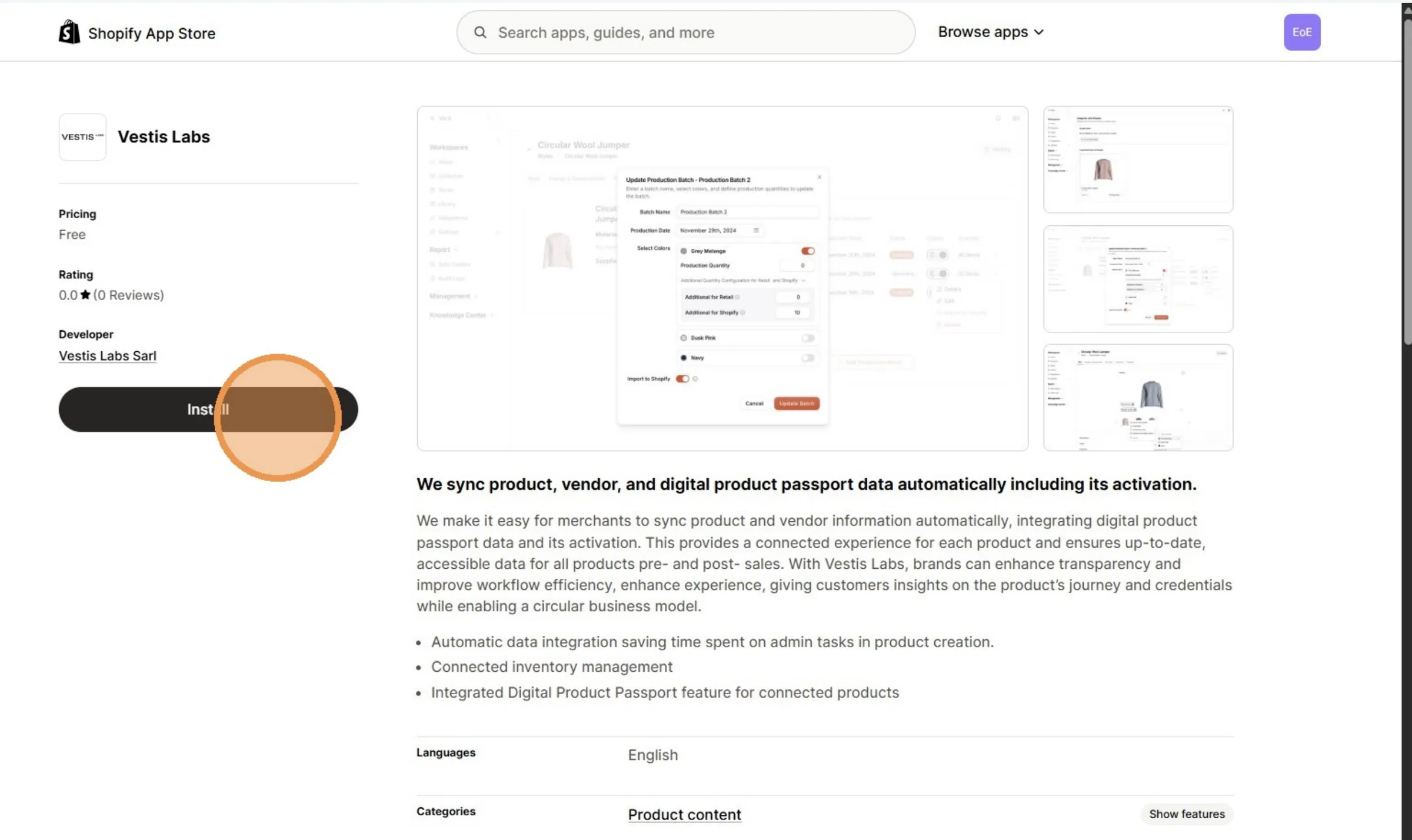
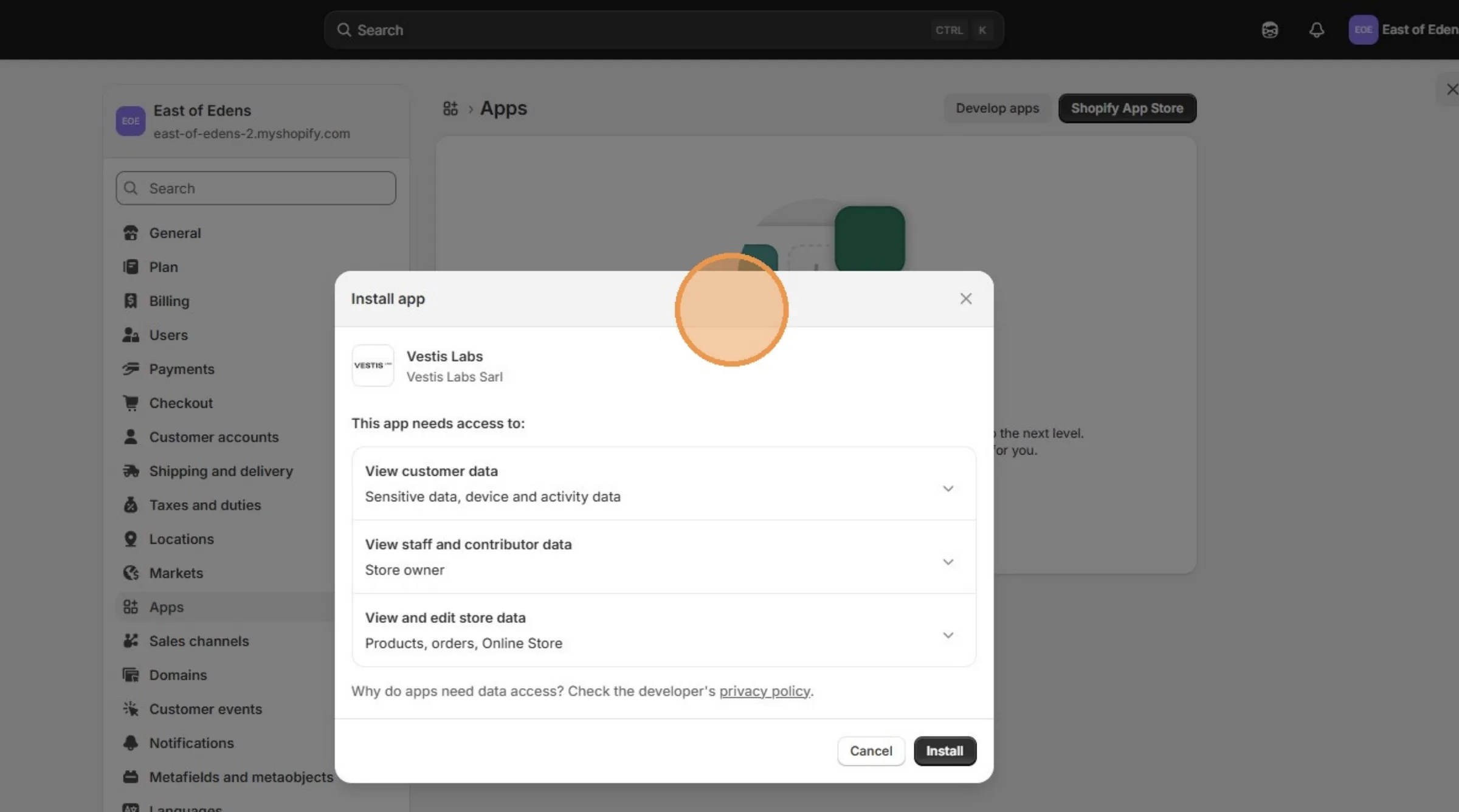
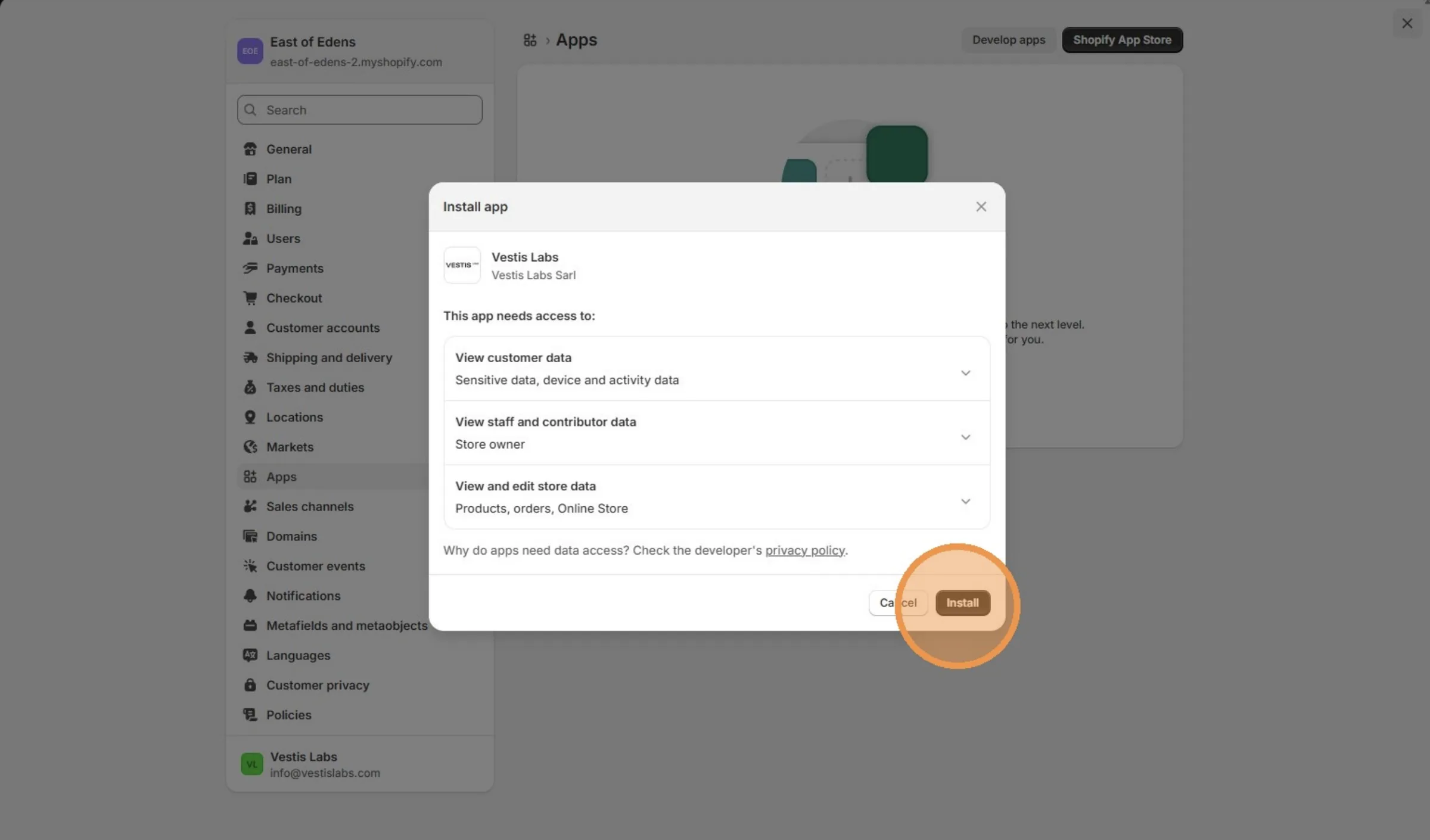
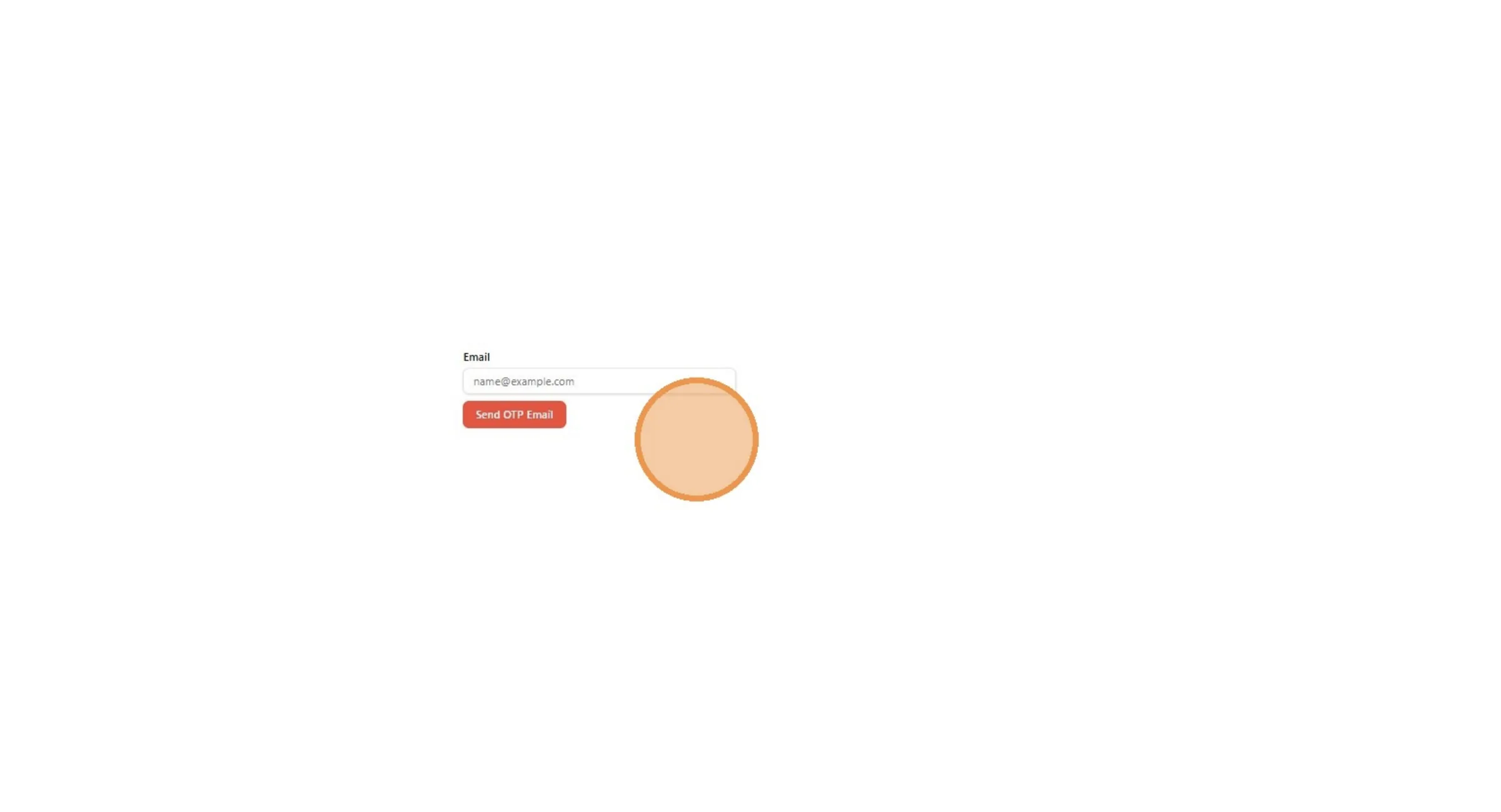
From this page, user need to enter their email to receive the OTP code. Type the Email and Click "Send OTP Email"
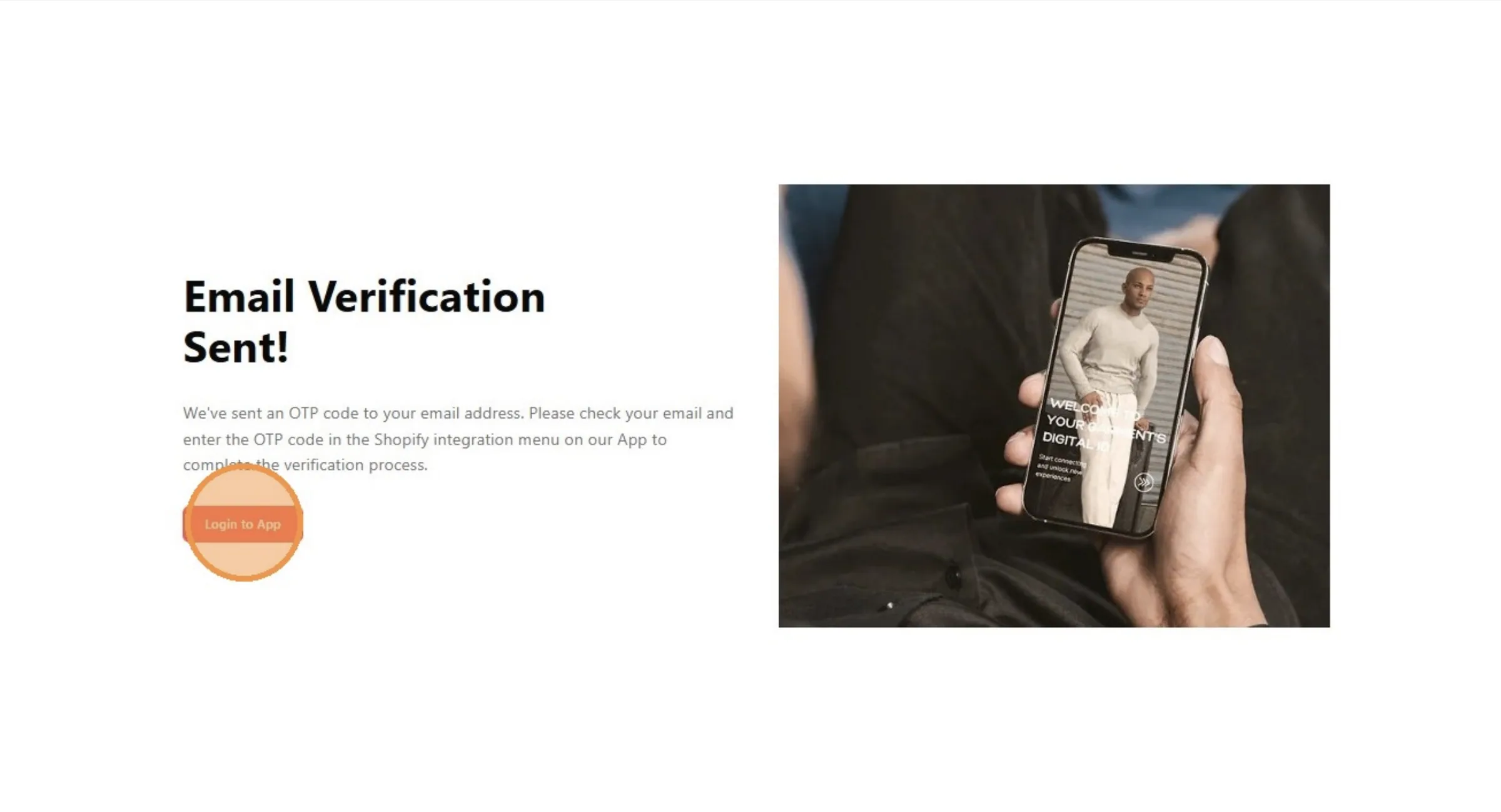
From here, user can click Login to App button to access the Vestis Labs platform.
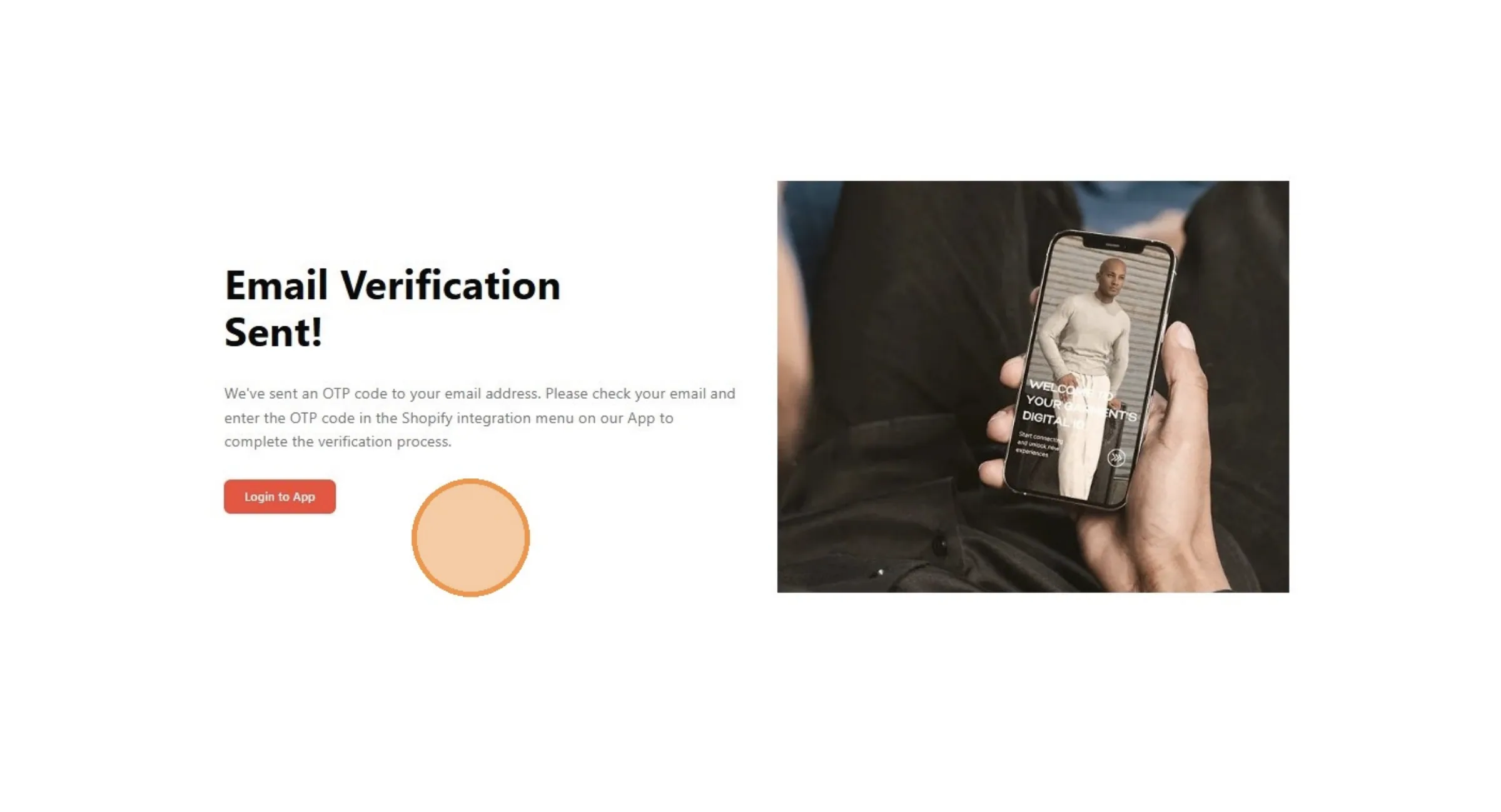
Click "Login to App"
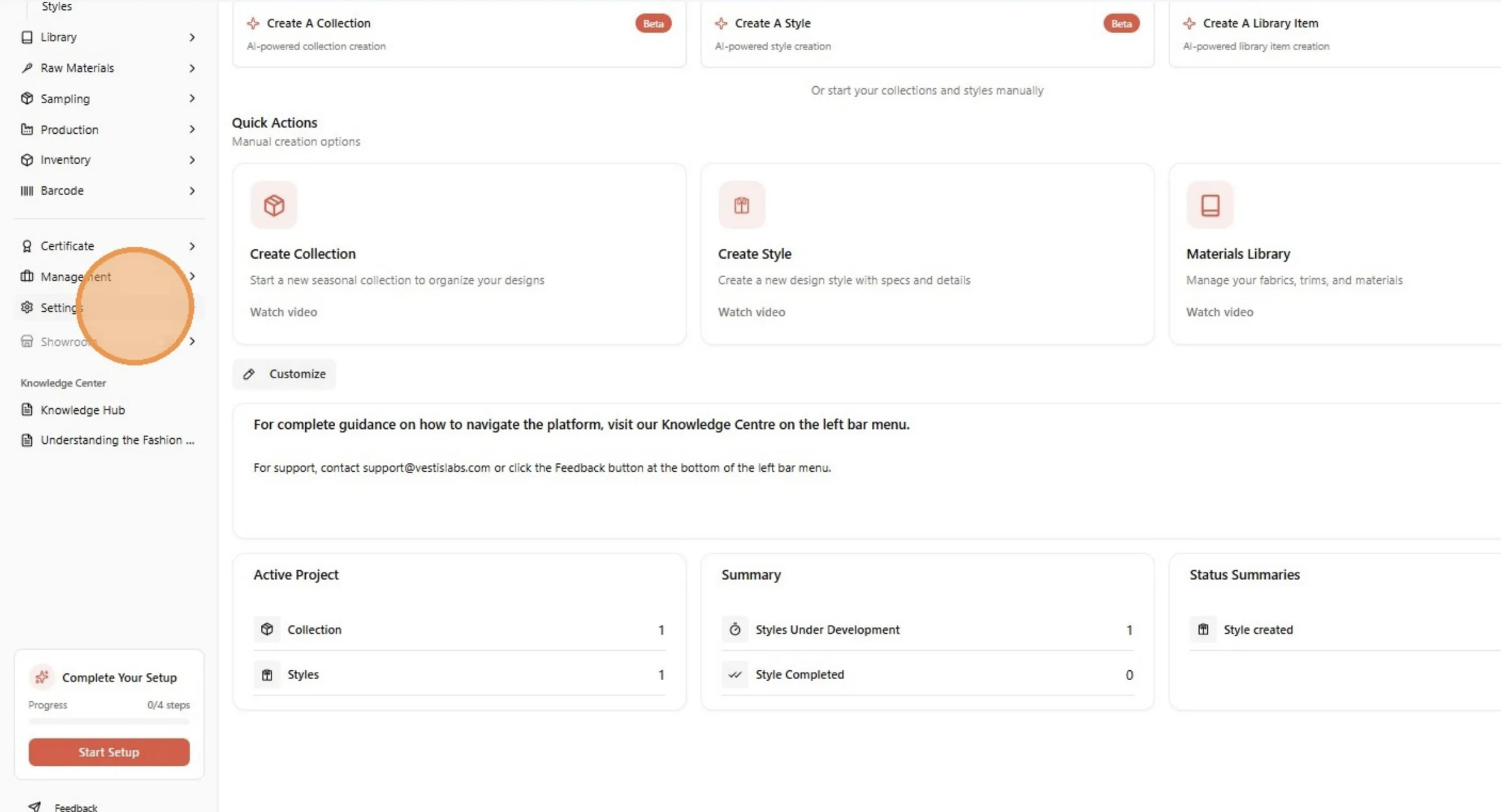
From the home page of your Brand, click "Settings"
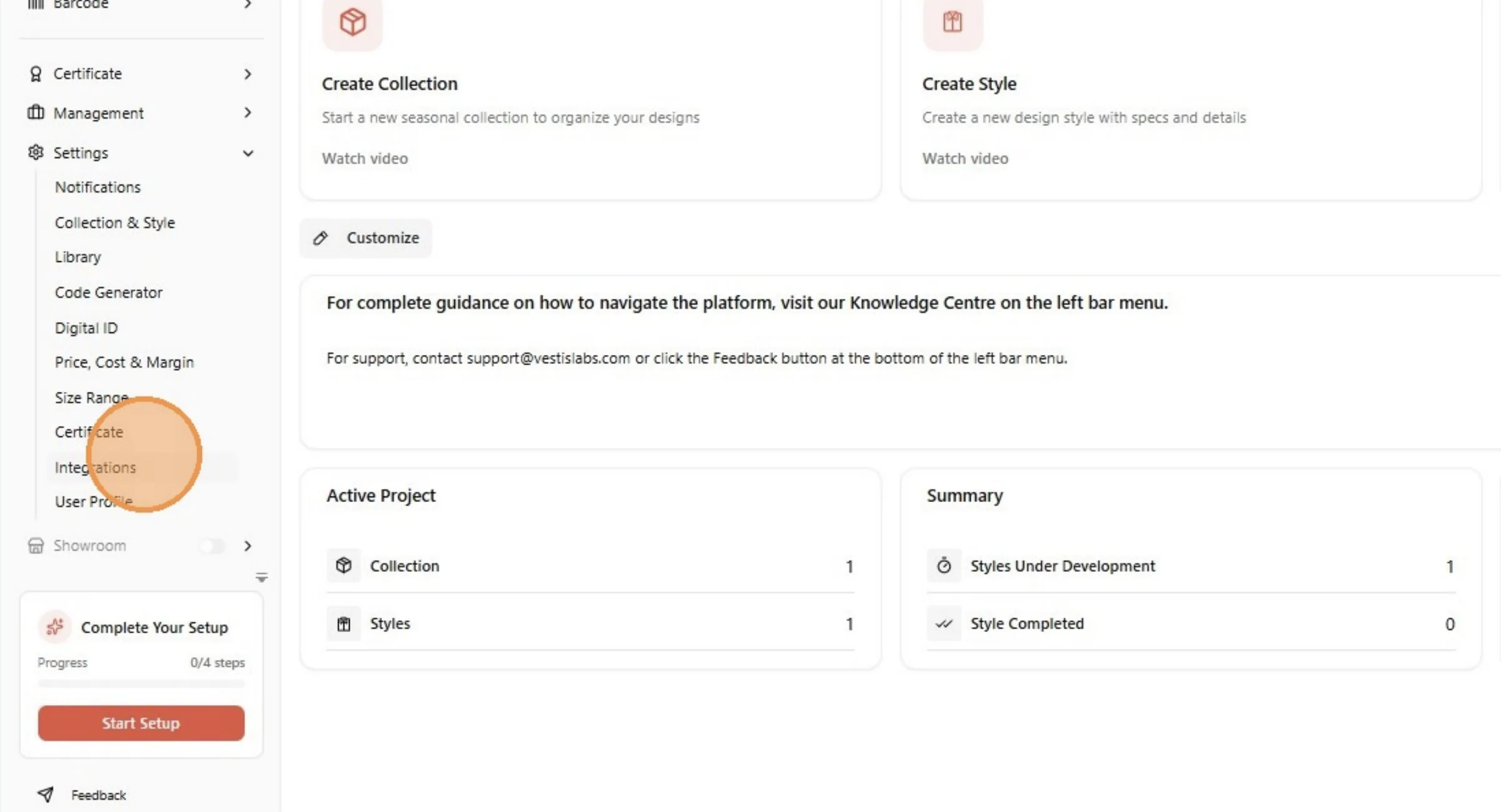
Click "Integrations"
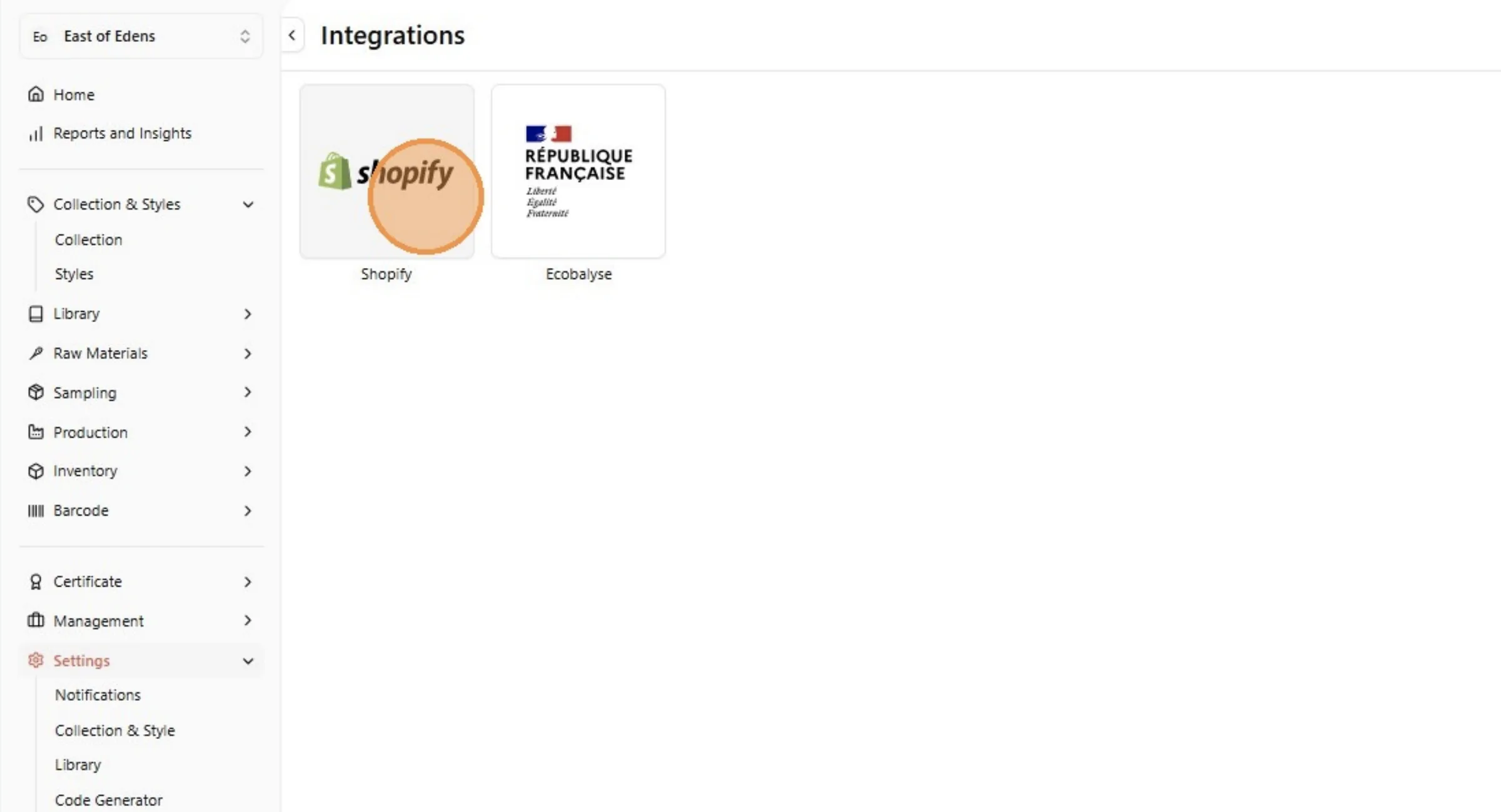
From this page, user need to access Shopify integration to integrate the Brand with Shopify. Click the Shopify image.
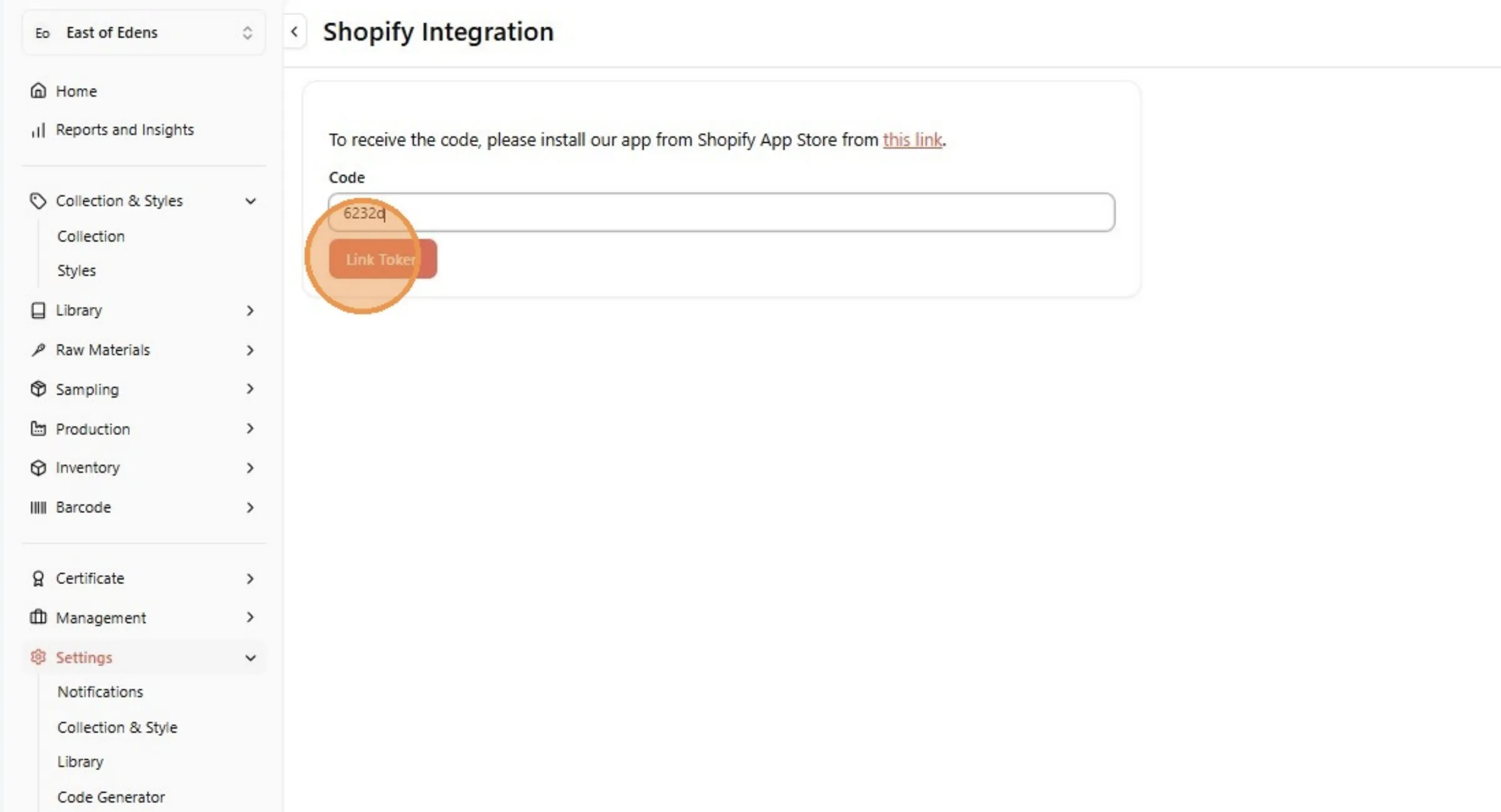
Click the code field. Enter the 5-character code you've received on email.
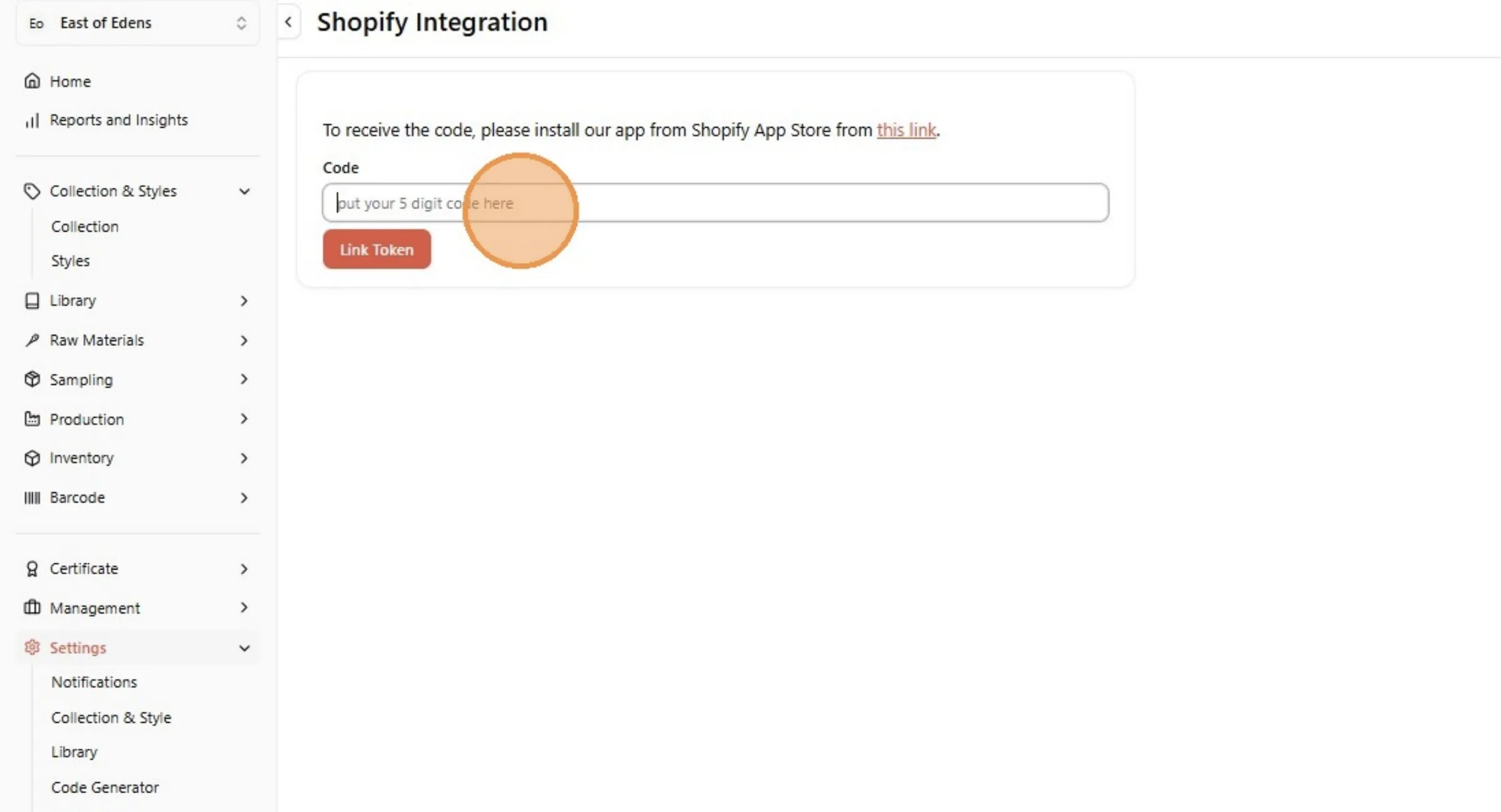
Click "Link Token"
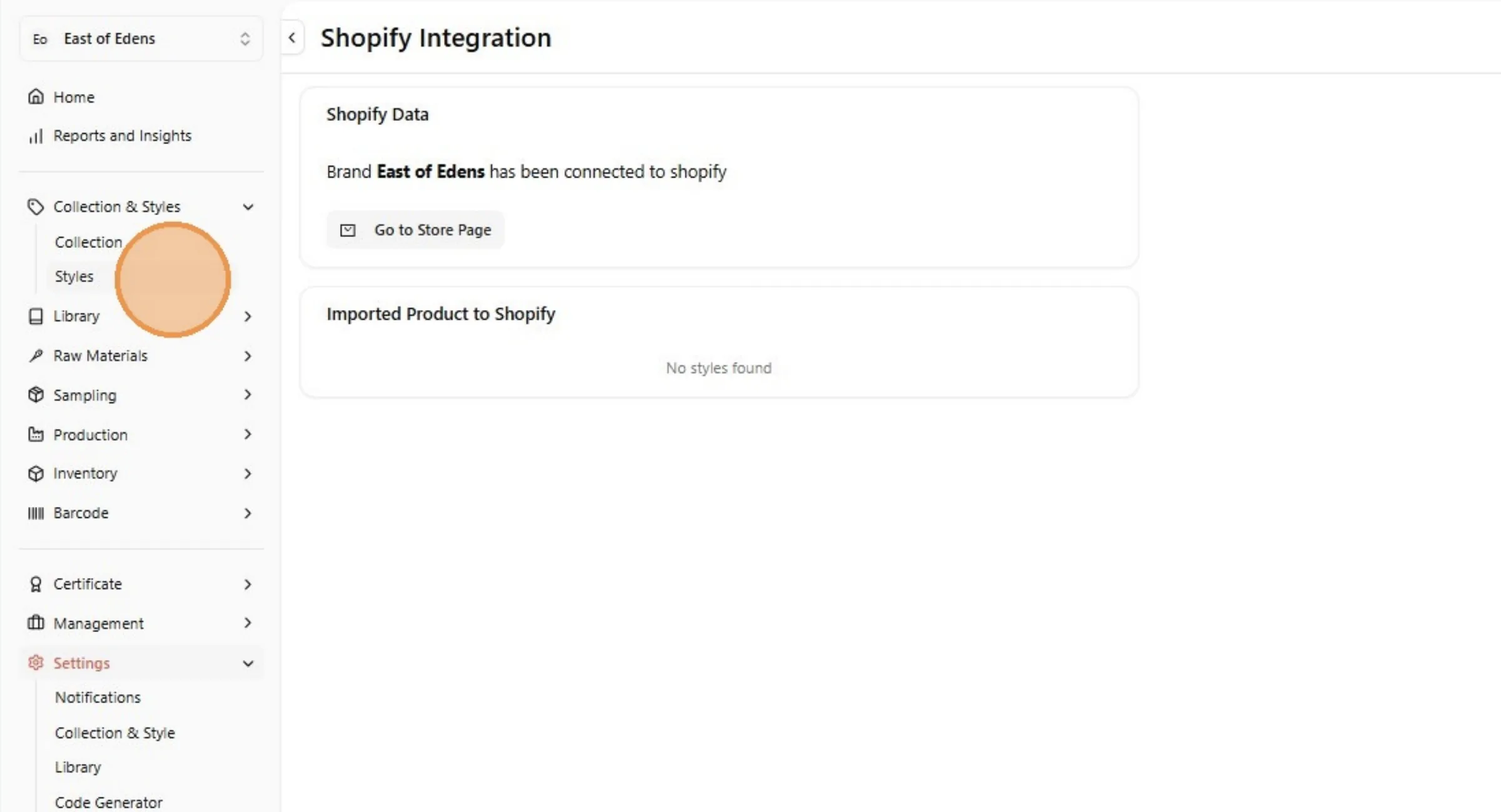
From the Shopify Integration page, Click "Styles" to view the Style page.