
Step 5 of 13 in Place and track a production order
Request supplier confirmation
Ask the supplier to confirm the current production milestone of an order, and record whether they confirmed or need a later ex-factory date.
Use Confirm with supplier to ask the supplier of a production order to confirm the current production milestone, and later to record how they answered. The request and the answer are kept on the order.
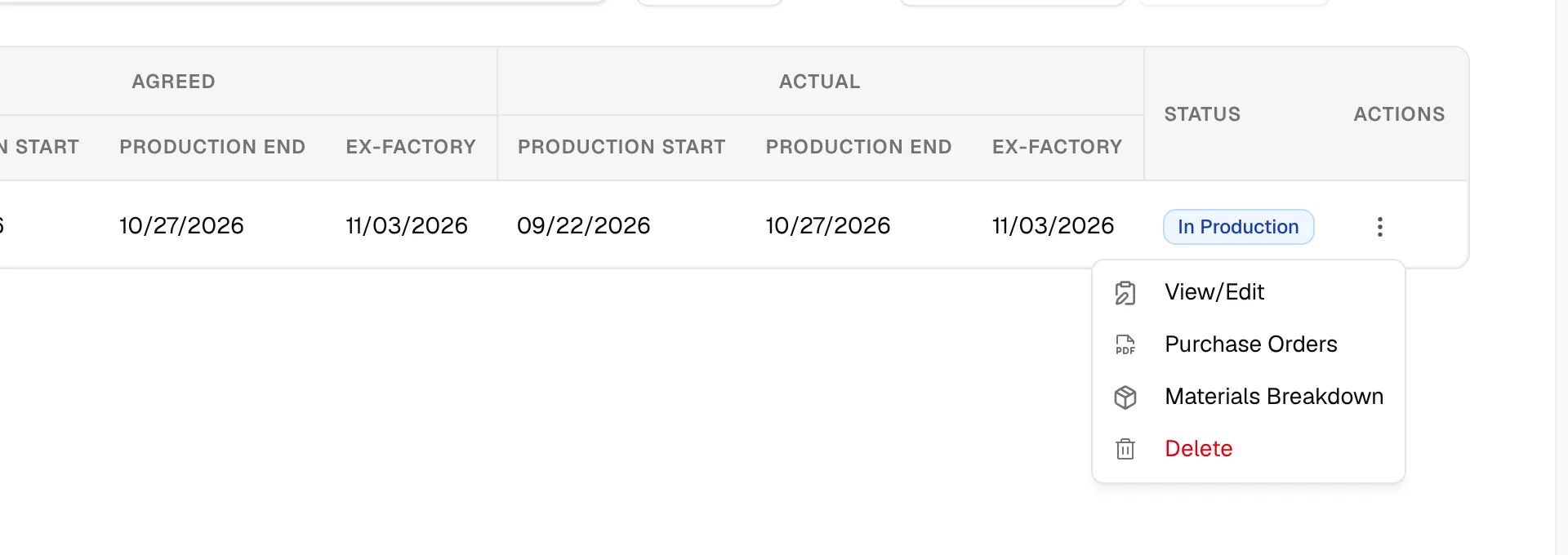
ProductionOrder Managementthree-dot menuView/EditConfirm with supplier
Permission: UPDATE_BRAND_PRODUCTION
Before you start
- You need the Update production permission.
- The same button opens two different dialogs: Request supplier confirmation while no request is open, and Record supplier response while a request is waiting for an answer.
Request a confirmation
Open the order
On the Production Orders page, select the three-dot action button on the order's row and click View/Edit.
Click "Confirm with supplier"
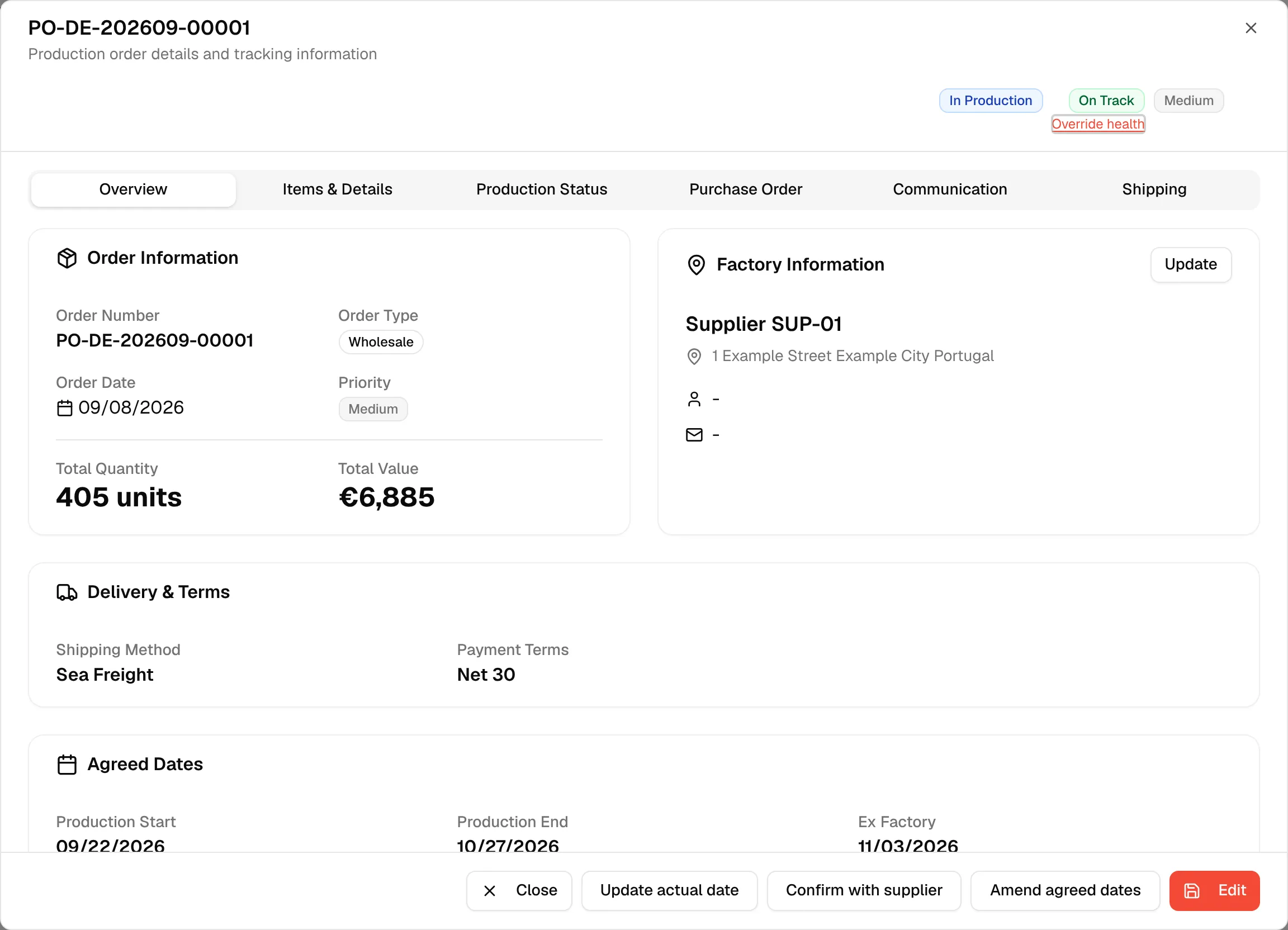
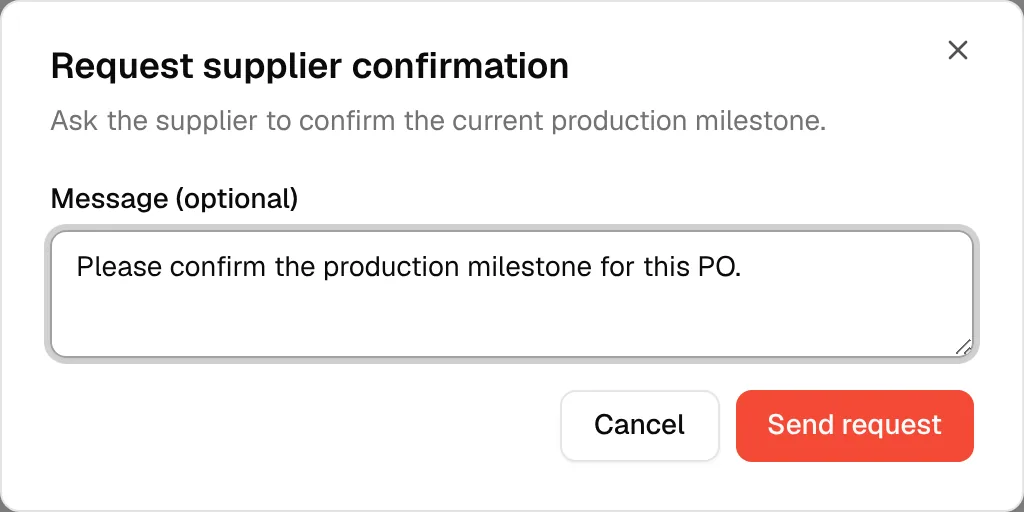
Click Confirm with supplier at the bottom of the order dialog. The Request supplier confirmation dialog opens: "Ask the supplier to confirm the current production milestone."
Write a message (optional)
Type a message in Message (optional). The field suggests "Please confirm the production milestone for this PO."
Click "Send request"
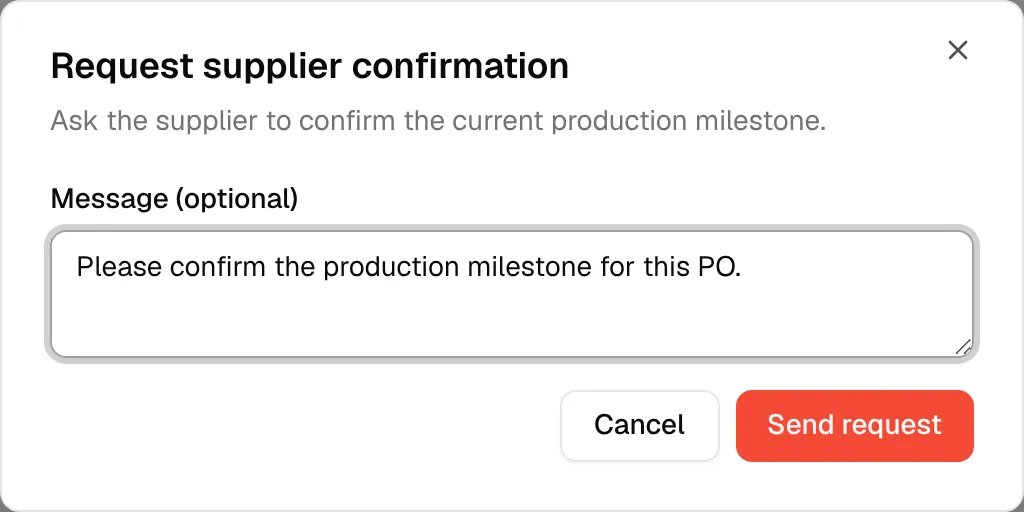
Click Send request.
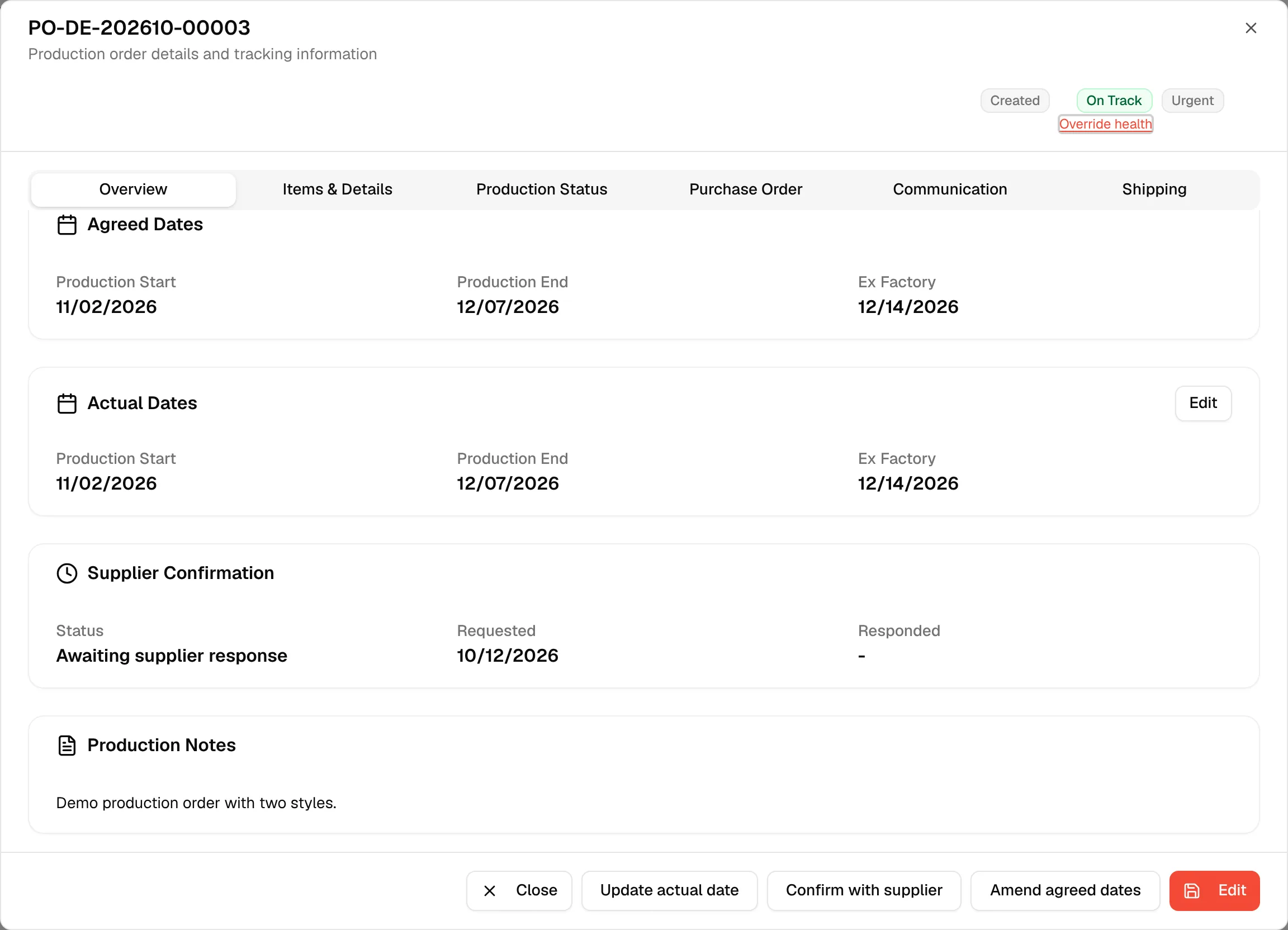
A Supplier Confirmation card now appears on the Overview tab. Its Status reads Awaiting supplier response, and Requested shows the date.
Record the supplier's answer
Click "Confirm with supplier" again
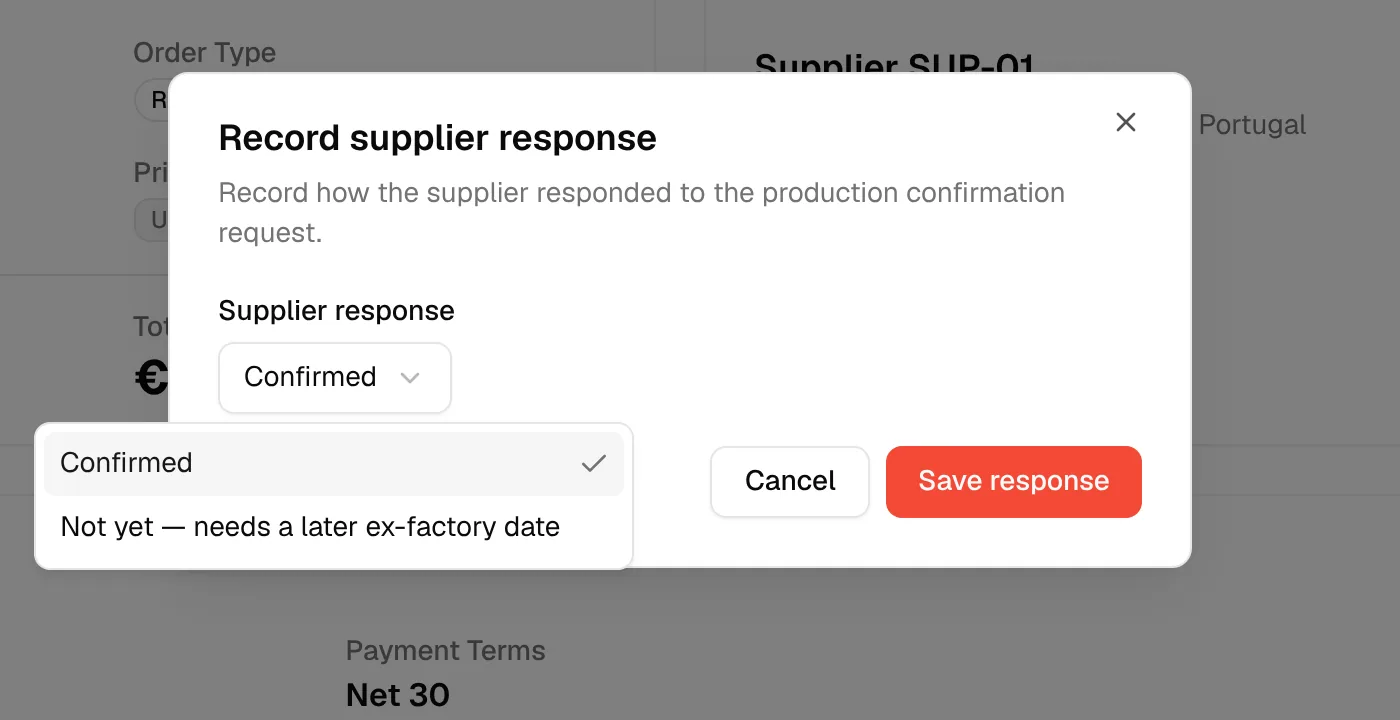
While the request is waiting for an answer, the button opens the Record supplier response dialog: "Record how the supplier responded to the production confirmation request."
Select the supplier's response
In Supplier response, select Confirmed, or Not yet — needs a later ex-factory date.
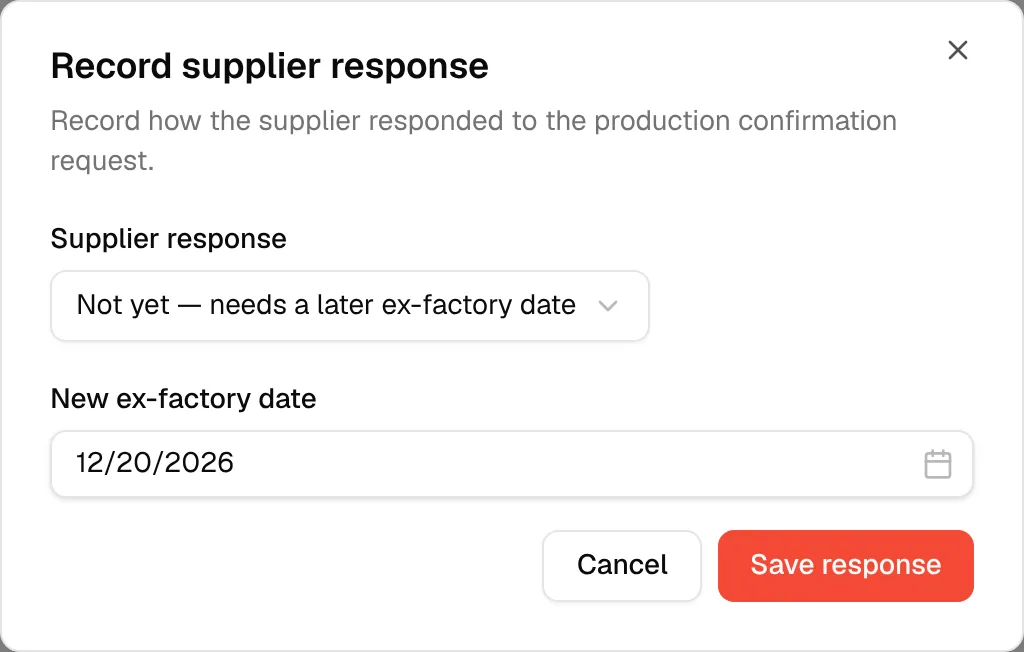
Enter the new ex-factory date
If you selected Not yet — needs a later ex-factory date, pick the supplier's New ex-factory date. It is required for this answer.
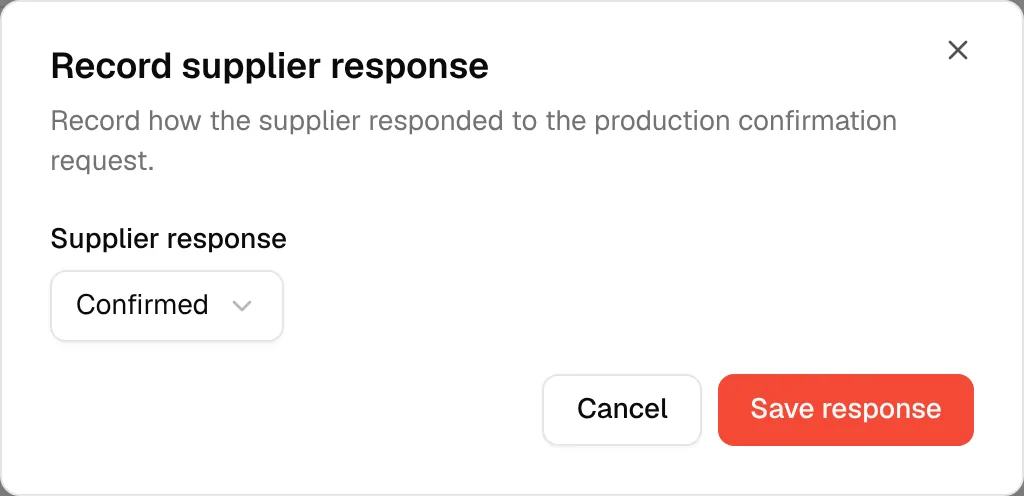
Click "Save response"
Click Save response.
The Supplier Confirmation card now shows the answer:
- Supplier confirmed – The supplier confirmed.
- Supplier needs a later ex-factory date – The card also shows New ex-factory (from supplier).
Responded shows the date of the answer.
Note
A later ex-factory date confirmed by the supplier can turn the production health of the order to Delayed. To change the plan itself, amend the agreed dates.