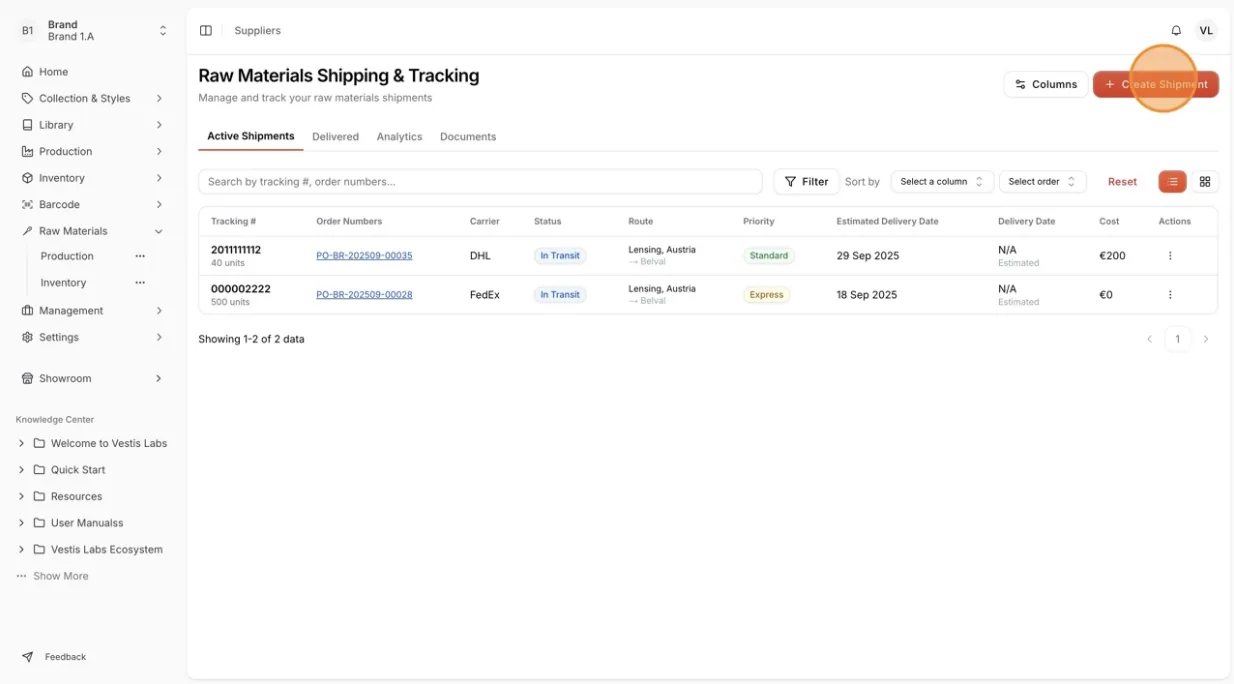
Shipping and tracking of the raw material production orders
Users can manage shipping details and track the delivery status of raw material production orders to ensure timely and accurate shipment updates.
Under review. This page is published while we check it against the live app, so some details may have changed.
Screenshots may be out of date.
Materials Production & InventoryProductionShipping & Tracking
Permission: VIEW_MATERIAL_PRODUCTION
On the Raw Material Shipping and Tracking page, there are four tabs designed to help users manage and monitor shipment activities efficiently:
- Active Shipments – View and track all ongoing shipments that are currently in transit or being processed.
- Delivered – Review completed shipments that have been successfully delivered to their destination.
- Analytics – Analyze shipment performance, shipment volume, and overall logistics efficiency.
- Documents – Access and manage shipping-related documents such as invoices, packing lists, and delivery receipts.
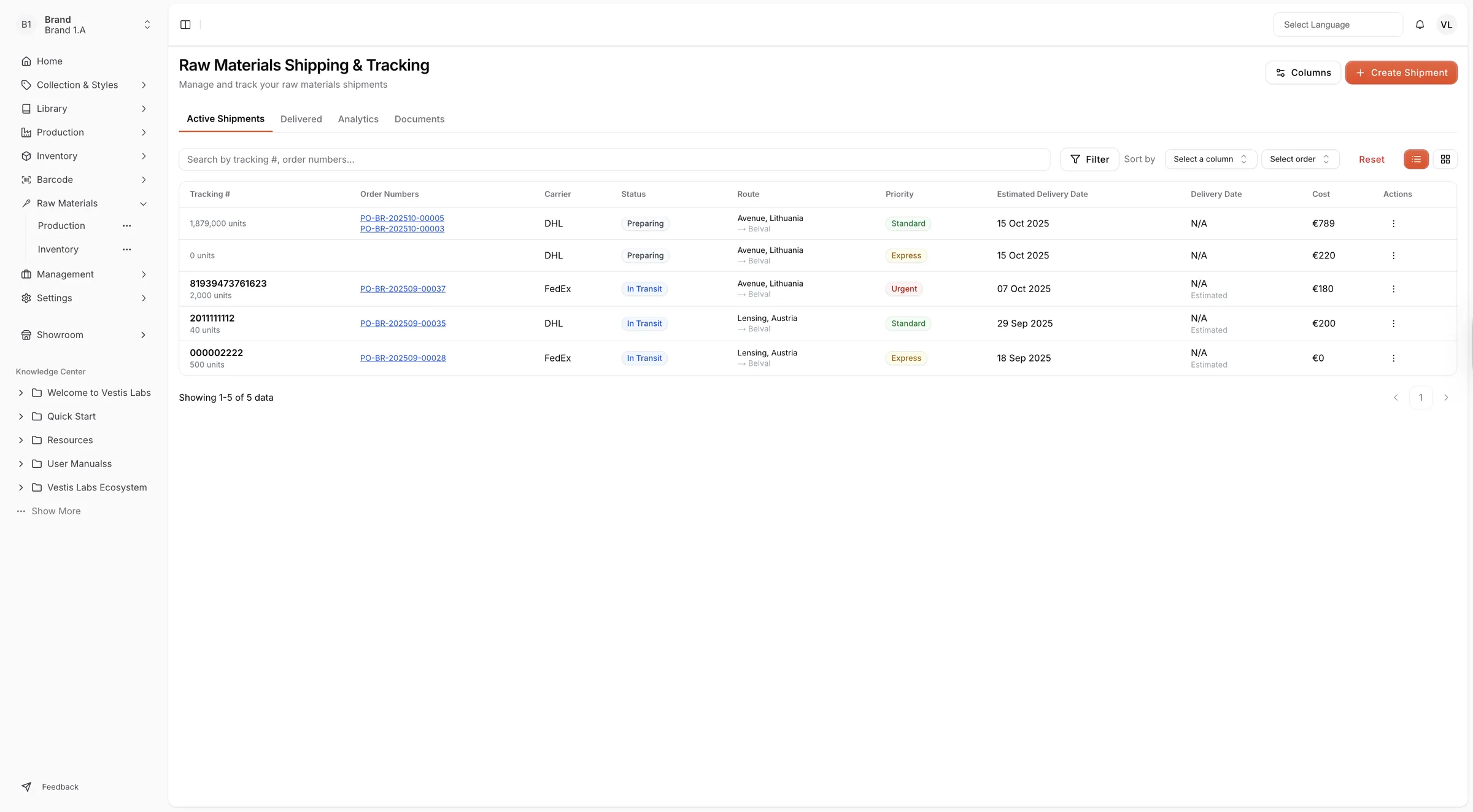
Users can also create new shipments directly from this page to manage and track the delivery process efficiently. The Create Shipment button and the Columns button (which chooses the visible table columns) at the top right are available to users with permission to update material production.