
Step 1 of 13 in Onboard your brand
Register a new account
Create your own Vestis Labs account and brand from the Register page, then activate it from the verification email.
Under review. This page is published while we check it against the live app, so some details may have changed.
The Register page lets you create a new Vestis Labs account together with your first brand, without waiting for an invitation. If you were invited by a colleague, use Register by email invitation instead.
Register
Note
Self-registration is only available while it is switched on for the platform. When it is off, the page shows Self register feature is not available at the moment and you need an invitation instead.
Register
Open the Register page
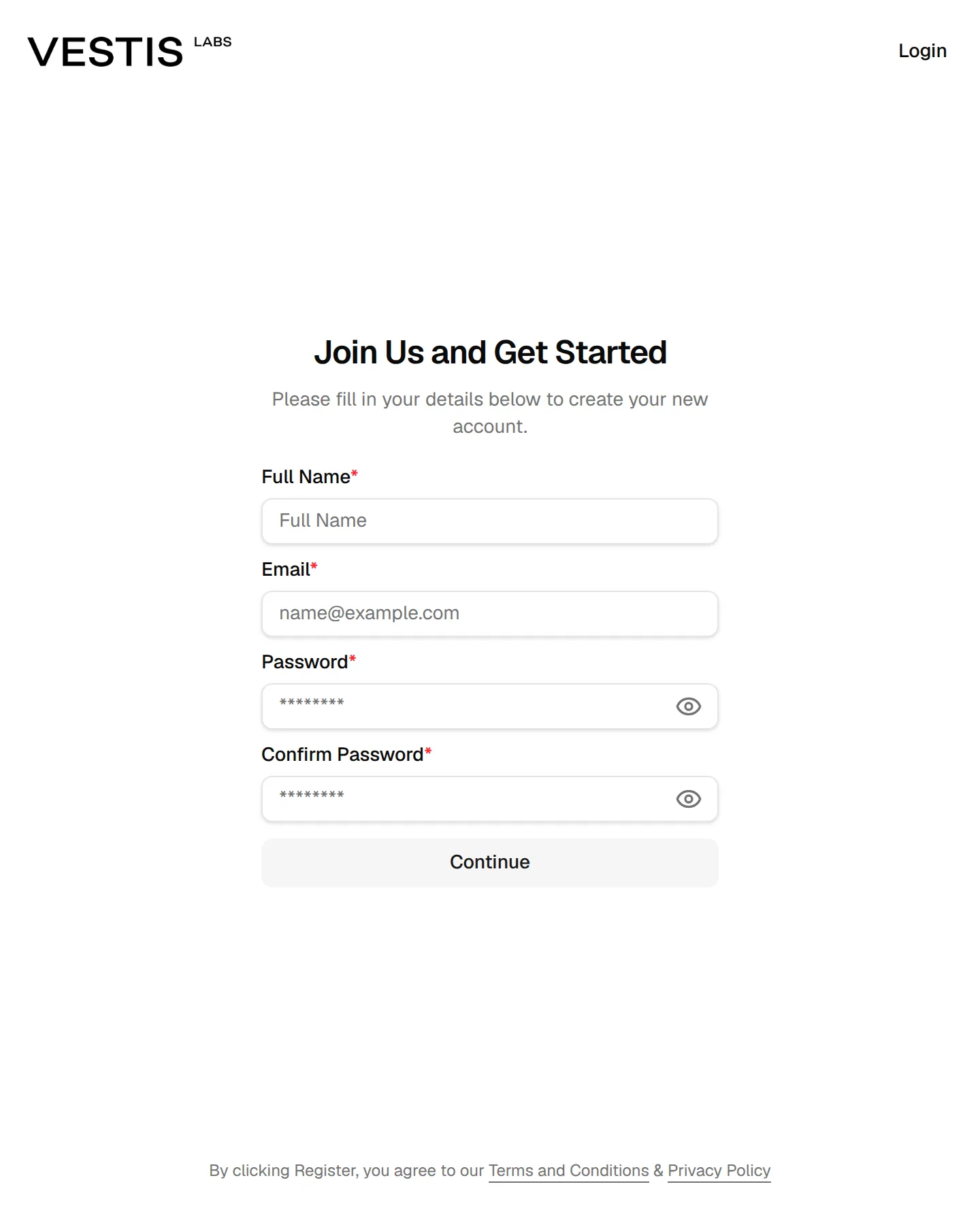
Go to the Register page. The page is titled Join Us and Get Started and asks you to fill in your details to create your new account.
Enter your details
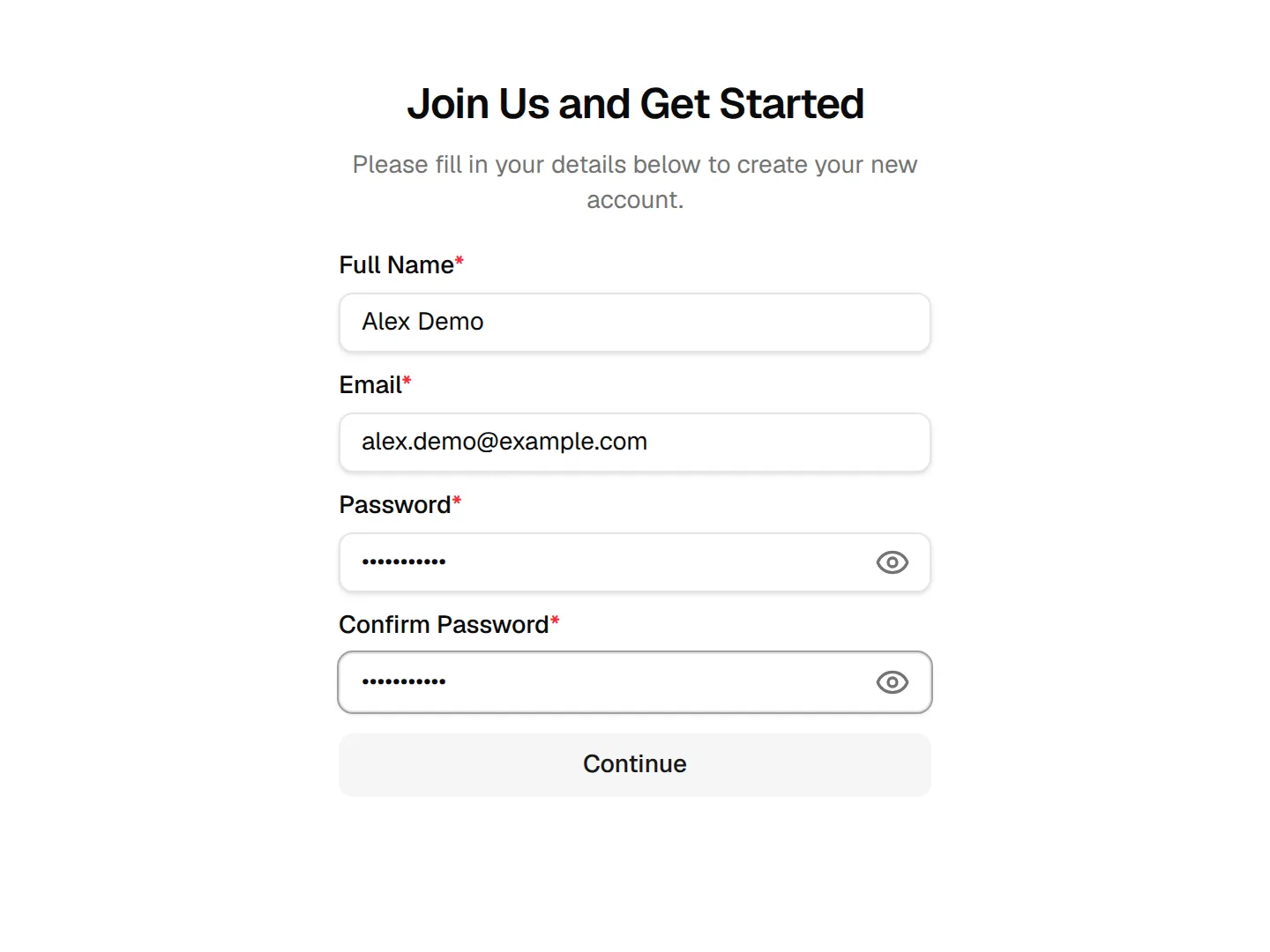
Fill in Full Name, Email, Password and Confirm Password. All four fields are required.
Tip
Click the eye icon in a password field to show or hide what you typed.
Click "Continue"
Click Continue to move to the brand step. The form checks your entries first: the email must be valid, the password needs at least 6 characters and both passwords must match.
Enter your brand details
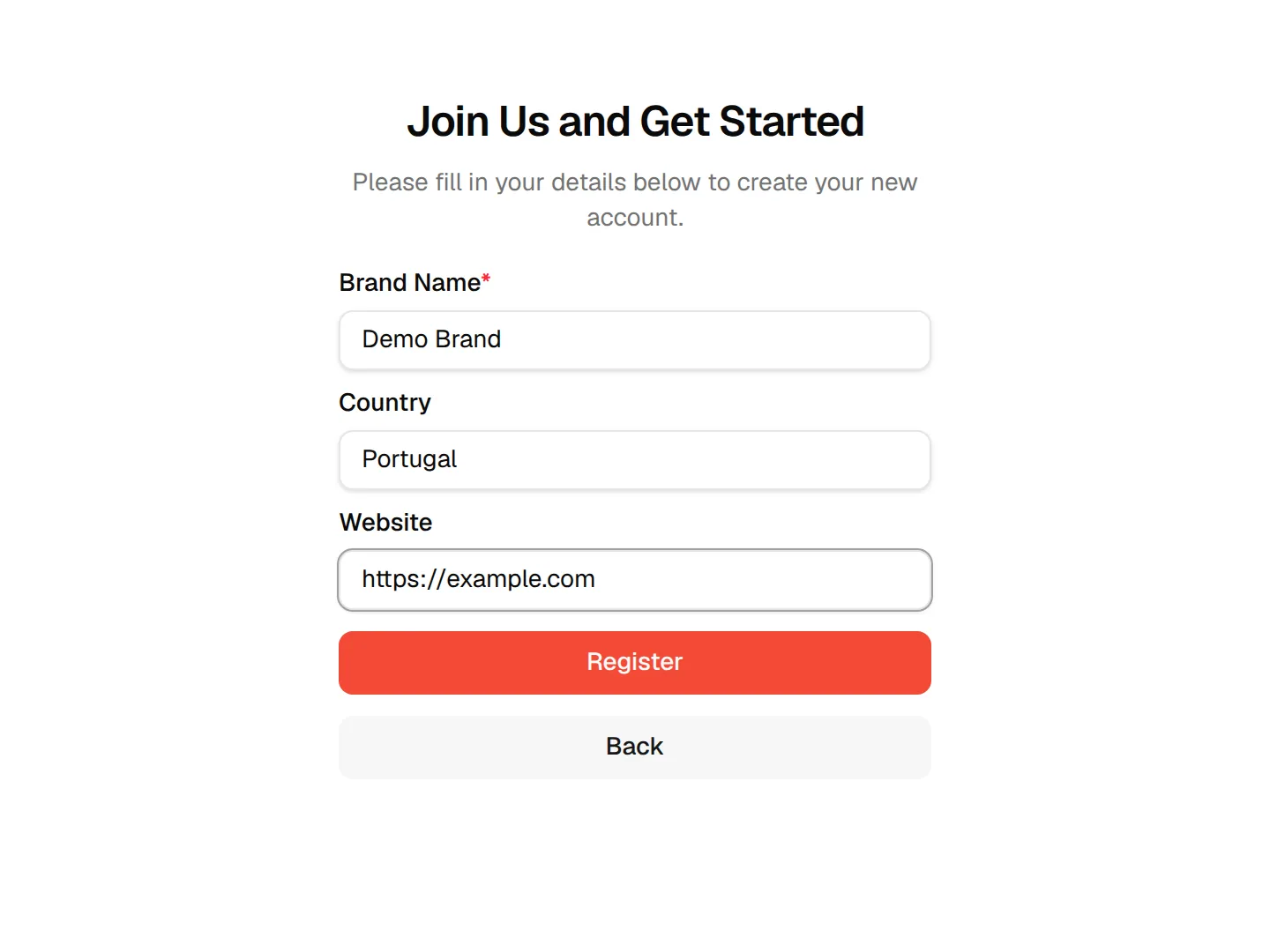
Type your Brand Name (required). Country and Website are optional.
Click "Register"
Click Register to create the account. Use Back if you need to change your personal details first.
A message confirms Registration successful! We have sent you a verification email. Please check your email to activate your account. Open the email and follow the link, as described in Confirm your email.
Already have an account?
Click Login at the top right of the Register page to go to Sign in.
Troubleshooting
I did not receive the verification email. Check your spam folder, then request a new link with Get a new activation link.