Custom page
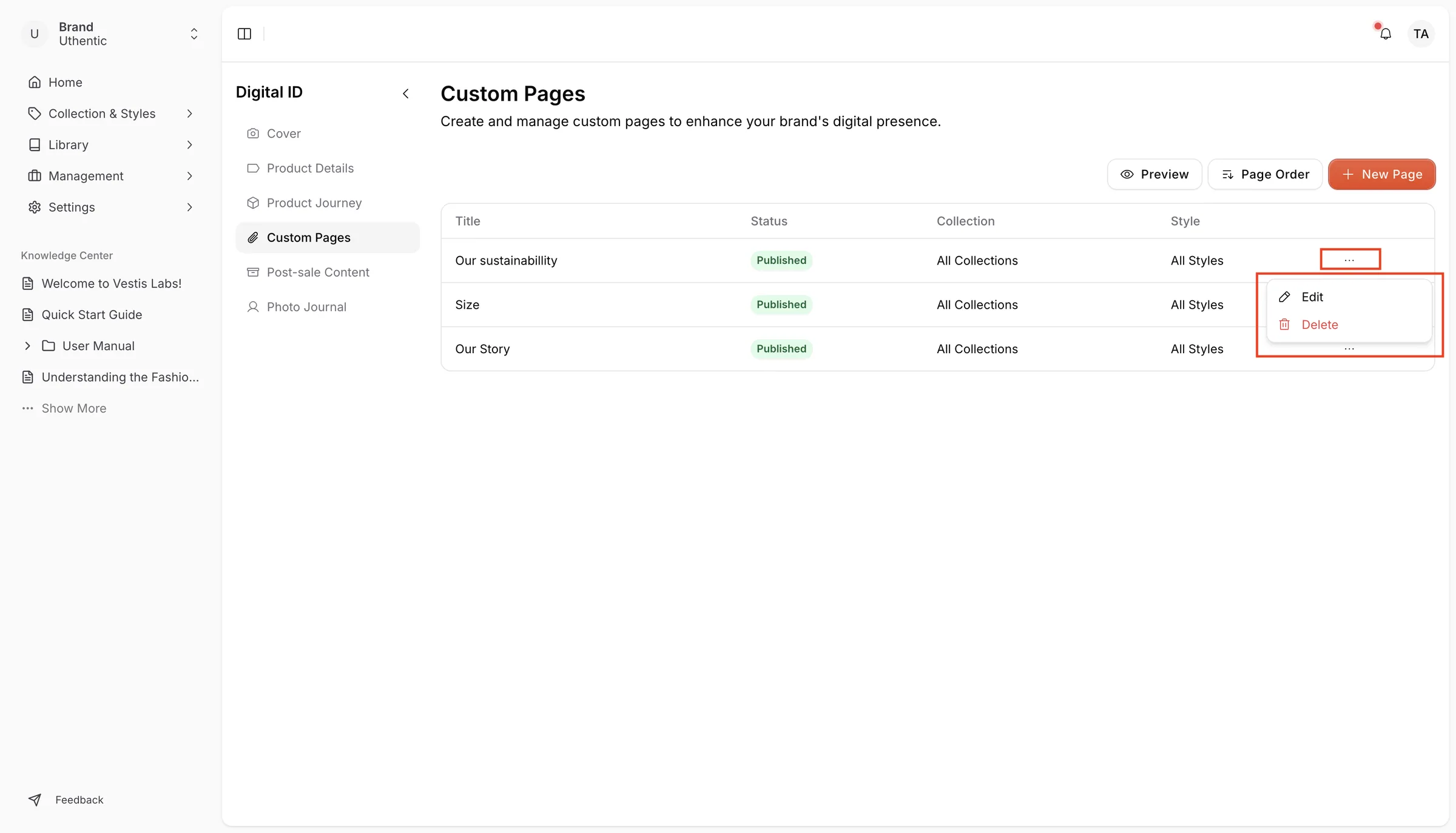
The Custom Page stores all the created Custom Pages in Vestis Labs.
Under review. This page is published while we check it against the live app, so some details may have changed.
Screenshots may be out of date.
Permission: PRE_SALE_CONTENT
SettingsDigital IDCustom Pages
The Custom Page stores all the created Custom Pages in Vestis Labs. The table shows each page's Title, Status (Published or Draft), Collection and Style. Click New Page to create one.
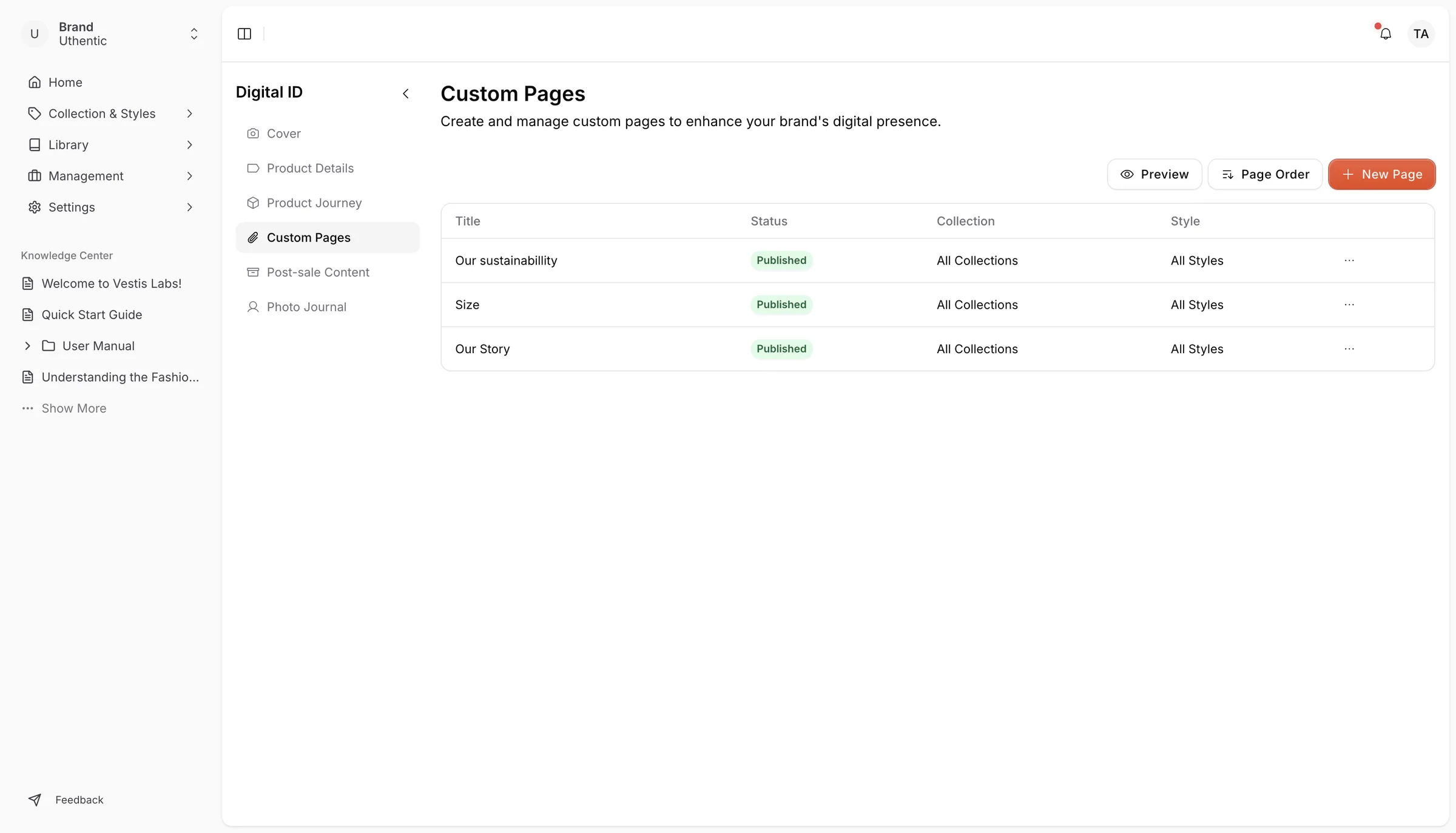
Page Order: Users can arrange and change the page in the custom page. Change page order allows users to drag and drop the pages to change the order in which they appear in the navigation.
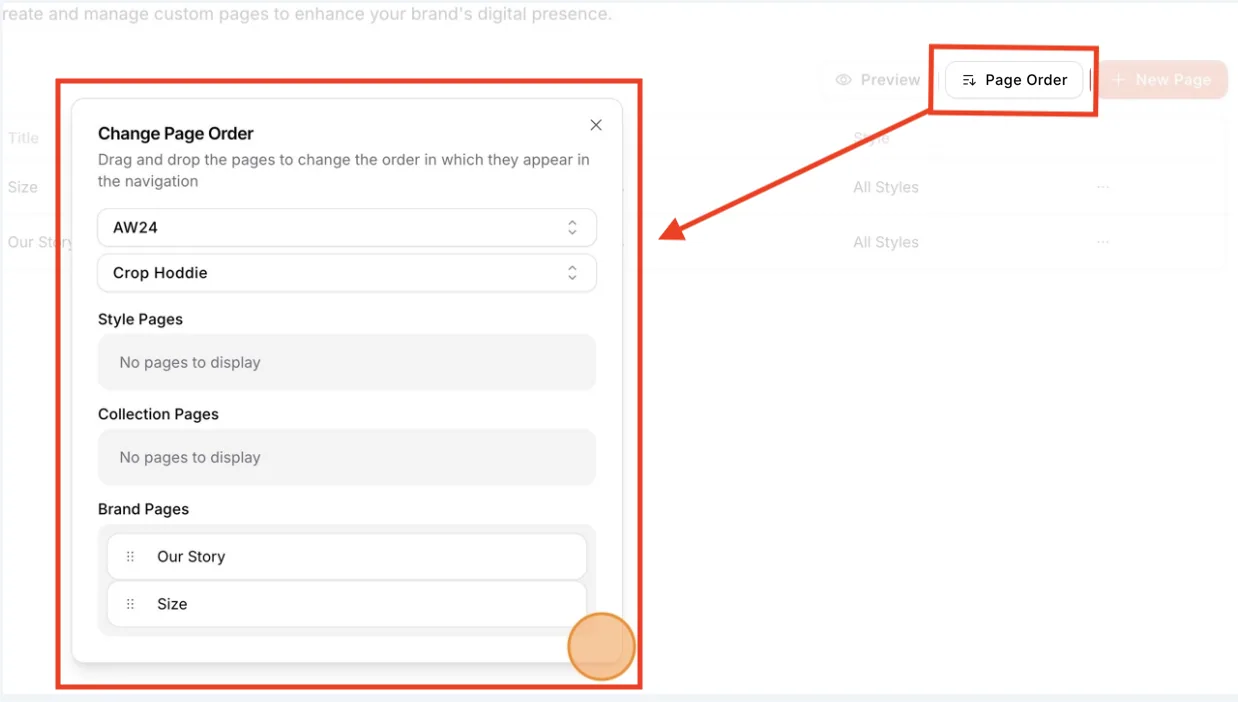
Preview: allows users to see the preview of the content from the custom page. Users can select a collection and style to simulate the custom page displayed to customers.
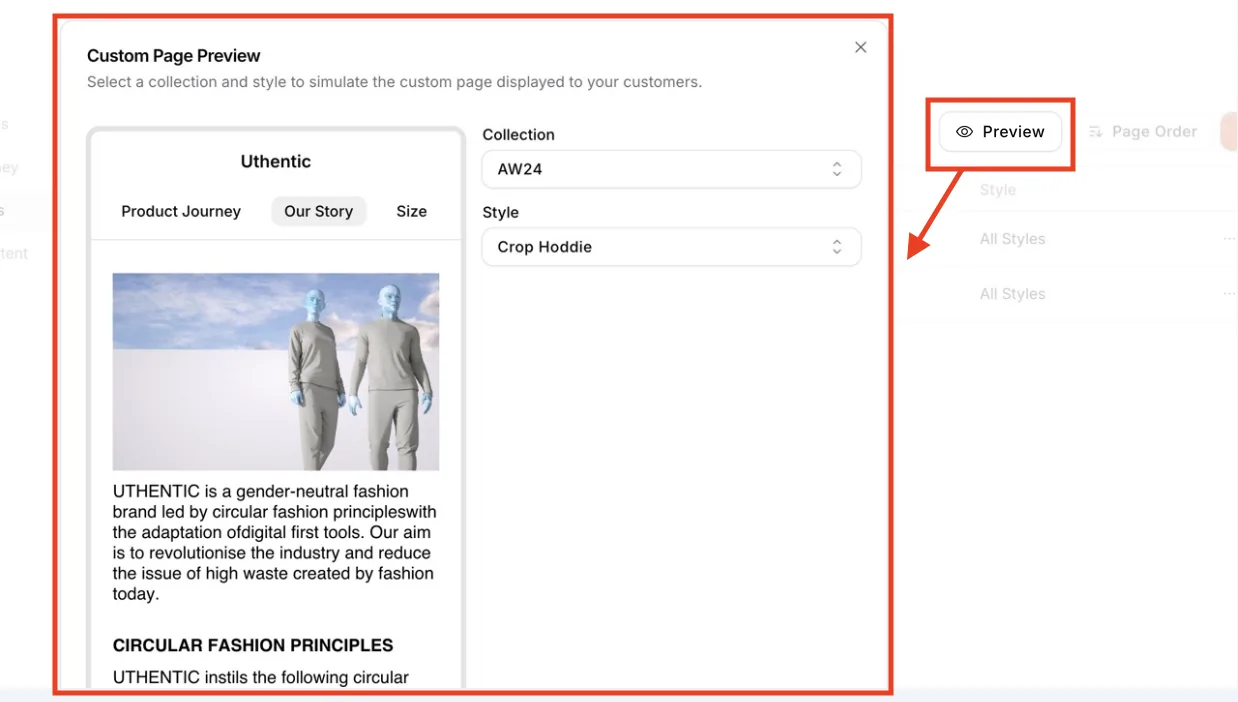
Edit and Delete: Click the pencil icon at the end of a row to open the page editor. Click the trash icon to delete the page, then confirm in the Delete Custom Page window.