
Step 2 of 13 in Onboard your brand
Confirm your email
Activate your account from the verification email and understand what each message on the confirmation page means.
Under review. This page is published while we check it against the live app, so some details may have changed.
After you register, Vestis Labs emails you a verification link. Opening the link confirms your email address, activates your account and signs you in.
Confirm your email
Open the verification email
Find the email from Vestis Labs and click the verification link in it.
Wait for the check
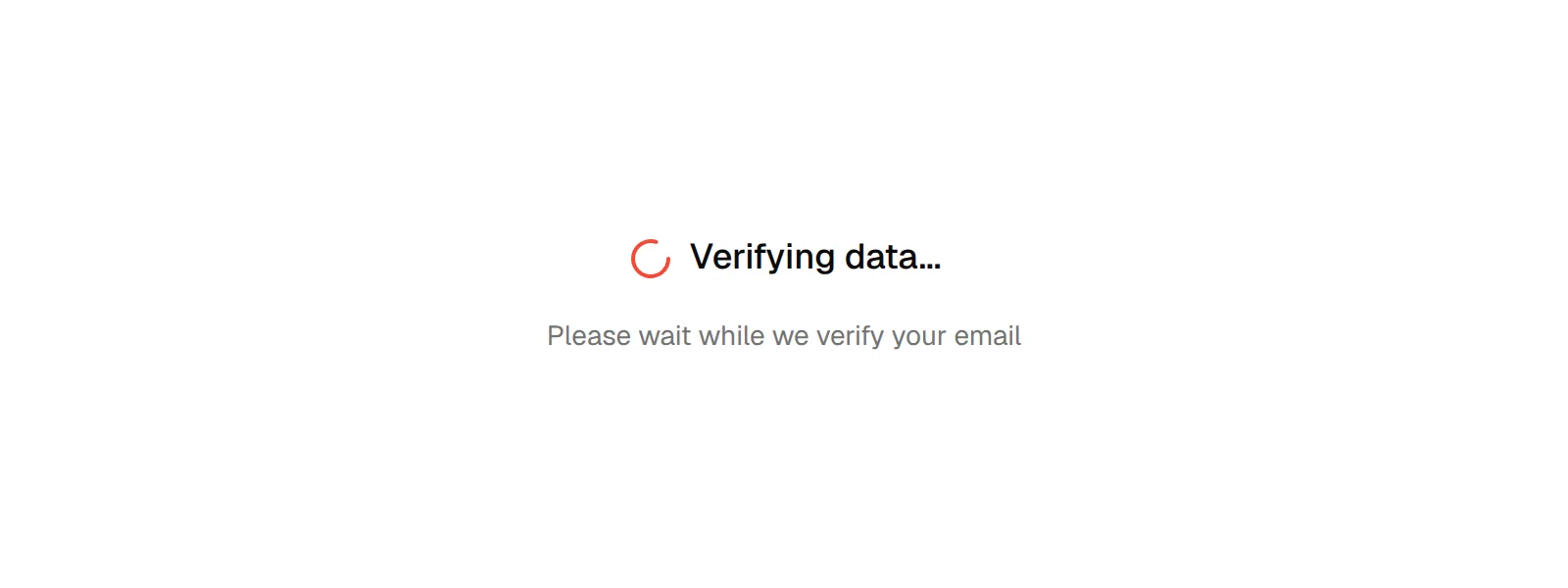
The page shows Verifying data... and Please wait while we verify your email.
See the confirmation
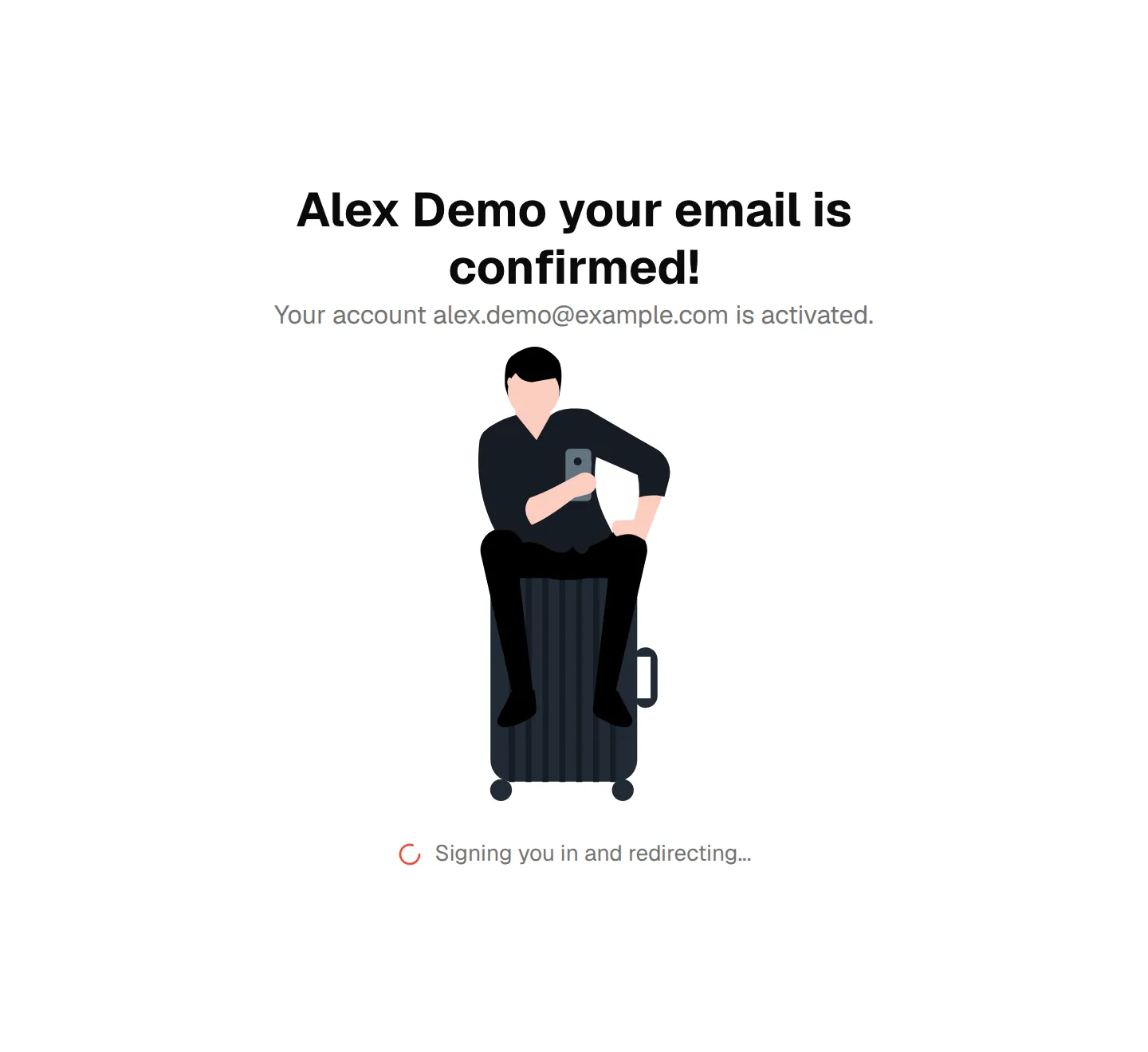
When the link is valid, the page shows your name with your email is confirmed! and Your account followed by your email address is activated.
Get signed in
The page signs you in automatically and shows Signing you in and redirecting.... If automatic sign-in fails, you are taken to the sign-in page instead; sign in with your email and password.
What the other messages mean
- This link has expired: the link is too old. Your registration email is already filled in and cannot be edited. Click Send New Link; a Verification email sent successfully message appears and you land on the resend page. Open the new email when it arrives.
- Invalid Link: the link is not valid, for example because a newer link was requested. Check your email for the latest link, or contact support at support@vestislabs.com.
- Missing Token: the page was opened without a link from the email. Open the link from your email, or use Back to Home or Back to Previous Page.
Tip
To ask for a new link yourself, see Get a new activation link.