
Get a new activation link
Request a new verification or invitation email when your activation link did not arrive or has expired.
Under review. This page is published while we check it against the live app, so some details may have changed.
If your account has not been verified, or your invitation link no longer works, you can ask for a fresh email.
Sign inresend email verification
Resend the verification email
Open the resend page
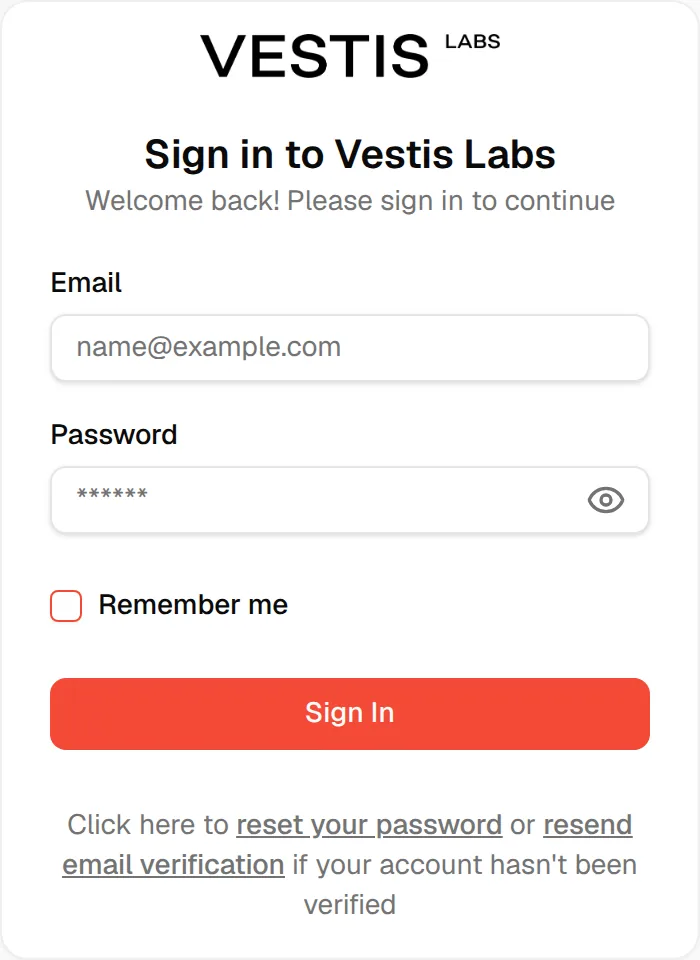
On the sign-in page, click resend email verification. The page is titled Haven't verified your email?
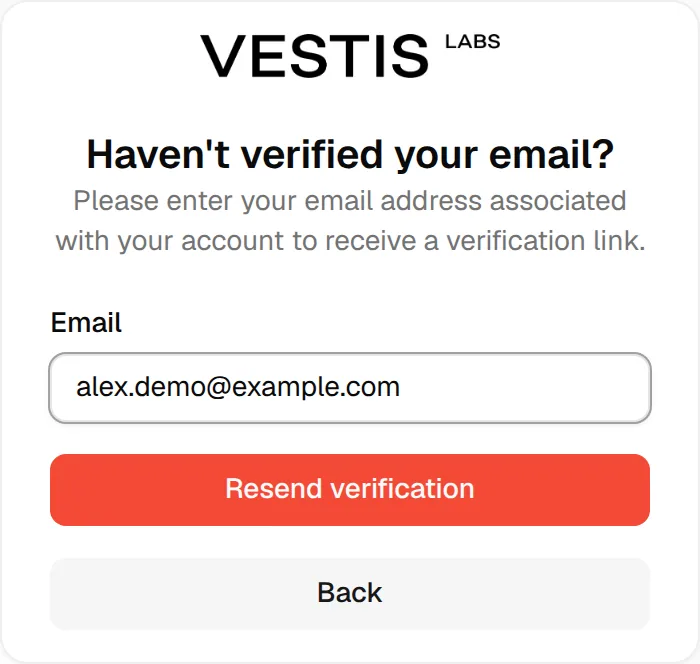
Enter your email
Type the email address associated with your account in the Email field. A message asks for a valid address if the format is wrong.
Click "Resend verification"
Click Resend verification. Click Back instead to return without sending.
The page now shows Request sent successfully and We have sent a verification email. Please check your email. Open the email and follow the link, as described in Confirm your email.
When an invitation link expires
If you open an invitation link that is too old, the page shows This link has expired with your email already filled in. Click Send New Link to request another invitation email. The Email Sent Successfully! page confirms it with We've sent a new activation link to your email address and Check your inbox. Click the activation link in the new email to complete your registration.
Note
Still stuck? Click Still need help? Contact Support on the page to email support.