
Shipment analytics
See how many shipments you have in total and how many are preparing, in transit, delivered or cancelled.
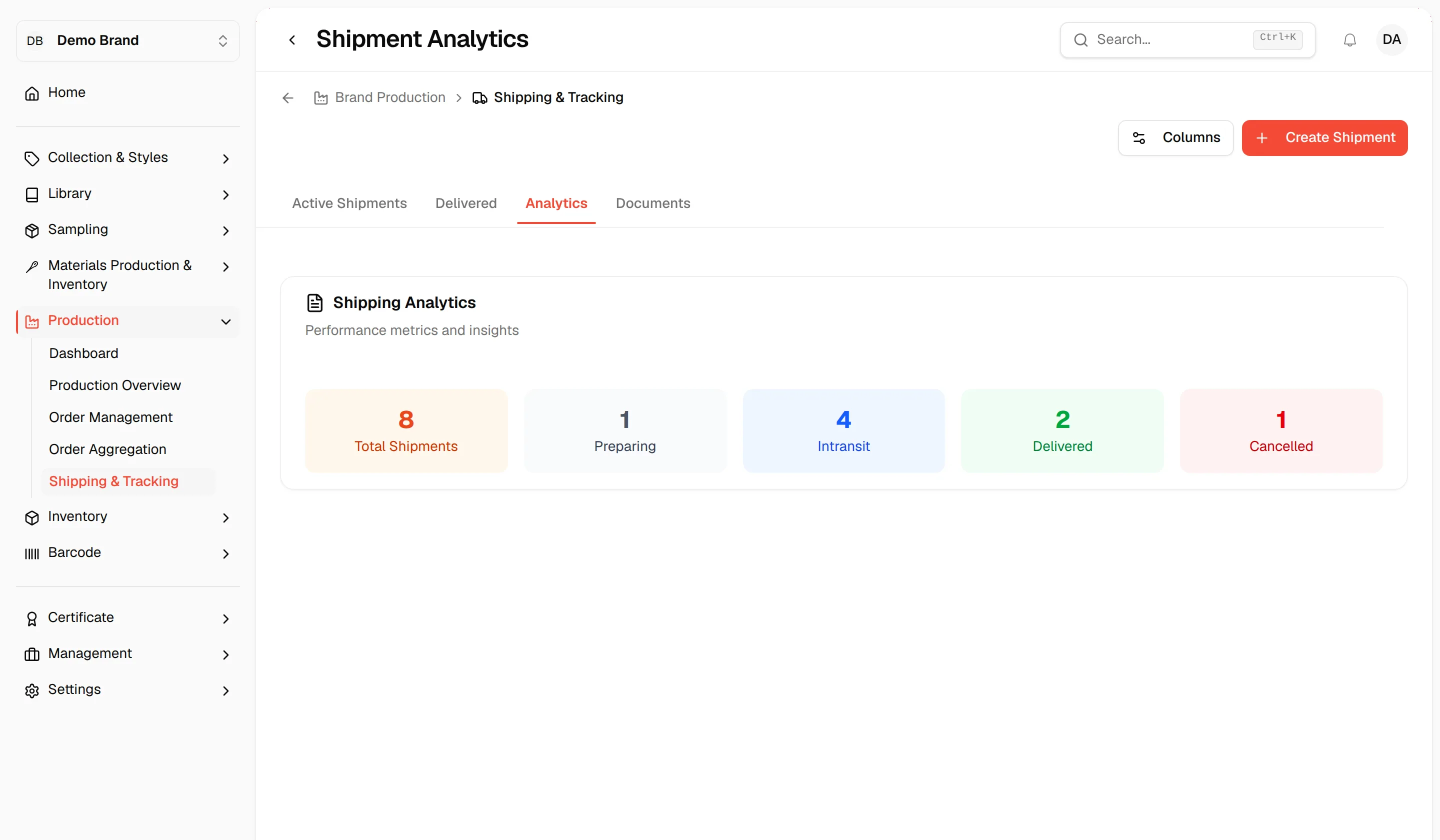
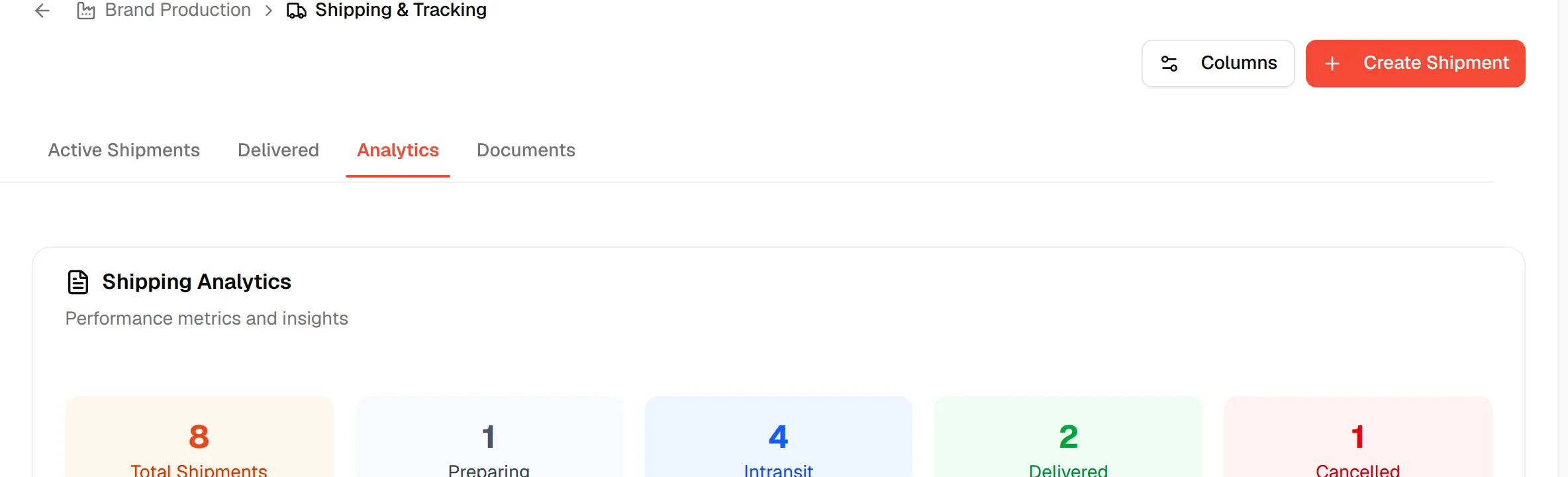
The Analytics tab of Shipping & Tracking gives you a quick count of your shipments by status. It is titled Shipping Analytics, with the description Performance metrics and insights.
ProductionShipping & TrackingAnalytics
Permission: VIEW_BRAND_PRODUCTION
Open the analytics
Open Shipping & Tracking
In the left sidebar, expand Production and click Shipping & Tracking.
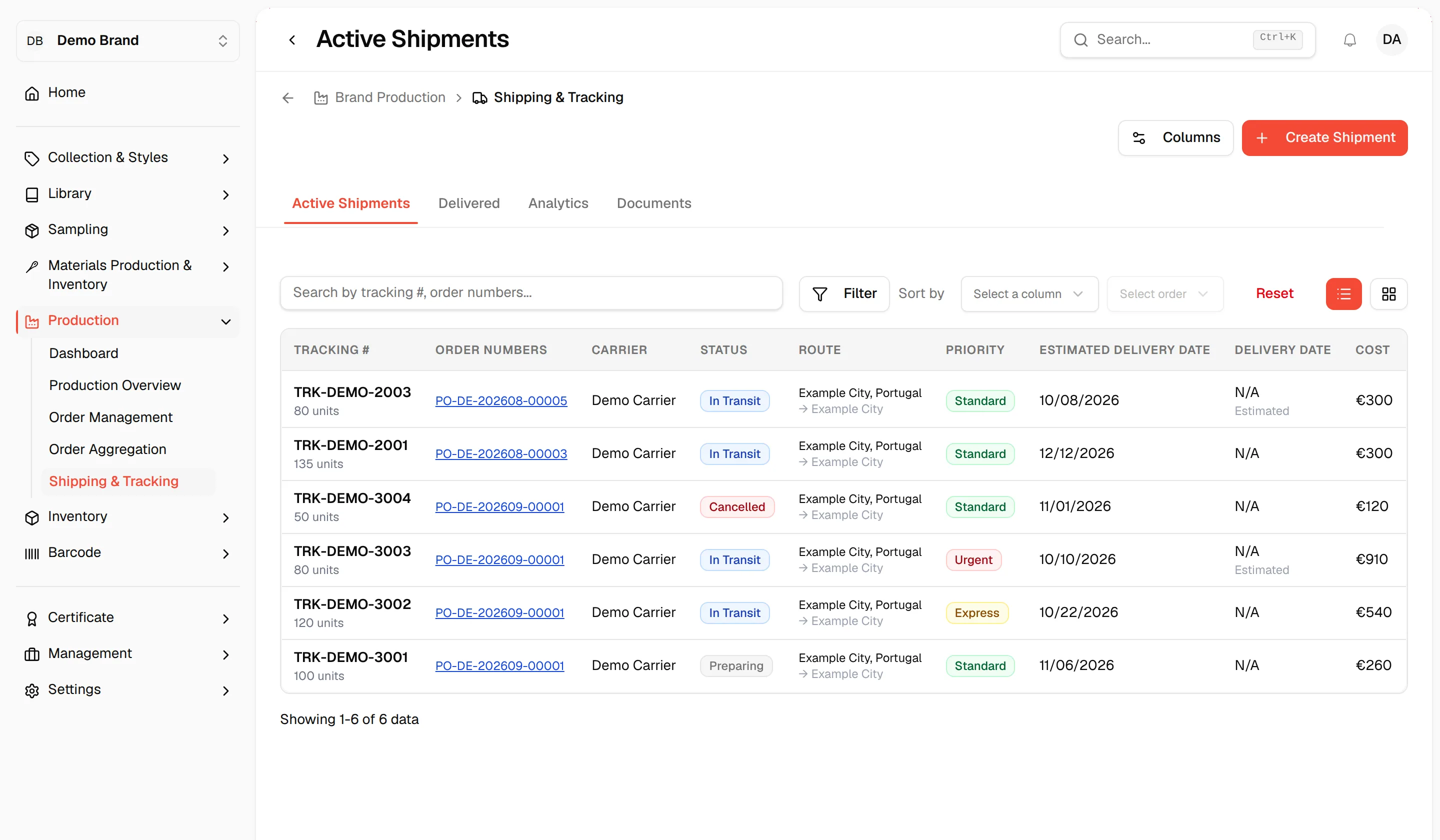
Click "Analytics"
Click the Analytics tab.
What the cards show
The page shows one card per figure, each with a count:
| Card | What it counts |
|---|---|
| Total Shipments | All shipments. |
| Preparing | Shipments being prepared. |
| In Transit | Shipments on their way. |
| Delivered | Shipments that have arrived. |
| Cancelled | Shipments that were cancelled. |
The counts update when you change a shipment's status or create or delete shipments.
Note
The cards are counts only. There are no filters or charts on this tab.