Step 2 of 12 in Stock materials and finished goods
Create raw material production order
This guide will help you create a Raw Material Production Order step by step.
Under review. This page is published while we check it against the live app, so some details may have changed.
Screenshots may be out of date.
This guide will help you create a Raw Material Production Order step by step. Please follow the instructions carefully to ensure accuracy in the order creation process.
To Sign In, go to app.vestislabs.com. Enter your registered email address and password, and then select Sign In.
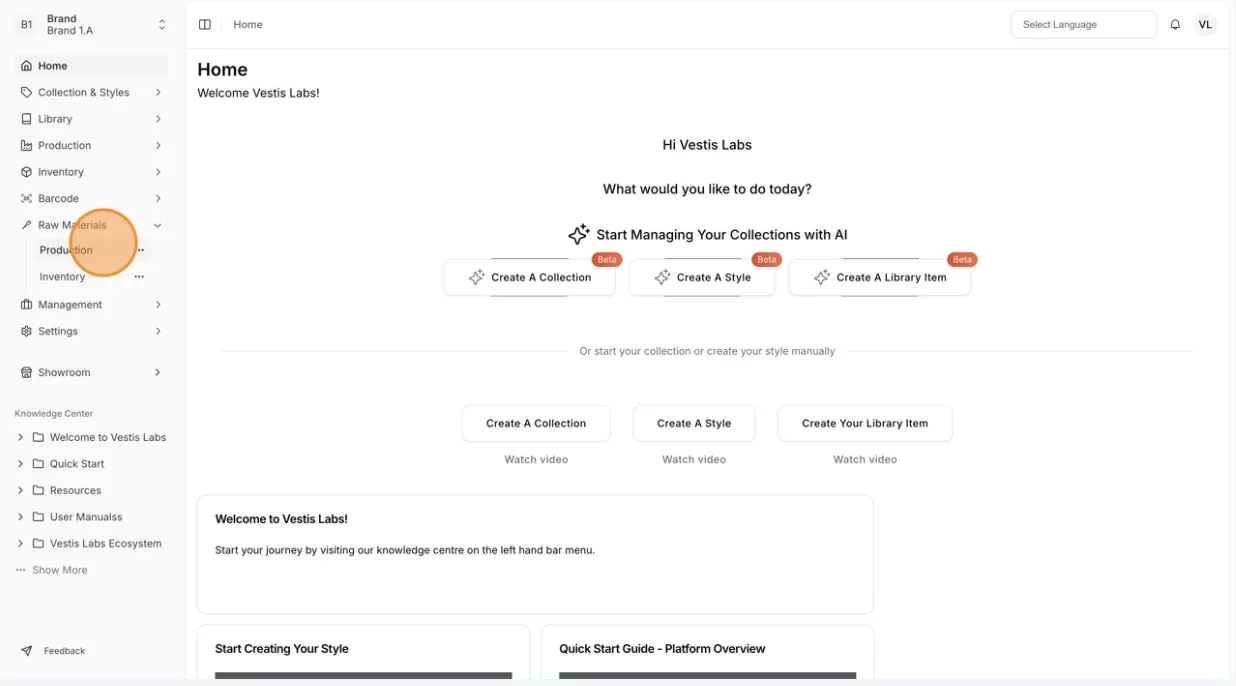
- From the left-hand menu, click Materials Production & Inventory > Production.
Materials Production & InventoryProductionDashboard
Permission: CREATE_MATERIAL_PRODUCTION
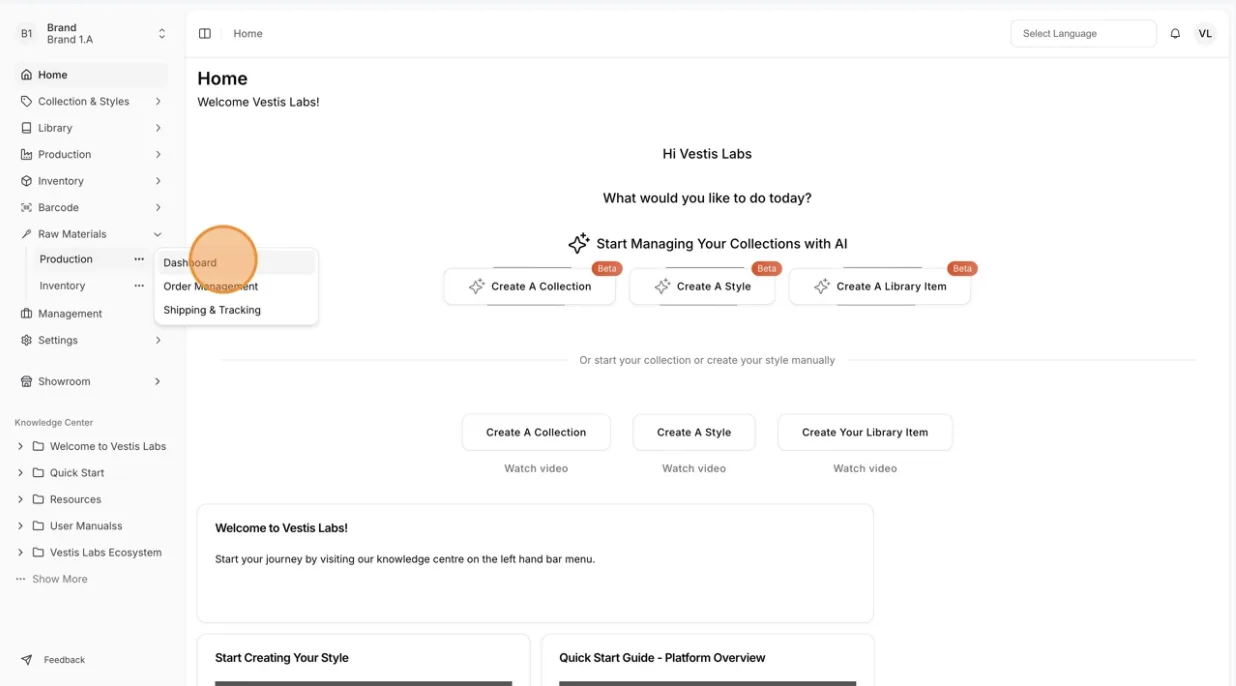
- Select Dashboard (or Order Management) under the Production section, then click Create Order.
There are four steps to create a Raw Material Order in the Create Production Order window (its tabs are Order Details, Select Products and Review & Create):
- Complete the Order Details– Fill in all required information for the raw material production order.
- Select the Raw Material Products– Choose the products from the appropriate supplier. You may select multiple products and enter the required quantities as needed.
- Review the Order Details – Carefully review all entered information, including product quantities, to ensure accuracy.
- Create the Order and Generate the PO – Once all details are confirmed, click Create Order & Generate PO to finalize the production order. You are then taken to the Order Management page, where you can open the order's Purchase Orders action.
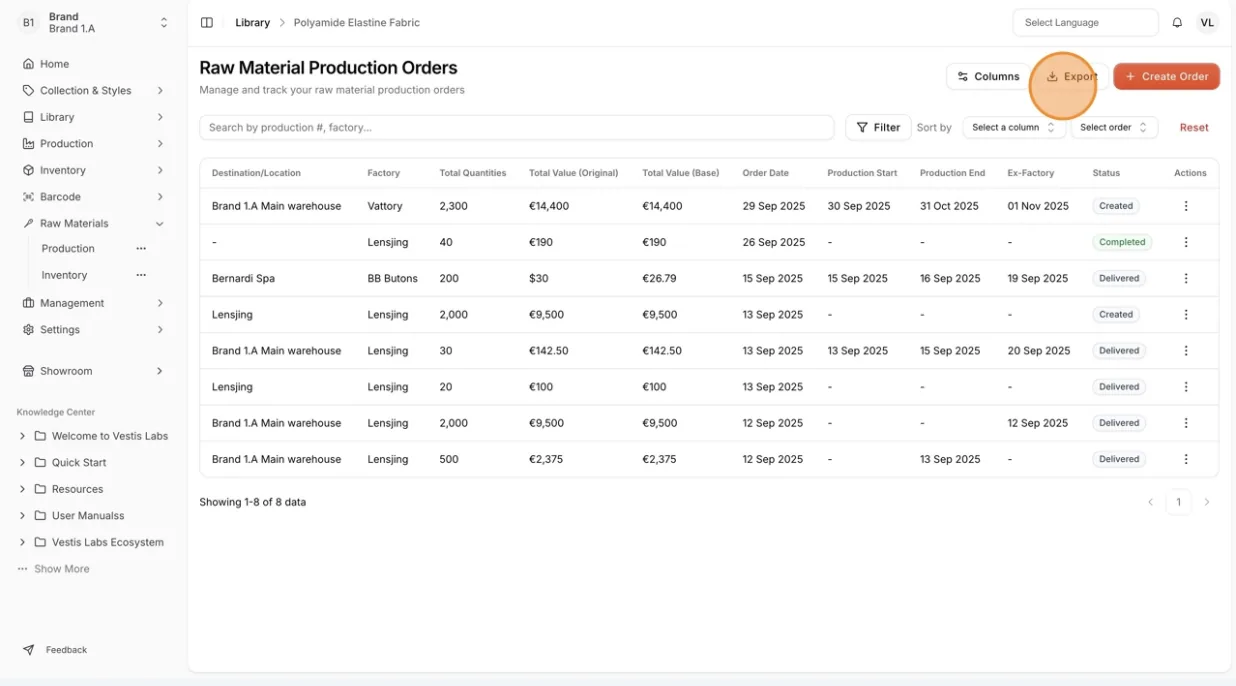
Manage all created orders through the Order List. To download the production orders in Excel format, click Export, then Export to Excel.