
Forgot password
The Forgot Password feature is designed to help users recover their accounts in case they forget their passwords.
Under review. This page is published while we check it against the live app, so some details may have changed.
Screenshots may be out of date.
The Forgot Password feature is designed to help users recover their accounts in case they forget their passwords. This feature allows users to reset their passwords by providing their registered email address.
Go to app.vestislabs.com and, below the Sign In button, click reset your password. The page is titled Forgot your password?
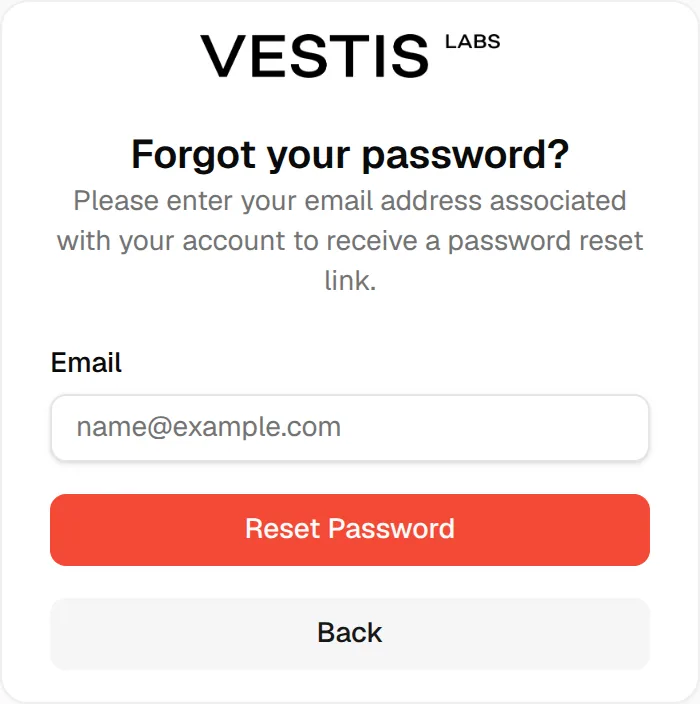
Enter the email address associated with your Vestis Labs user and select Reset Password. The page changes to Request sent successfully and says We have sent a confirmation email to your address. Check your email for additional instructions, including a link to access your account and reset your password. Click Back to return to the sign-in page.
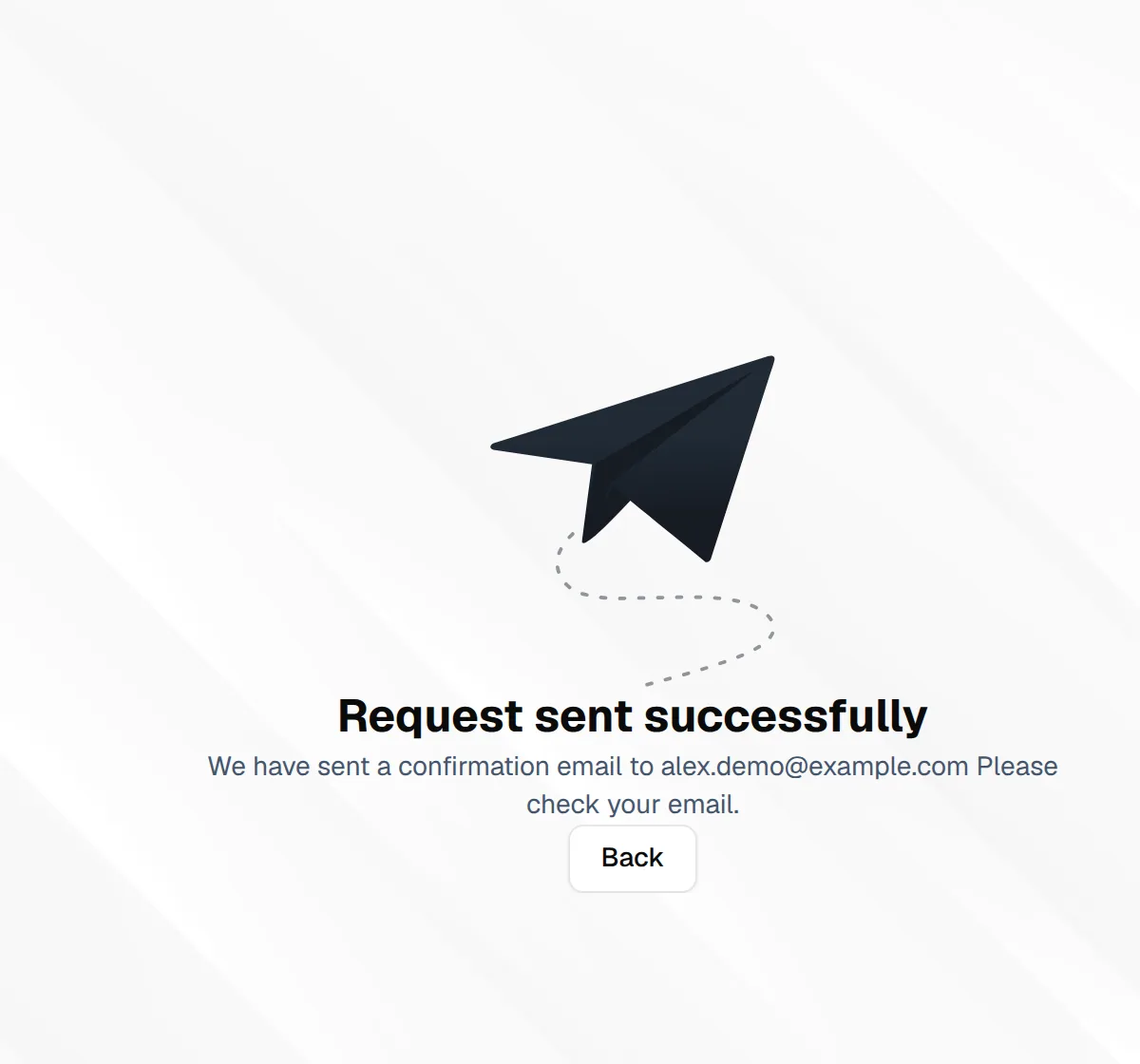
The password reset link will be sent to Users by Email and will be valid for a limited time (72 hours).
You'll receive a Reset/Change Password Link email that looks like this:
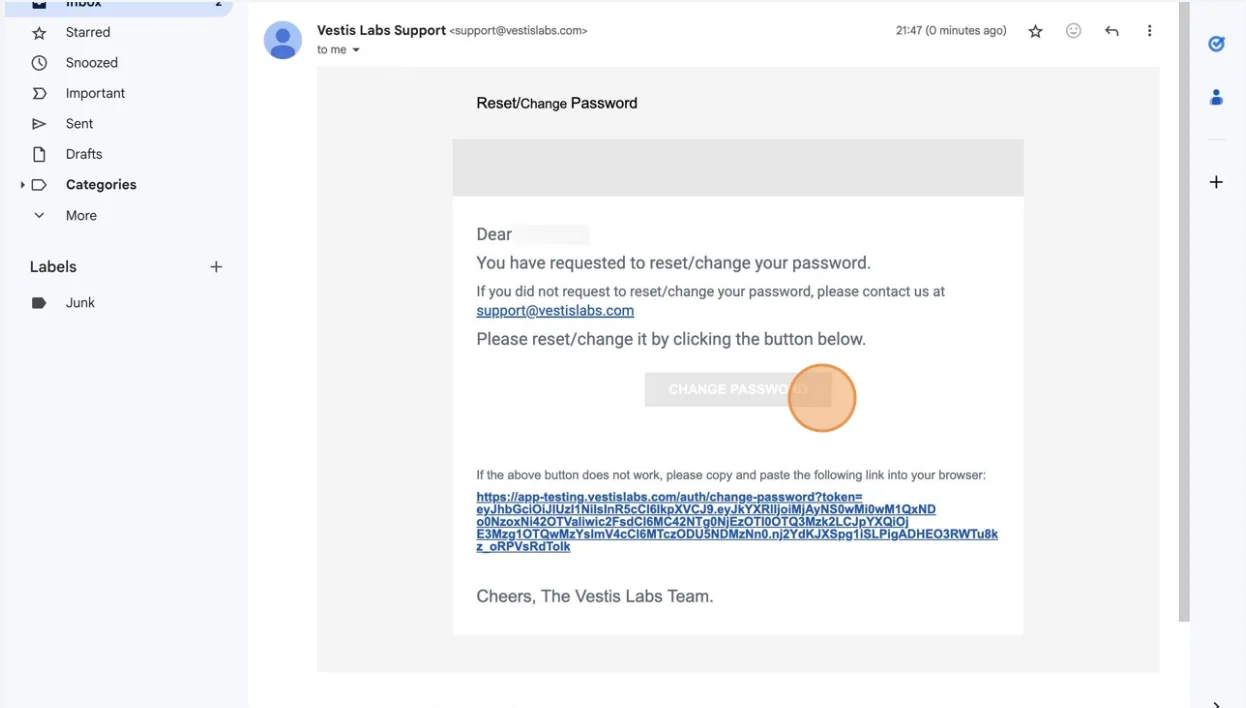
Click "Change Password" on your Email Page from Vestis Labs Support. The link to reset your password using the Email address associated with your account will direct the users to a password reset page.
Enter and confirm a new password, and then select "Change". A Password changed successfully message appears and you are taken back to sign in. The page is titled Reset Password, greets you by name and shows your email address, which cannot be edited; use the eye icon to show or hide the password you typed.
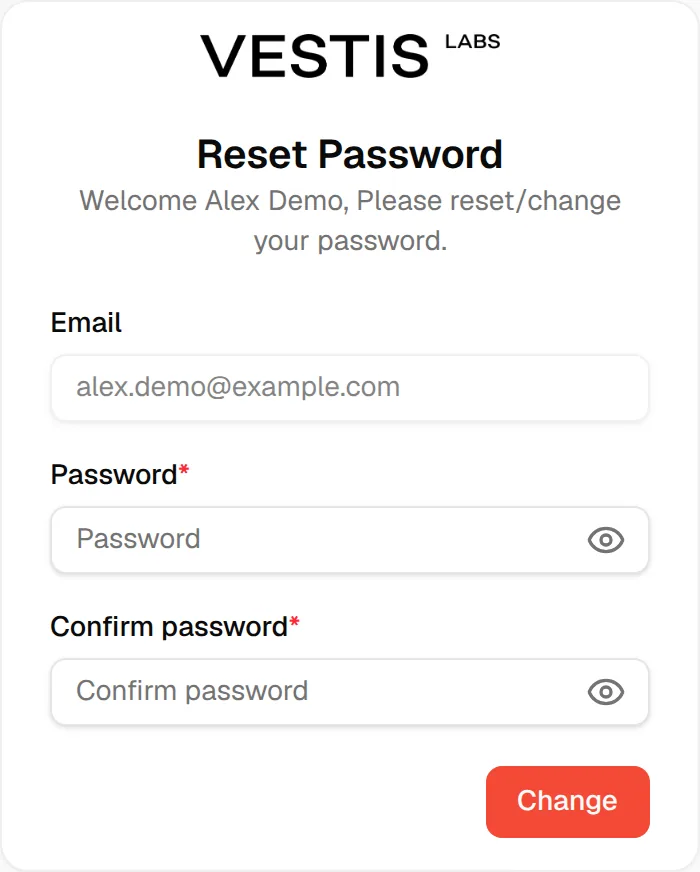
For your security, we require that all passwords meet the following criteria:
- At least 6 characters.
- Should be unique and hard to guess.
- No spaces at the beginning/end.
Choose a secure password or use a password manager to create one for you.
Note
If the two passwords differ, the form shows Passwords do not match.
If the link no longer works
If the page shows Invalid Token and The password reset link is invalid or has expired. Please request a new one., click Request New Link to go back to the Forgot your password? page and ask for another email.