Step 7 of 12 in Connect Shopify

Add another style production batches in Vestis Labs to Shopify

From the Batch Production feature, user is also able to add another batch production and integrate it to Shopify.

  • Production manager
  • Merchandiser and e-commerce
  • Needs View style, View brand production
  • Not verified yet

Under review. This page is published while we check it against the live app, so some details may have changed.

Screenshots may be out of date.
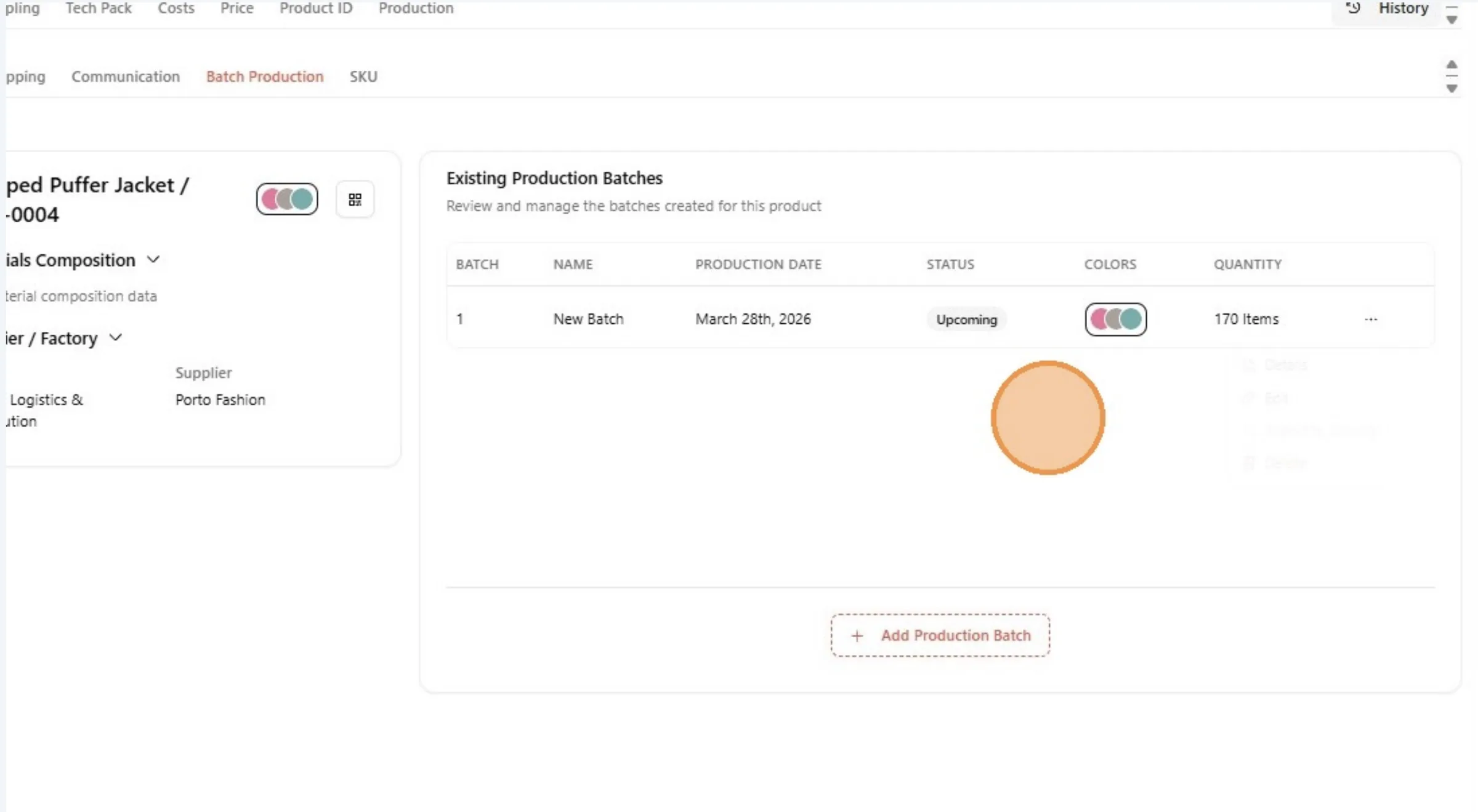
From the Batch Production feature, user is also able to add another batch production and integrate it to Shopify.

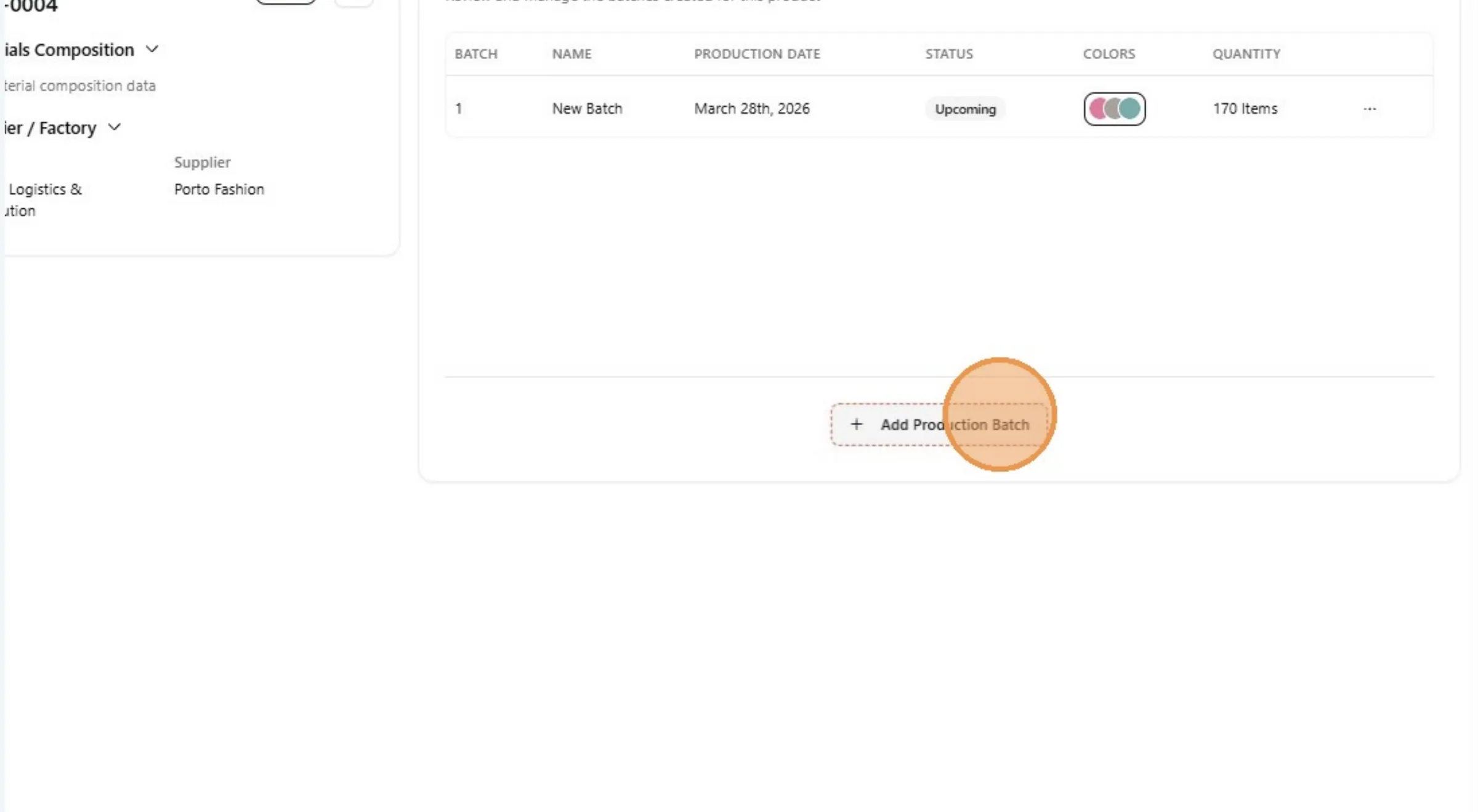
Click "Add Production Batch"

Click "Add Production Batch"

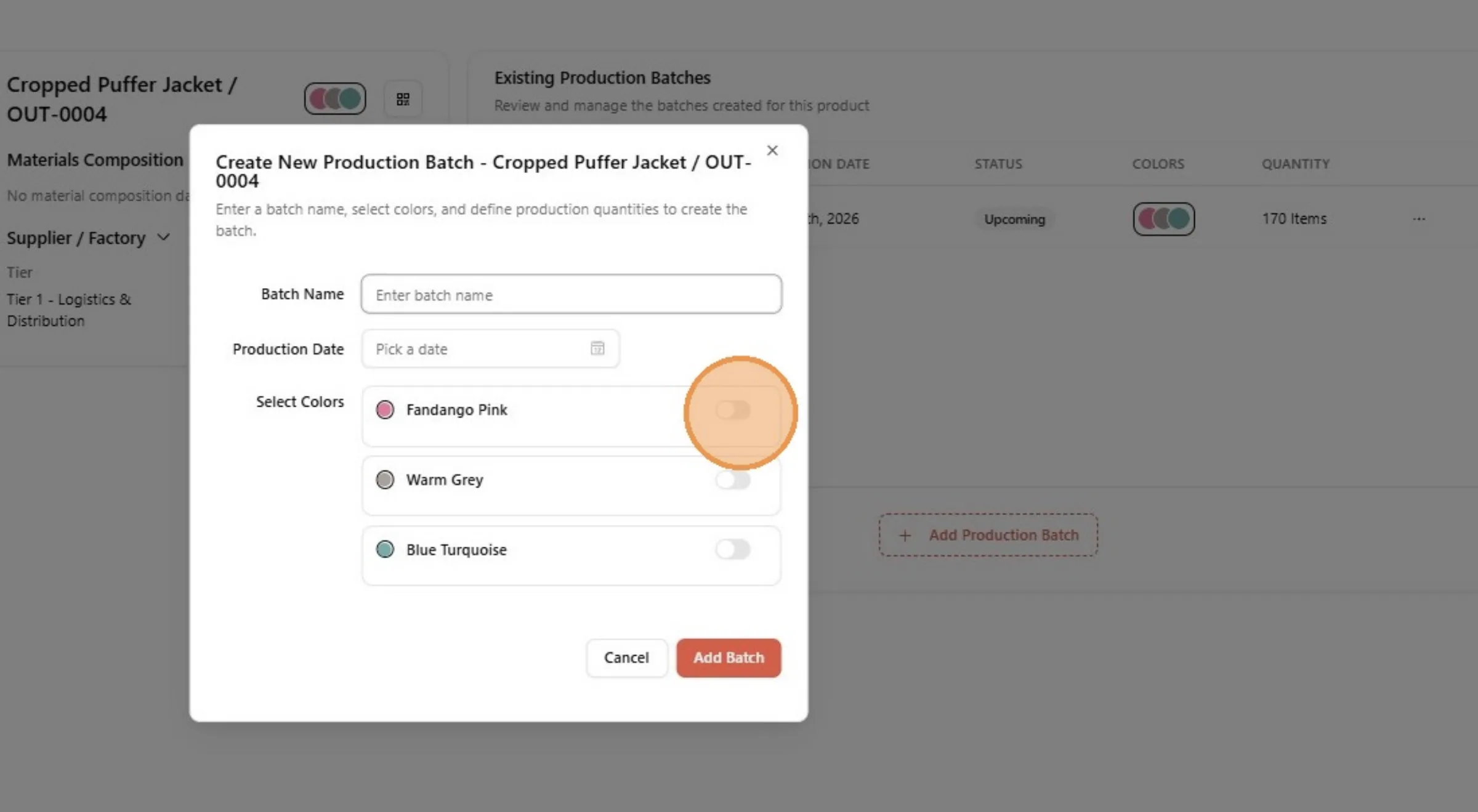
Repeat the same steps when Connect your Style Production Batches in Vestis Labs to Shopify to add another the production batch.

Repeat the same steps when Connect your Style Production Batches in Vestis Labs to Shopify to add another the production…

When a user doesn't turn on the Sync Inventory to Shopify toggle while creating the Batch Production, they can still sync it later: click the three dot button, click Edit, turn on Sync Inventory to Shopify and click Update Batch.
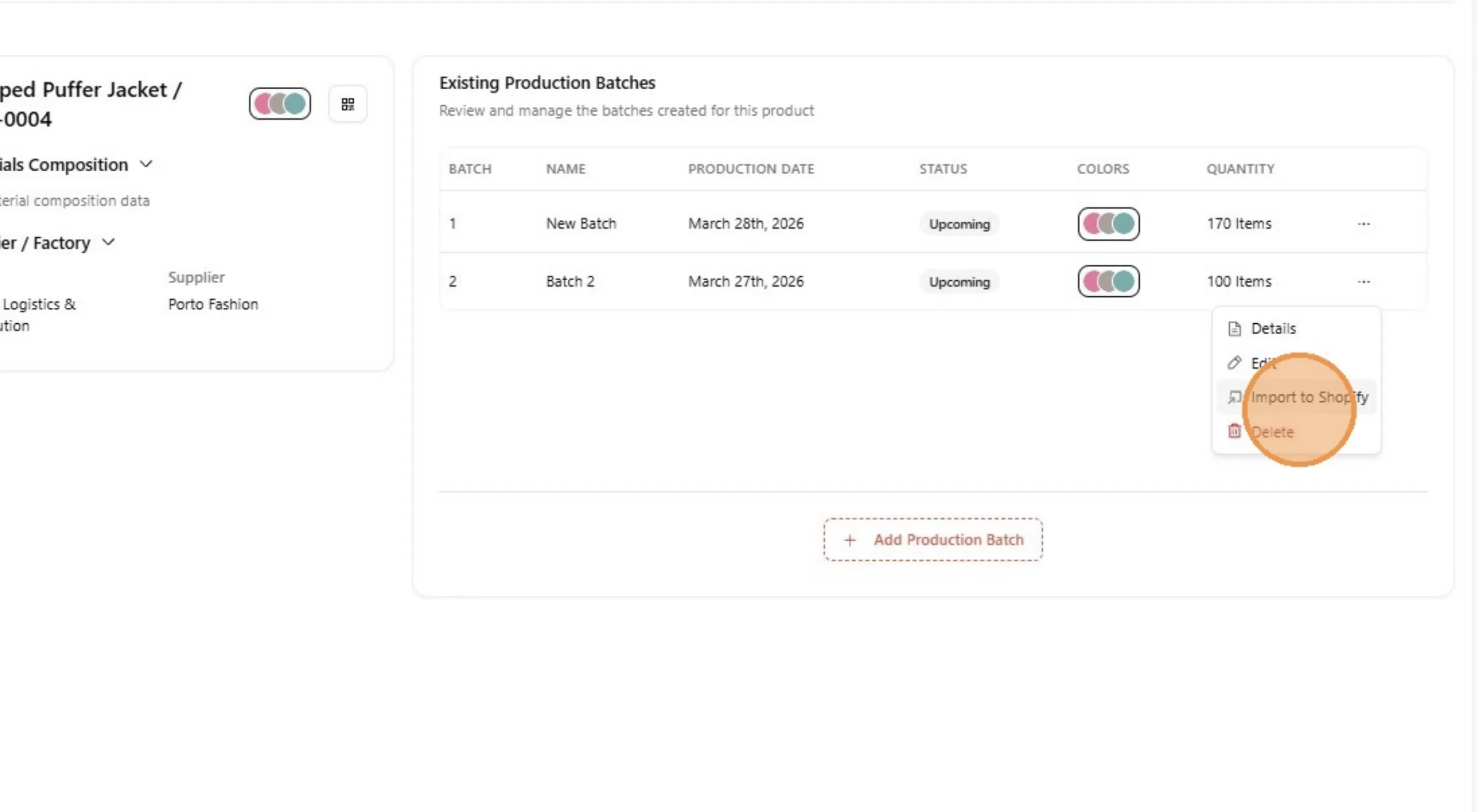
When a user doesn't toggle the import/integrate batch production to Shopify while creating the Batch Production.

Switch back to the Shopify tab.

Switch back to the Shopify tab.

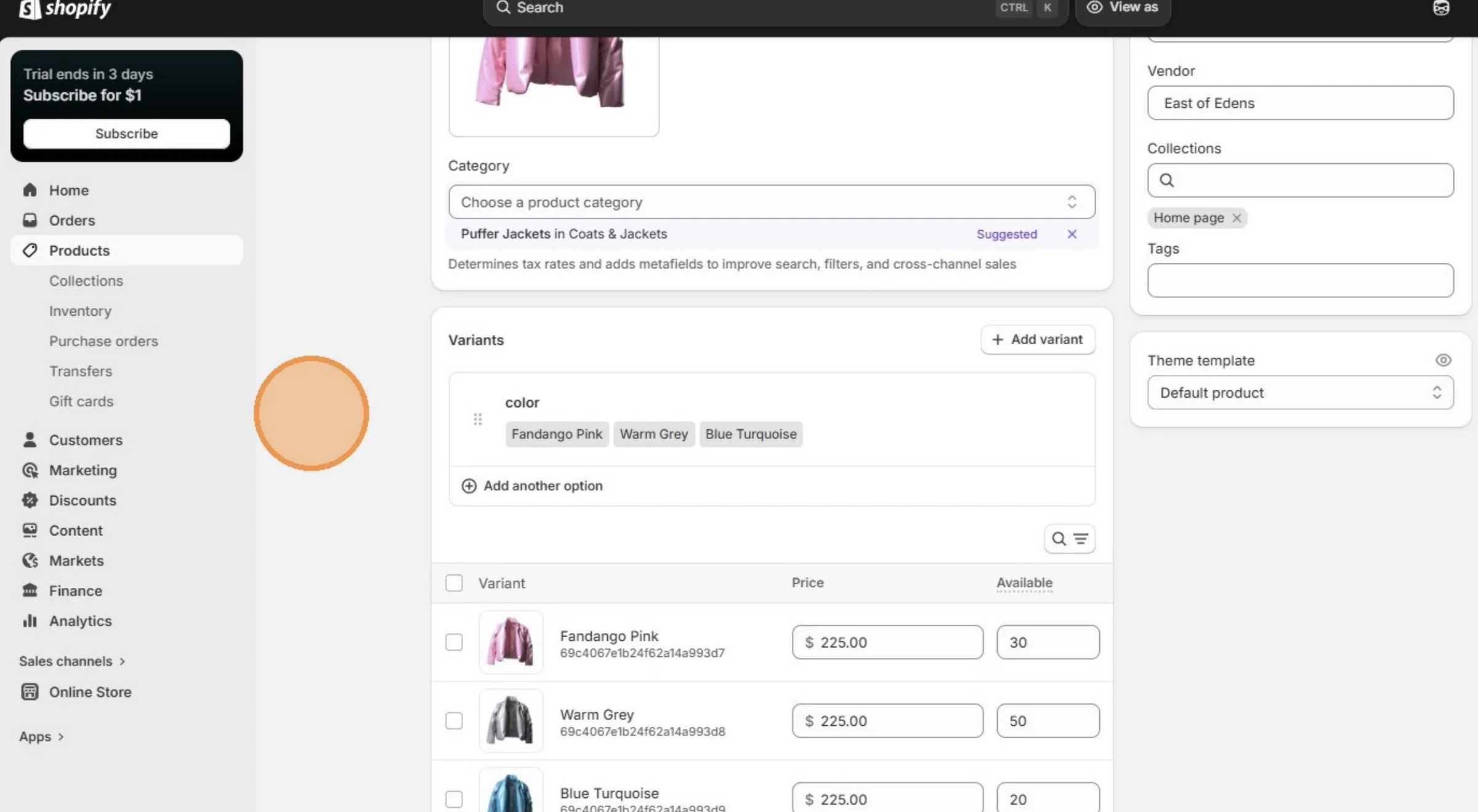
Stock quantity is updated because the user is add another production batch.
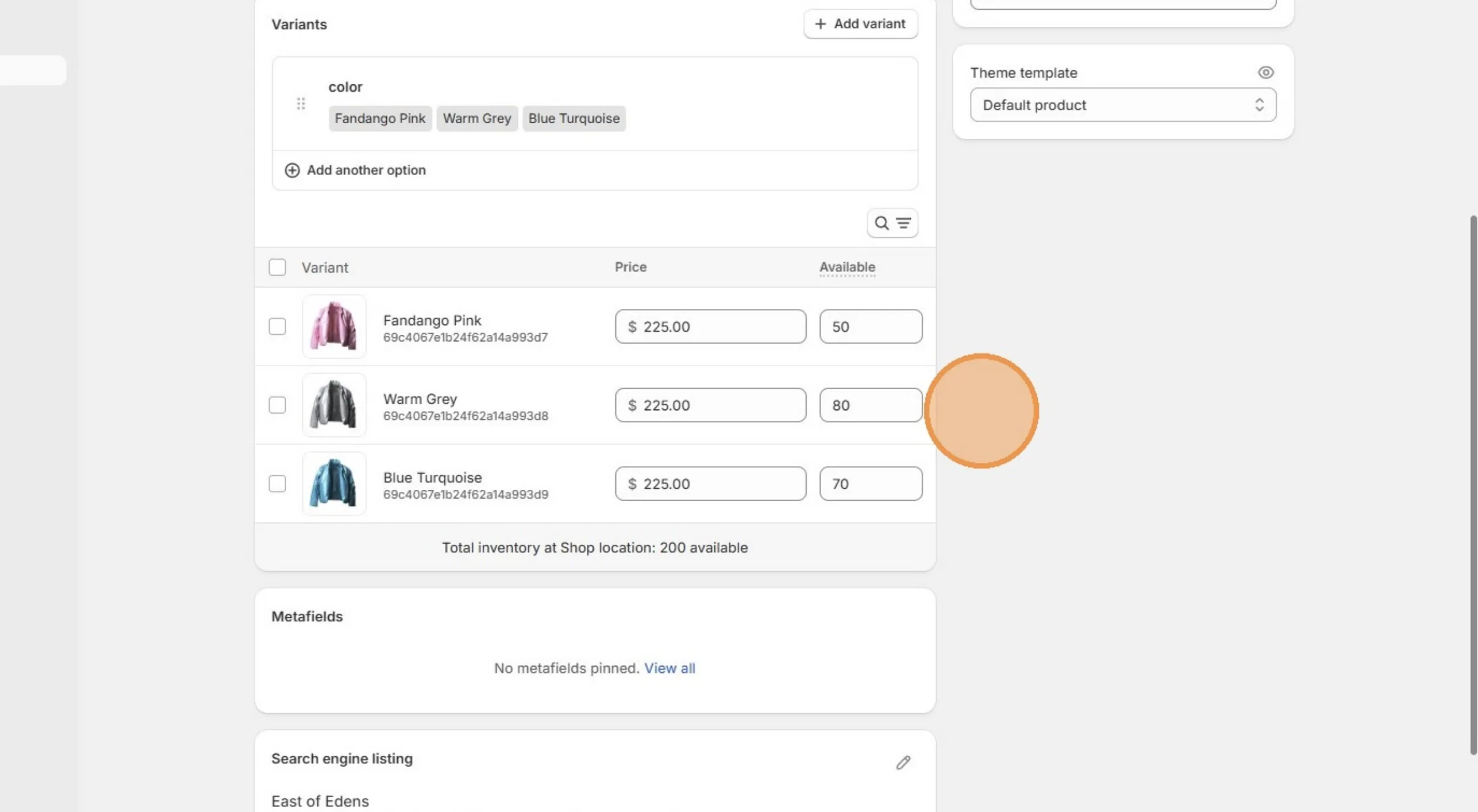
Stock quantity is updated because the user is add another production batch.