Step 8 of 13 in Onboard your brand
Base currency setting
The base currency is the primary currency used for financial reporting.
Under review. This page is published while we check it against the live app, so some details may have changed.
Screenshots may be out of date.
The base currency is the primary currency used for financial reporting. The based currency will be used as the default currency in the Cost Section of the style. Users can edit only at the base currency page.
Currencies – admin setup
Set up the currencies used for your style costings and price calculations, with the flexibility to configure different currencies for each season in Vestis Labs.
Introduction & best practice
In Vestis Labs, you can add your primary working currency and create additional currencies to match those used when trading with your suppliers. Assign currencies to specific seasons as needed and keep them updated to reflect changes in exchange rates. Maintaining accurate and current currency settings ensures reliable costing, smooth supplier collaboration, and consistency across your product development and financial workflows.
SettingsPrice, Cost & MarginBase Currency
Permission: UPDATE_BRAND
Step-by-step guide
Setup you base currency
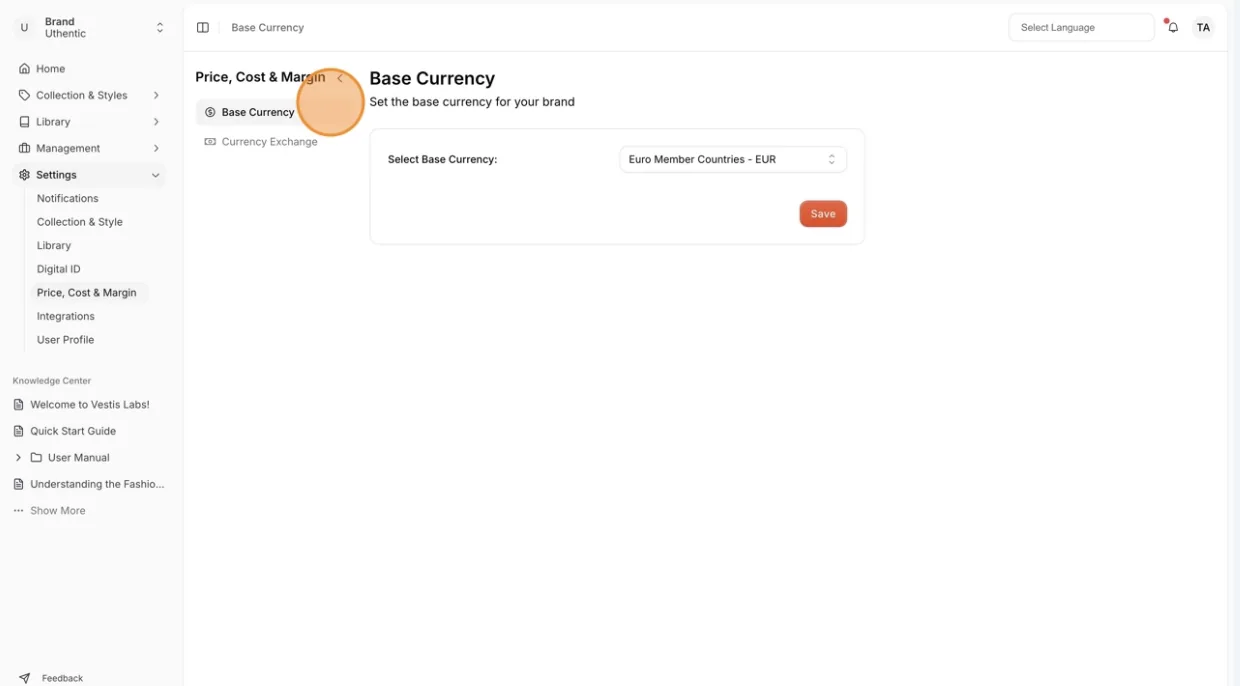
Navigate to Settings > Price, Cost & Margin. Select Base Currency
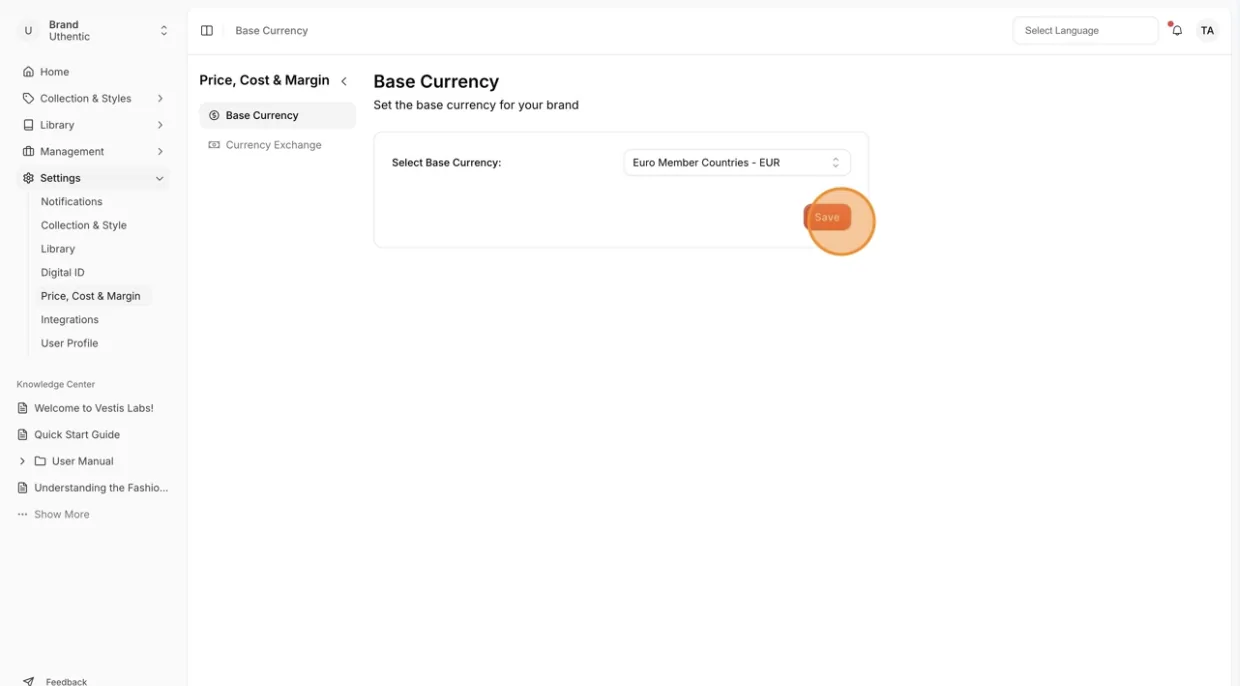
- Select your local currency from the Select Base Currency: drop-down menu. Each option shows the currency name and its abbreviation.
- Click Save after adjusting the currency.
- If you picked a different currency, a Notice window warns: "Changing the base currency will update all prices and price calculations across the platform." Click Continue to confirm or Cancel to keep the current one.