Step 5 of 15 in Publish a Digital ID and product passport
Digital ID customization size chart
The Digital ID Customization Size Chart is a page allowing users to manage the displayed size chart information for the digital ID.
Under review. This page is published while we check it against the live app, so some details may have changed.
Screenshots may be out of date.
Permission: PRE_SALE_CONTENT
SettingsDigital IDSize Chart
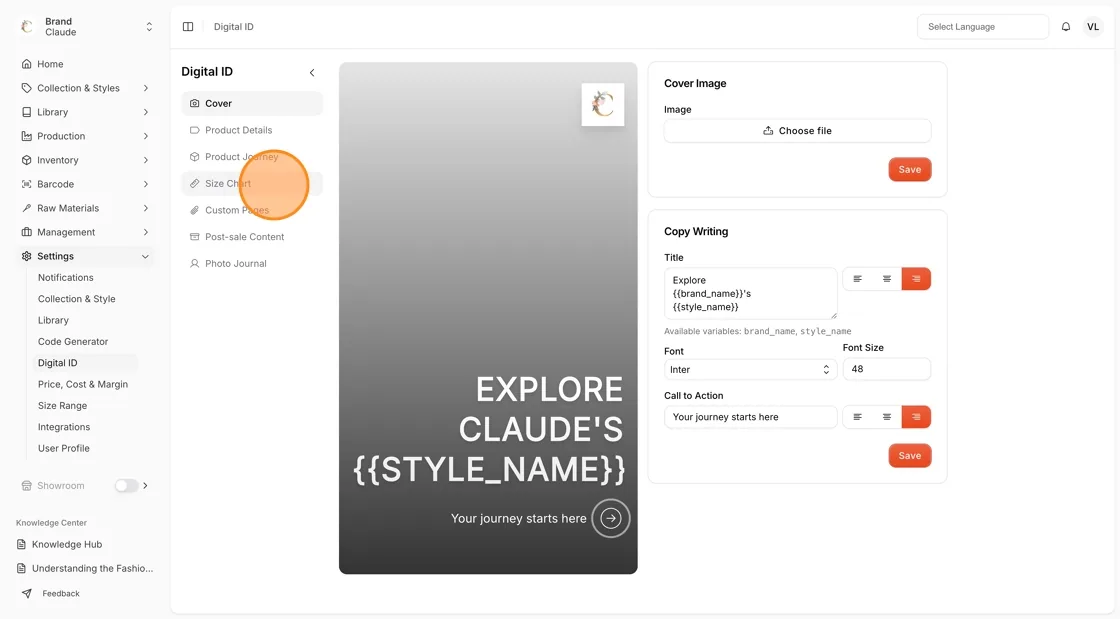
Navigate to Settings > Digital ID on the left bar menu. Select the Size Chart section.
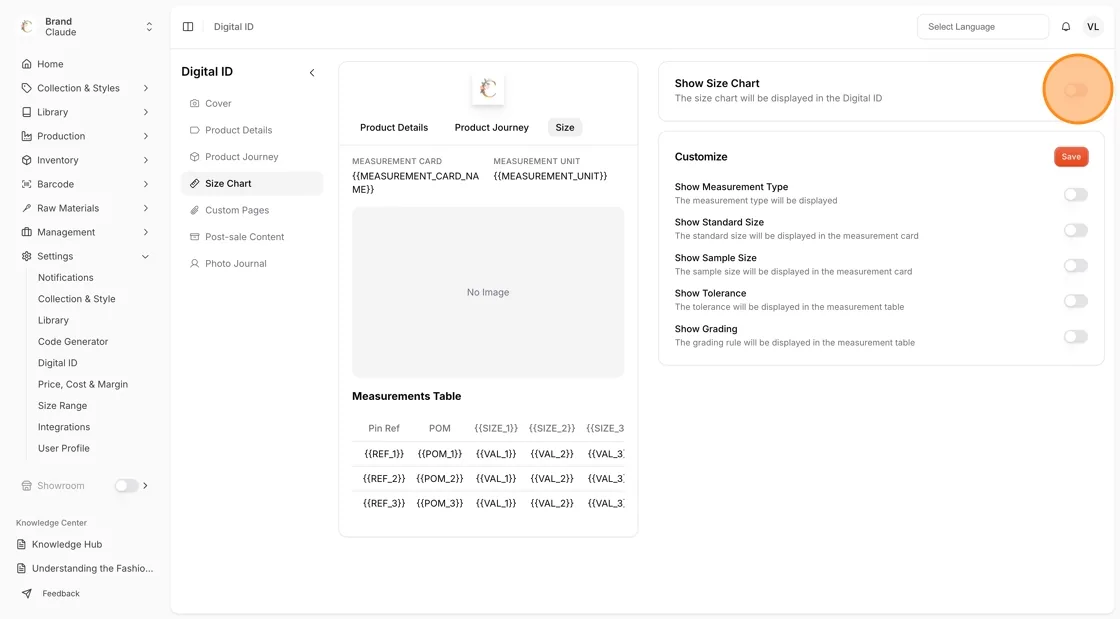
Use the toggle to activate or deactivate the Size Chart.
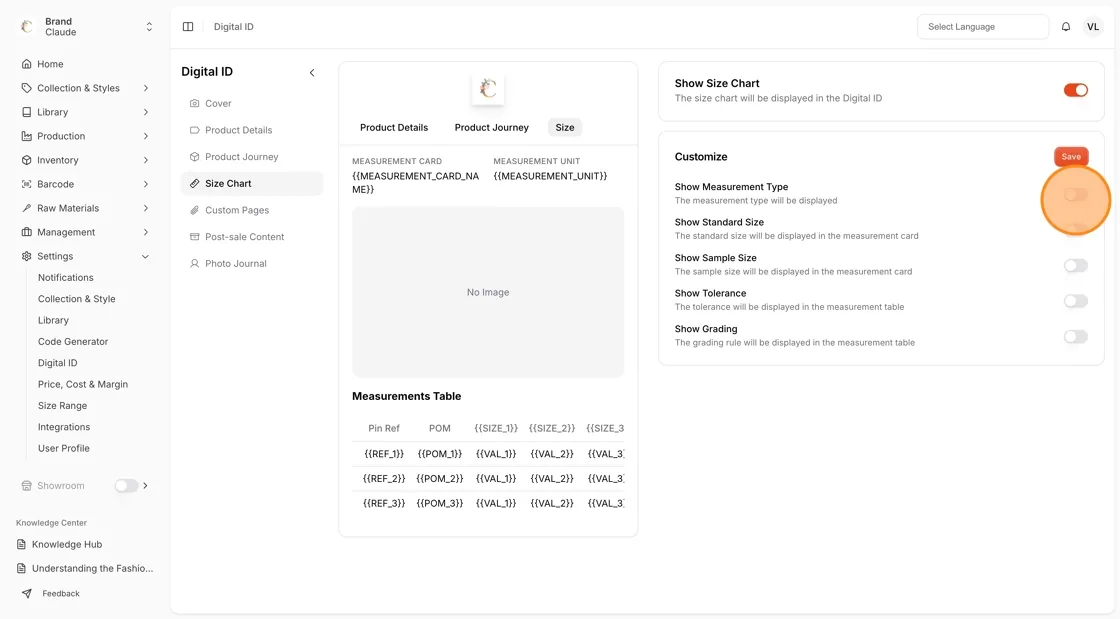
Use the toggle to customize the size chart information and select the information to be displayed on the Digital ID:
- Show Measurement Type - The measurement type will be displayed
- Show Standard Size - The standard size will be displayed in the measurement card
- Show Sample Size - The sample size will be displayed in the measurement card
- Show Tolerance - The tolerance will be displayed in the measurement table
- Show Grading - The grading rule will be displayed in the measurement table
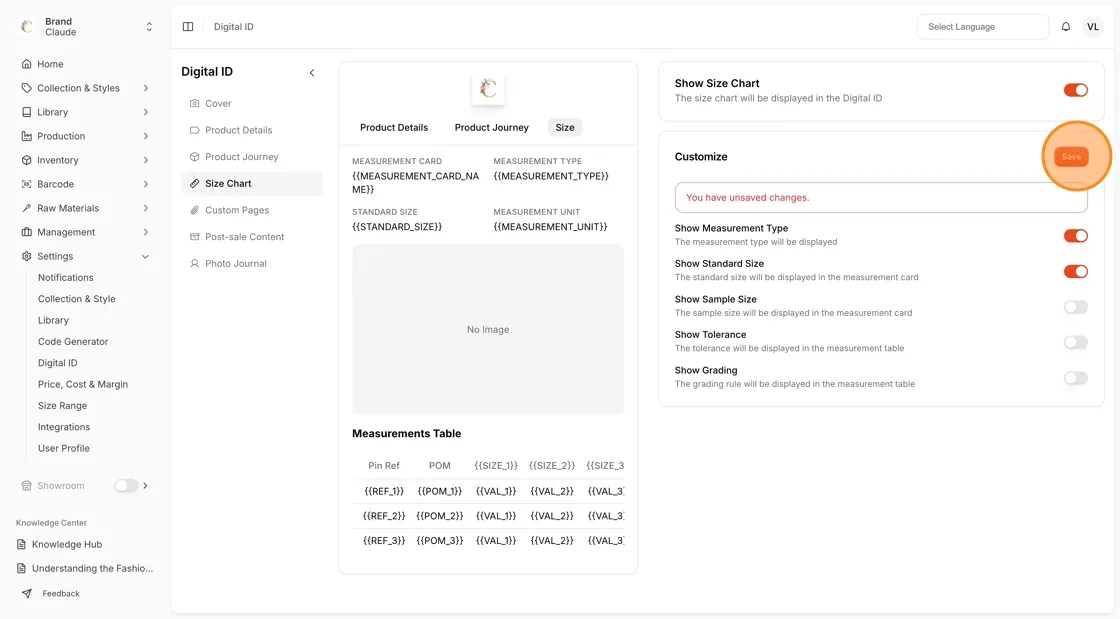
Select Save every time you make the changes. A red You have unsaved changes. message appears above the toggles until you save. The Show Size Chart toggle at the top saves as soon as you switch it.