
Register by email invitation
Users can be invited by the Brand Admin or any other user who has permission to invite others to the platform.
Under review. This page is published while we check it against the live app, so some details may have changed.
Screenshots may be out of date.
Select Register on your Email Page from Vestis…
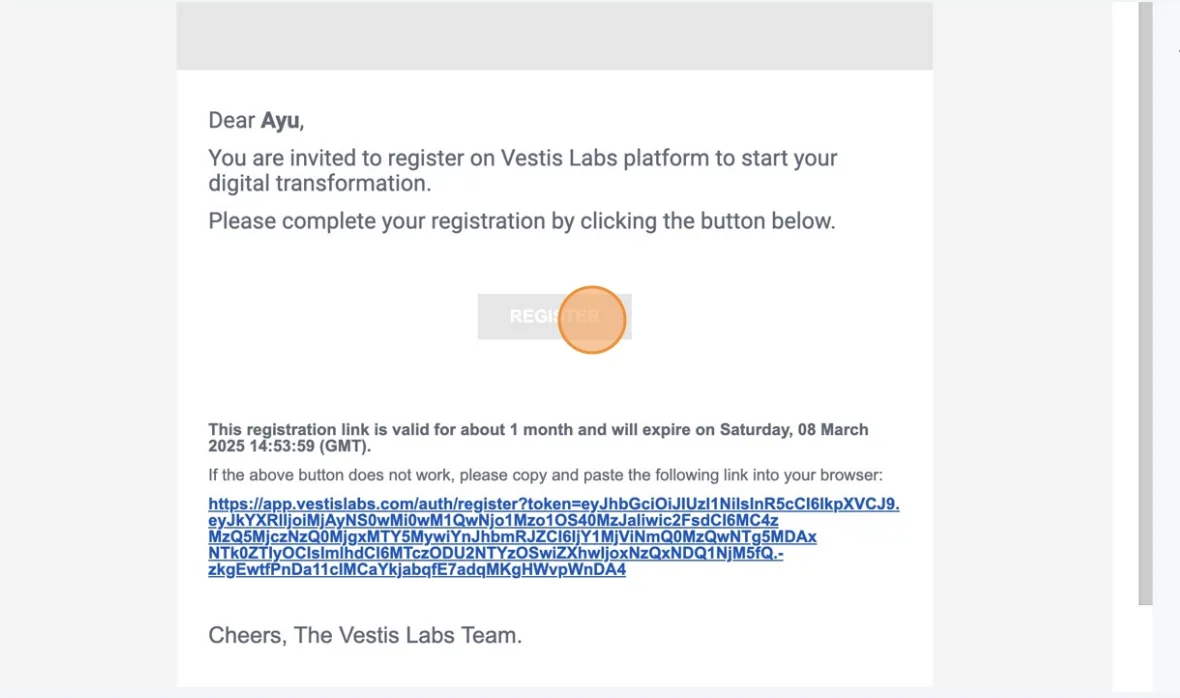
Select Register on your Email Page from Vestis Labs Support and follow the registration instructions in the email. You'll receive an invited registration email link that looks like this:
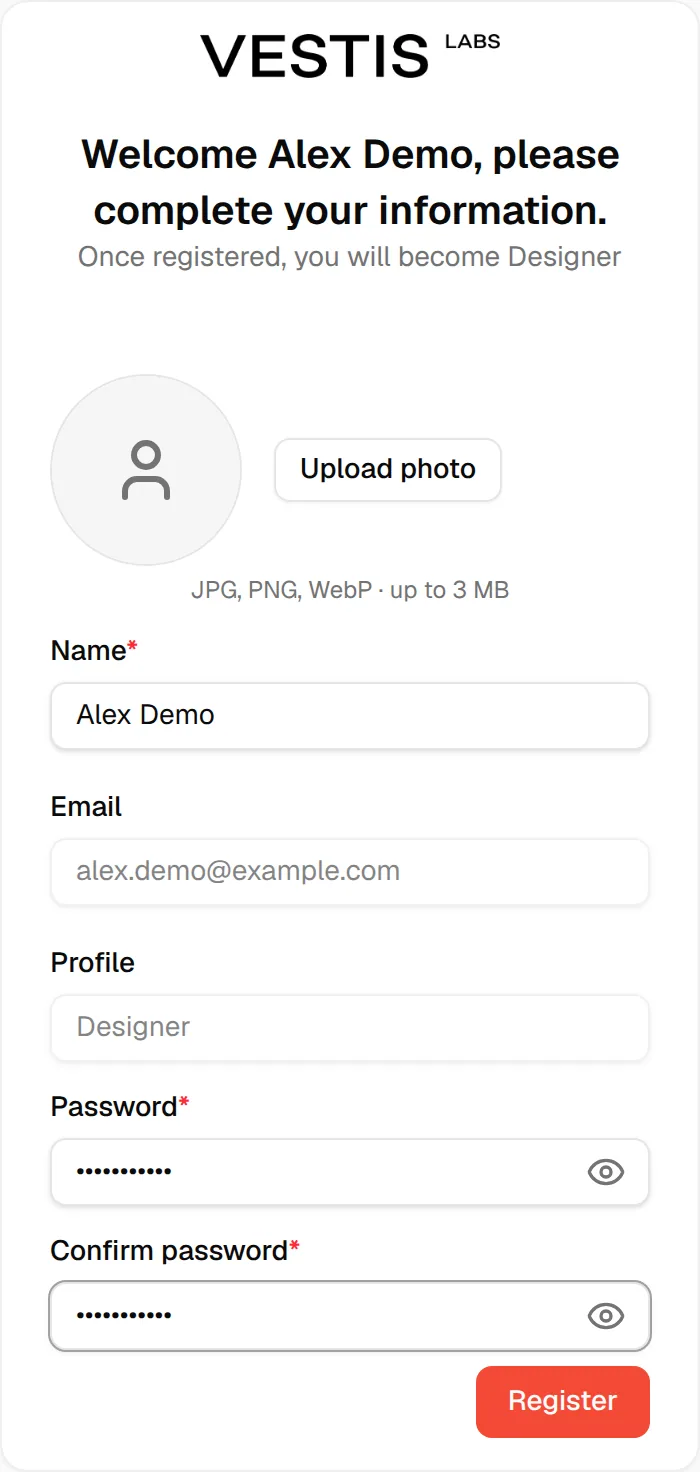
The Register Form will provide your Name, Email, and Role Permanently.
Photo: Users can upload a picture with Upload photo (JPG, PNG or WebP, up to 3 MB). The page heading greets you by name and tells you the role you will have: Once registered, you will become followed by your role.
The Register Form will provide your Name, Email, and Role Permanently.
Your Email and Profile (your role) are shown but cannot be changed. Check your Name (at least 3 characters), enter a Password and Confirm password, and then select Register. The button stays unavailable until the form is valid; if the passwords differ the form shows Passwords do not match.
For your security, we require that all passwords meet the following criteria:
- At least 6 characters.
- Should be unique and hard to guess.
- No spaces at the beginning/end.
Choose a secure password or use a password manager to create one for you. To check the following, Pasword users can use the eye visibility icon in the Password Field.
You are signed in.
After you select Register, you see You've successfully registered! and the page signs you in and opens the Vestis Labs app.
Troubleshooting
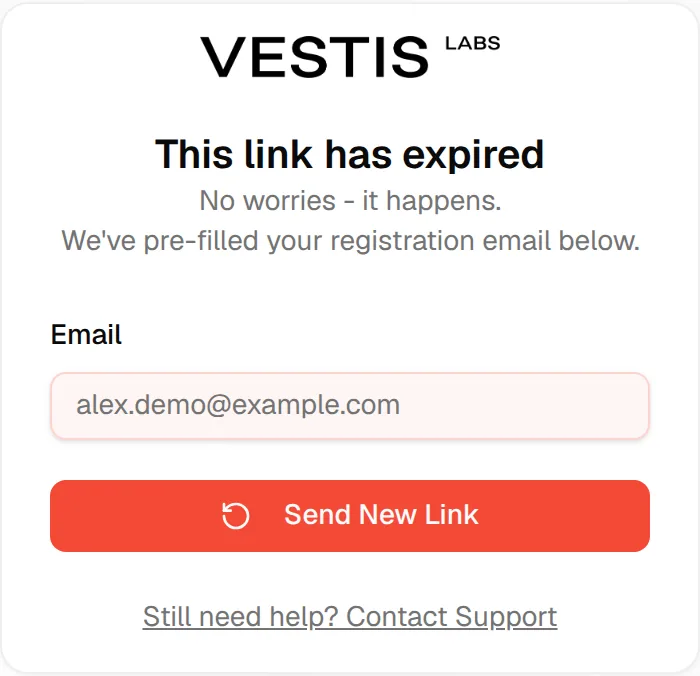
- This link has expired: click Send New Link; see Get a new activation link.
Error with Back to Login: the invitation could not be read. Click Back to Login and ask the person who invited you to send a new one. <!-- ::screenshot id="sign-in-screen" caption="The sign-in page." -->
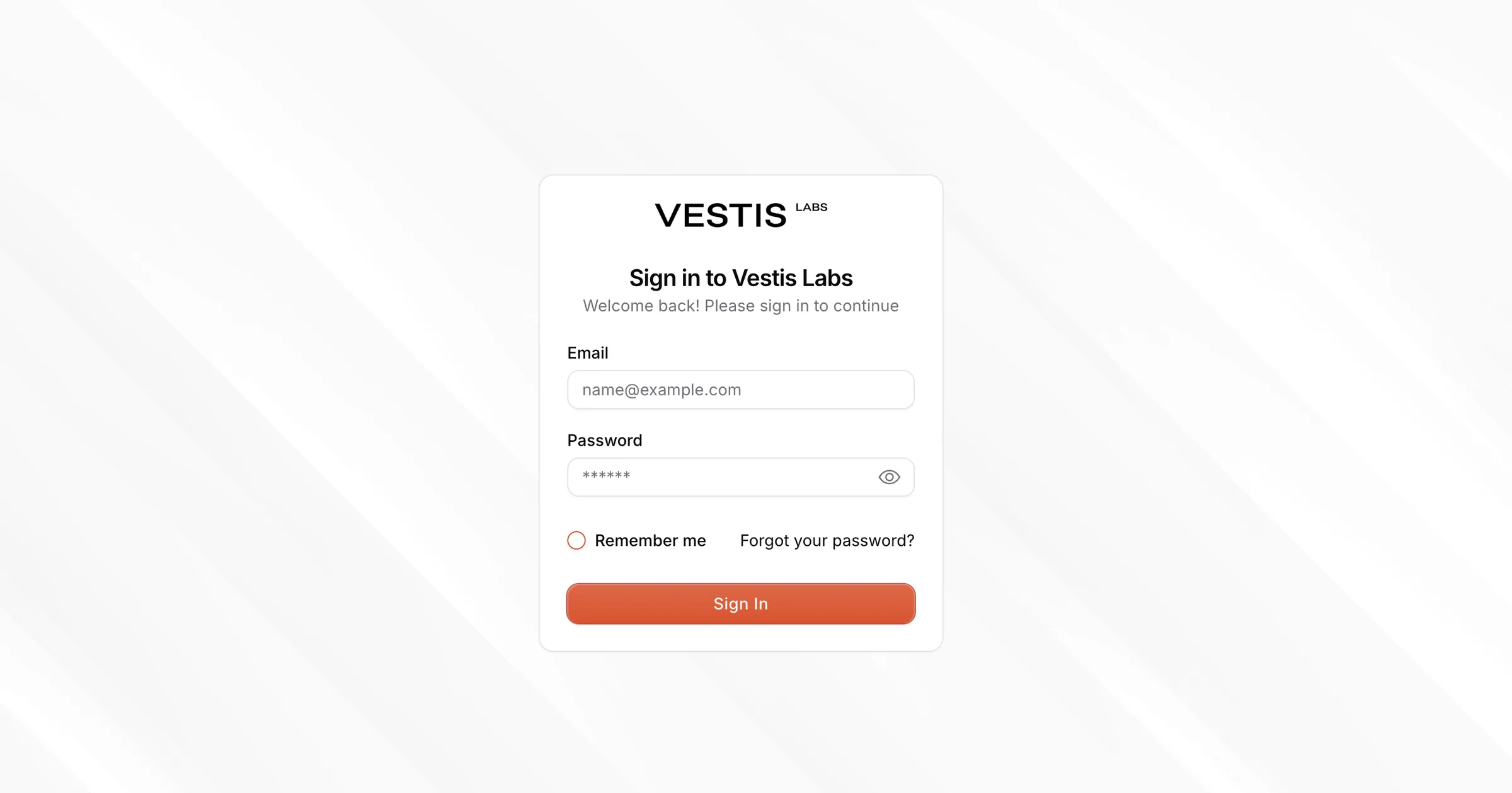
If the invitation was already used, you are sent to the sign-in page with Your account has already been activated. Please log in to access your account.